How Interactive Smart Boards Are Transforming Modern Classrooms
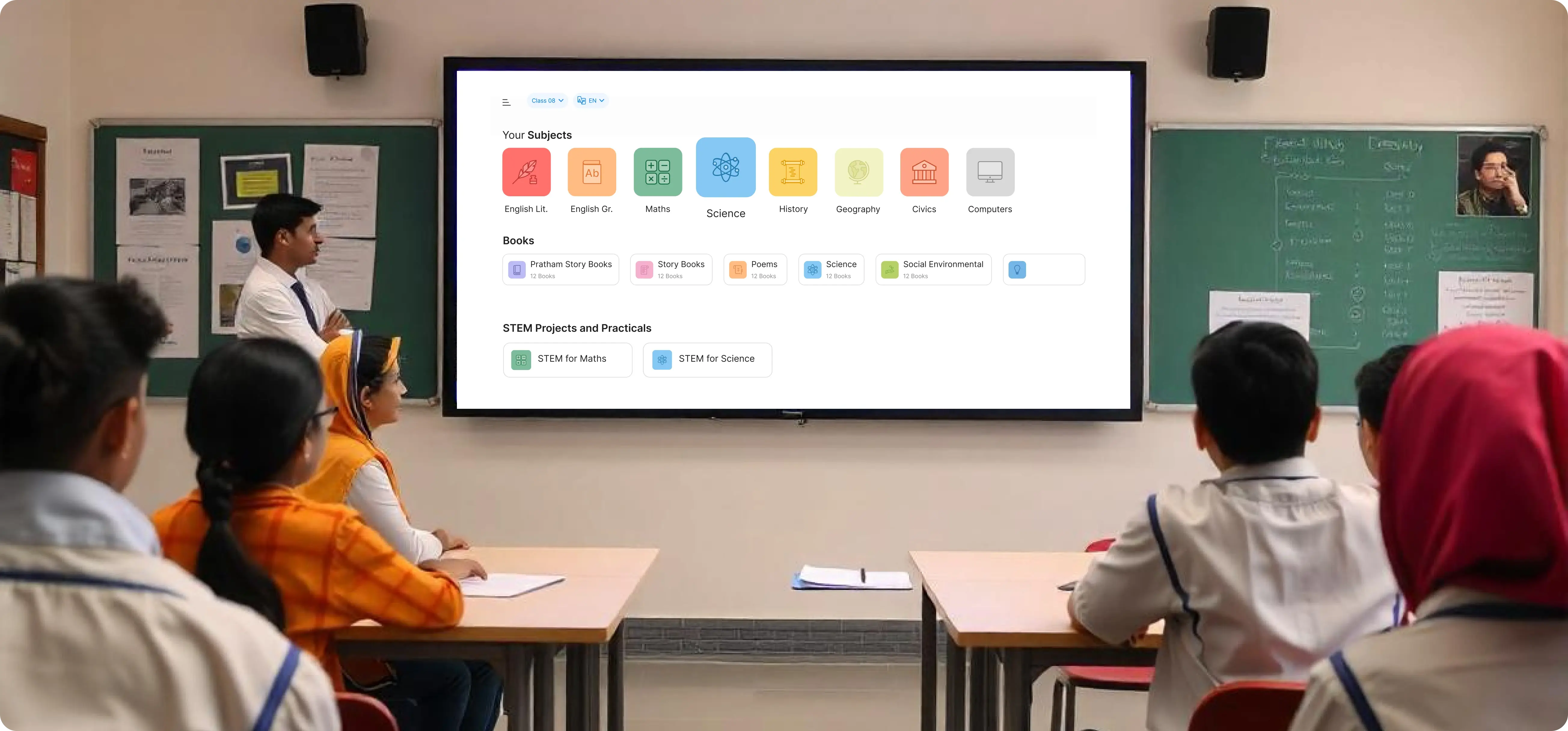
Step into a typical school today and you’ll likely see a sleek, touch‑responsive screen replacing the old chalkboard. Those are smart boards, and they’re doing more than just displaying text. By merging the tactile feel of a whiteboard with the power of cloud‑based software, they’re reshaping how teachers teach and how students learn.
Why teachers are swapping chalk for pixels
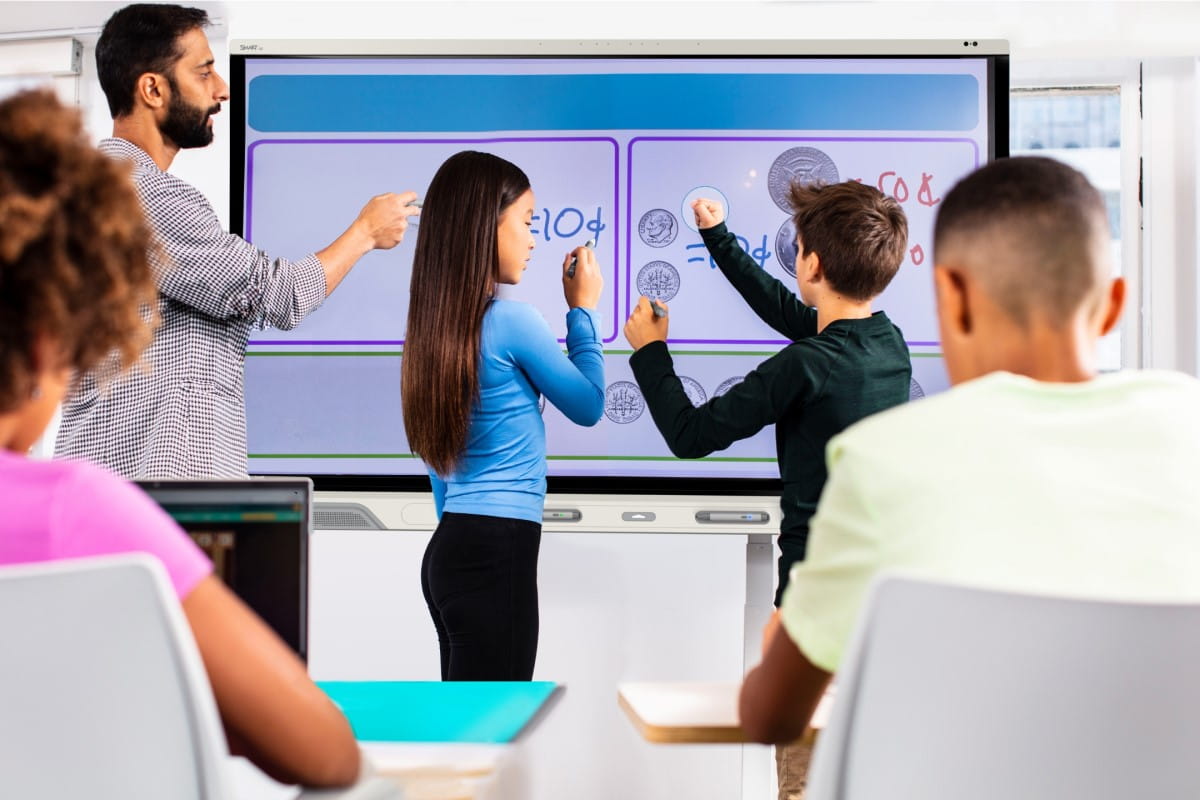
For many educators, the appeal is simple: engagement. A tap, drag, or pinch can bring a 3‑D molecule to life, launch a virtual field trip, or let a whole class annotate a shared document in real time. Those interactive moments often translate into better focus and, surprisingly, higher retention rates.
Beyond the wow factor, smart boards also streamline lesson planning. Most units integrate with popular learning management systems, allowing teachers to pull up assignments, quiz results, or multimedia resources with a single click. The time saved on setup can be redirected to one‑on‑one feedback.
Key features that make a difference
- Multi‑touch capability: Up to 40 simultaneous touchpoints mean groups can collaborate without waiting for a turn.
- Integrated annotation tools: Pens, highlighters, and shape recognizers let instructors mark up content as naturally as they would on paper.
- Seamless connectivity: Wi‑Fi, Bluetooth, and screen‑mirroring let laptops, tablets, and even smartphones become extensions of the board.
- Cloud storage: Lessons are automatically saved, making it easy to revisit a previous session or share it with a substitute.
Impact on student learning styles
Not every learner thrives on lecture alone. Visual learners benefit from videos and animated diagrams, while kinesthetic students absorb material better through hands‑on interaction. Smart boards bridge that gap, offering a single platform that can switch fluidly between modes.
Consider a history class exploring ancient architecture. Instead of scrolling through static slides, students can rotate a 3‑D reconstruction, annotate its features, and even compare it side‑by‑side with modern structures—all on the same screen. The experience feels less like “reading” and more like “exploring.”
Fostering collaboration
Because the board is essentially a shared canvas, group projects become more spontaneous. A team can sketch a mind map together, then instantly export it to a shared folder. Teachers report that this immediacy encourages quieter students to jump in, as the barrier between “teacher talks” and “student contributes” narrows.
Challenges schools still face
Adopting new tech never comes without hiccups. Budget constraints top the list; a quality interactive board can cost several thousand dollars, and schools must also factor in maintenance and training. Moreover, inconsistent internet connectivity can render some of the richer features moot.
There’s also a learning curve for teachers accustomed to traditional tools. While many vendors provide professional development, the effectiveness of that training varies widely. Some educators feel pressure to master every function before they can comfortably incorporate the board into daily lessons.
Tips for getting the most out of a smart board
- Start small. Choose one subject or unit to pilot the board, then expand once confidence grows.
- Leverage templates. Most platforms include ready‑made lesson layouts—use them to avoid reinventing the wheel.
- Encourage student ownership. Assign rotating “board manager” roles so students become familiar with the hardware.
- Keep backups. Save sessions locally as well as in the cloud, just in case of connectivity glitches.
Looking ahead: where will interactive tech take us?
As artificial intelligence and augmented reality mature, the next generation of smart boards may offer real‑time language translation, adaptive quizzes that adjust difficulty on the fly, or holographic overlays that blend physical and digital objects. While those possibilities sound futuristic, the underlying trend is clear: classrooms are moving toward environments where information flows both ways, and every participant can be an active creator.
In the meantime, even today’s boards are already proving their worth. They’re not a silver bullet, but they provide a versatile canvas that can adapt to a wide range of teaching strategies. For schools willing to invest time—and a bit of budget—into professional development, the payoff shows up in more engaged learners and a classroom dynamic that feels less static and more like a collaborative workshop.