How to Build the Ultimate PC with Ryzen 9 5900X and RTX 3060 Ti
When you pair AMD’s 12‑core powerhouse with Nvidia’s efficient mid‑range GPU, you get a machine that dances between 4K gaming, heavy content creation, and smooth multitasking. Below is a practical walk‑through that balances performance, budget, and a dash of future‑proofing.
Why This Combo Works
The Ryzen 9 5900X delivers 24 threads at 4.8 GHz boost, making it a solid choice for both single‑threaded games and multi‑threaded workloads like video rendering. The RTX 3060 Ti, on the other hand, punches well above its price point, offering ray‑tracing and DLSS support without the power draw of higher‑end cards. Together they form a sweet spot: high frame rates on a 1440p or respectable 4K play, while still leaving headroom for streaming, 3‑D work, or AI‑assisted tasks.
Key Benefits
- Balanced performance – No single component bottlenecks the other.
- Energy efficiency – Both parts stay under 250 W combined under load.
- Upgrade path – Motherboard and PSU choices keep later GPU or CPU swaps simple.
Choosing the Right Motherboard
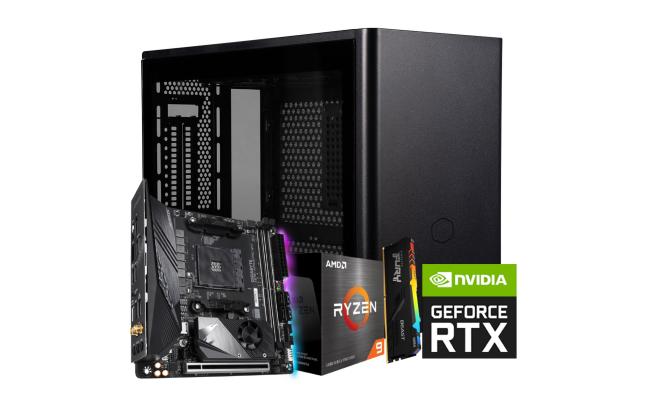
For the 5900X you’ll need an X570 or B550 board with a robust VRM. While X570 offers native PCIe 4.0 across the board, a well‑reviewed B550 can be just as capable if you stick to a single PCIe 4.0 slot for the GPU.
My personal pick is the ASUS TUF Gaming X570‑Plus. It provides:
- 12 + 14‑phase power delivery for stable overclocks.
- Dual M.2 slots with heatsinks – great for fast NVMe storage.
- Decent I/O: USB 3.2 Gen 2, 2.5 Gb Ethernet, and Wi‑Fi 6 optional.
Memory Matters
Sixteen gigabytes is the bare minimum for modern gaming, but 32 GB (2 × 16 GB) at 3600 MHz gives you breathing room for music production or heavy Photoshop sessions. Look for kits with low CAS latency (CL16 or better) and an XMP profile that the BIOS can apply automatically.
Storage Strategy
SSD speed is the silent hero of any build. I recommend a 1 TB NVMe drive (like the Samsung 970 Evo Plus) for the OS and primary games. Pair it with a 2 TB SATA SSD for bulk media – cheap, reliable, and still way faster than a spinning disk.
Power Supply Considerations
Even though the 5900X and 3060 Ti are modest power‑hungry, you’ll want headroom for future upgrades. A 750 W 80+ Gold unit hits the sweet spot: enough wattage, high efficiency, and enough connectors for multi‑GPU (if you ever go that route).
Brands such as Seasonic, Corsair, and be quiet! consistently rank high in reliability surveys.
Cooling the Beast
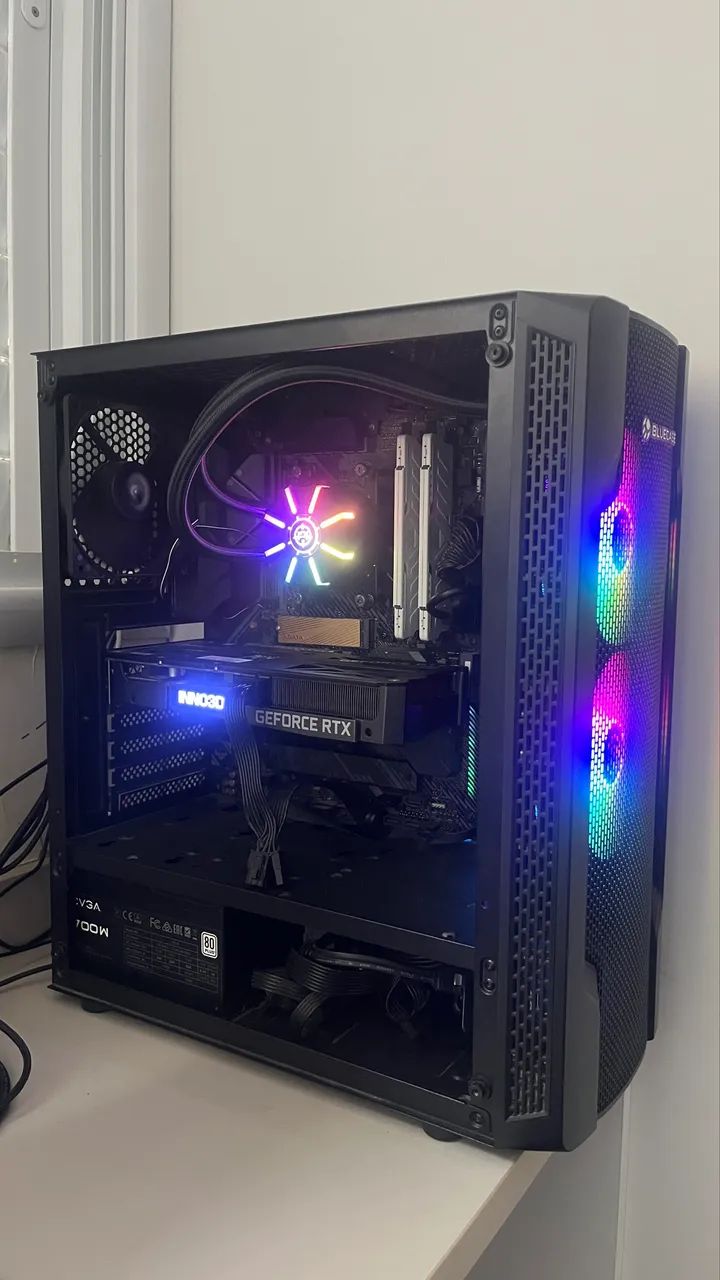
The 5900X runs warm under sustained loads, so a decent cooler is non‑negotiable. A 240 mm AIO (all‑in‑one) liquid cooler, like the NZXT Kraken X53, strikes a balance between quiet operation and thermal performance. If you prefer air, the Noctua NH‑D15 remains a benchmark for low‑noise, high‑capacity cooling.
Case Selection – Form Meets Function
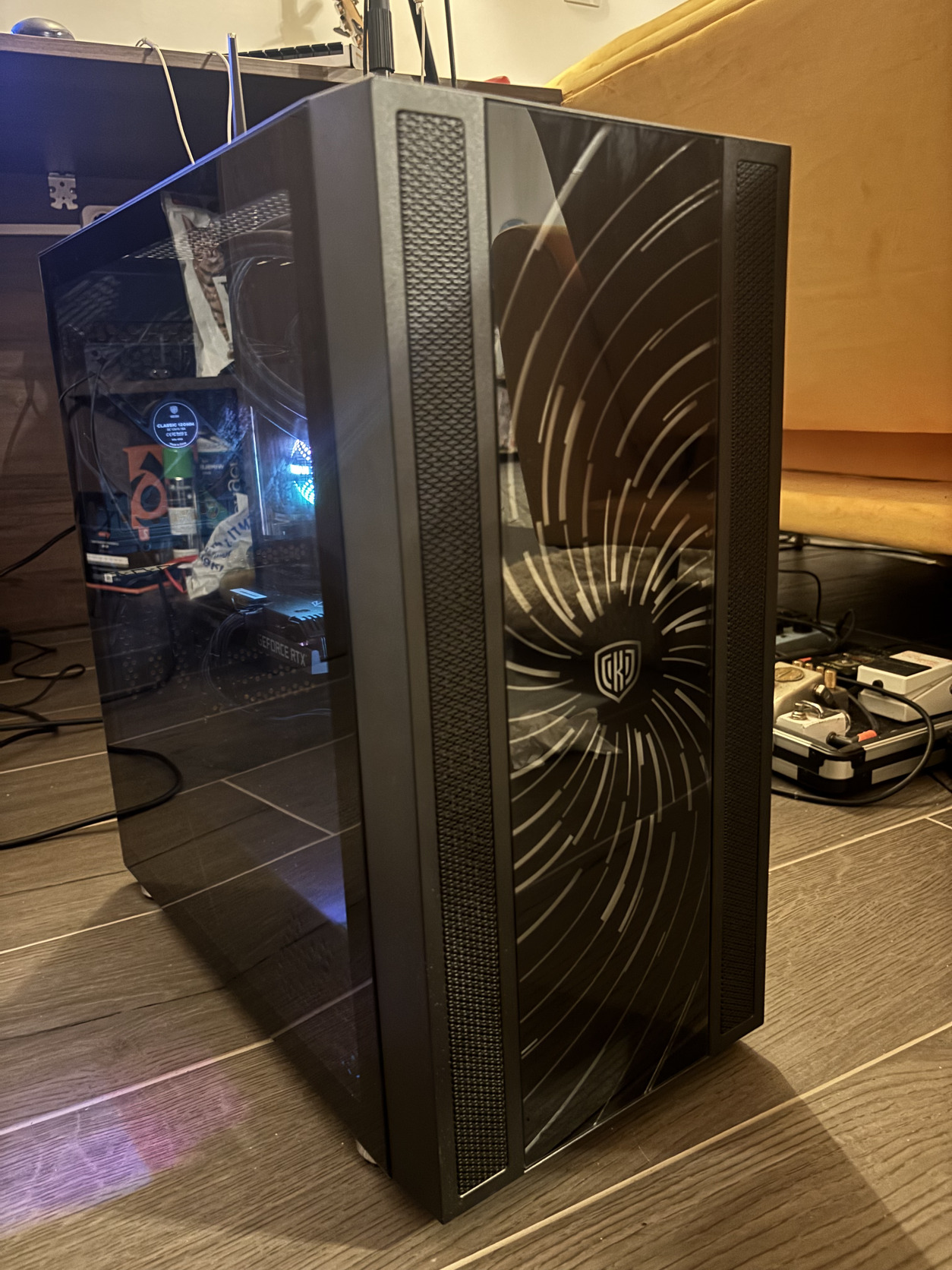
A case isn’t just a shell; it guides airflow. Look for a mid‑tower with:
- Mesh front panel for unrestricted intake.
- At least two 120 mm fans pre‑installed (intake front, exhaust rear).
- Clear cable‑management zones – a tidy build stays cooler.
My go‑to is the Fractal Design Meshify C – it checks all boxes without breaking the bank.
Putting It All Together
Here’s a quick step‑by‑step overview that avoids the usual pitfalls:
- Prep the motherboard: Install the CPU, apply a pea‑sized thermal paste, and attach the cooler.
- Mount RAM and M.2 SSD: Snap them in before the board goes into the case – it’s easier.
- Place the board in the case: Align standoffs, secure with four screws, and route power cables.
- Install the PSU: Connect the 24‑pin ATX and 8‑pin CPU power, then route cables to keep the interior tidy.
- Fit the GPU: Slot the RTX 3060 Ti into the primary PCIe 4.0 slot, secure with two screws, and attach the 8‑pin PCIe power.
- Attach case fans: Connect them to the motherboard’s fan headers; set a sensible curve in BIOS.
- Wire it up: Double‑check all connections, especially front‑panel USB and audio.
- First boot: Enter BIOS, enable XMP, and verify temperatures.
Optimizing Software Settings
After the Windows install, a few tweaks squeeze out extra frames:
- Update chipset drivers from AMD’s site – they improve power management.
- Install the latest Nvidia driver and enable DLSS in supported titles.
- In Radeon Software, enable “Smart Access Memory” to let the CPU read the GPU’s full VRAM.
- Set Windows power plan to “High performance” while gaming.
Potential Bottlenecks and How to Tackle Them
Even a well‑balanced rig can hit snags. If you notice occasional stutters:
- Check GPU temperatures – the 3060 Ti should stay below 80 °C.
- Ensure the RAM runs at the advertised speed; sometimes BIOS defaults to lower frequencies.
- Consider a modest overclock on the CPU (e.g., 4.9 GHz) if your cooler can handle the extra heat.
Most issues resolve with a quick BIOS update or tightening the fan curve.
What Kind of Experience to Expect
In real‑world testing, titles like Cyberpunk 2077 cruise above 70 fps at 1440p with medium‑high settings and DLSS on. Competitive shooters such as Valorant or CS:GO routinely hit 200 fps, giving you plenty of room for high‑refresh monitors. When you shift to content creation – Adobe Premiere or Blender – render times drop by roughly 30 % compared to a previous‑gen Ryzen 7.
Is This Build Still Worth It?
Prices fluctuate, but the core idea remains: a strong CPU paired with a cost‑effective GPU can serve a wide range of users for several years. Should GPU prices dip, swapping the 3060 Ti for an RTX 3070 or 4080 later is straightforward thanks to the X570’s PCIe 4.0 lanes.
Bottom line: with thoughtful component choices and a tidy assembly, the Ryzen 9 5900X + RTX 3060 Ti combo offers a compelling mix of speed, efficiency, and longevity – a solid foundation for any serious PC enthusiast.