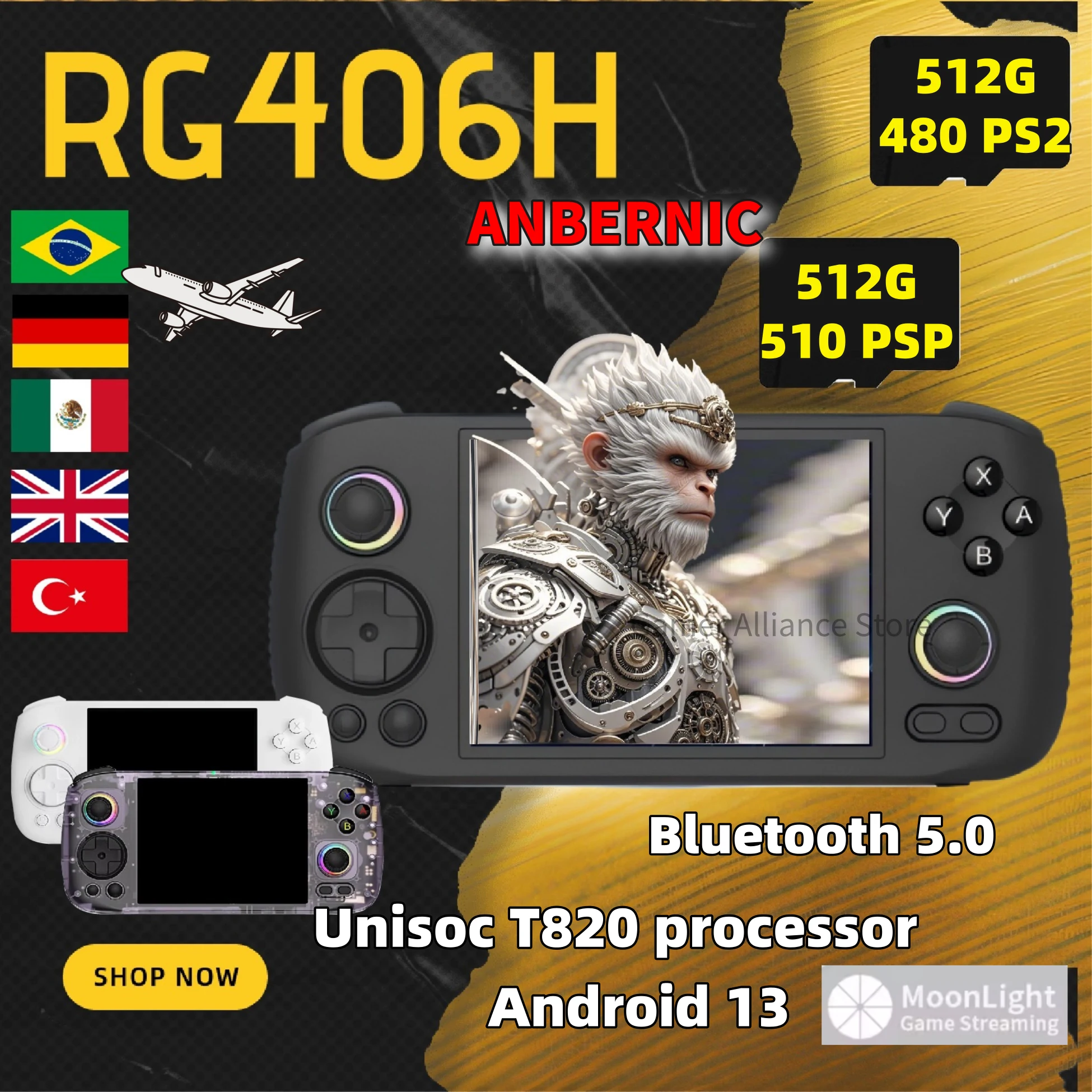
How to Maximize Retro Play with the Anbernic RG406H 256GB
If you’ve been hunting for a handheld that can juggle dozens of classic consoles without breaking a sweat, the Anbernic RG406H with its massive 256 GB storage might just be the answer. Below we’ll walk through the device’s standout features, walk you through setting it up, and share a few tips to get the most out of every pixel.
Why the RG406H Stands Out in a Crowded Market
The retro‑gaming handheld arena is packed, but the RG406H separates itself in three key ways:
- Generous storage: 256 GB of onboard flash means you can preload entire ROM collections without worrying about space.
- Robust hardware: An octa‑core processor paired with 4 GB of RAM handles everything from 8‑bit arcade titles to more demanding 32‑bit SNES and Genesis games.
- Premium build: An aluminum chassis, ergonomic grips, and a 4.5‑inch IPS display give it a polished feel that rivals pricier rivals.
Getting Started: First‑Time Setup
Unbox the console, plug in the USB‑C charger, and watch the amber LED pulse. After a brief boot, you’ll land on a clean EmuDeck‑style menu. Here’s a quick rundown:
- Update the firmware. Navigate to Settings → System Updates. A stable version (currently 1.9.4) fixes a handful of joystick quirks.
- Format the internal drive. If you plan to use the full 256 GB for games, select Storage → Format to ensure the file system is optimized for large collections.
- Load your ROMs. Drag and drop files via the built‑in file manager or connect the device to a PC and copy directly into the roms folder.
Tip: Group ROMs by console (e.g., NES, SNES, Genesis) – the emulator front‑end will automatically create shortcuts, saving you from endless scrolling.
Optimizing Performance for Different Consoles
Not every retro system behaves the same on modern hardware. Adjusting a few settings can mean the difference between a buttery‑smooth run and a choppy experience.
NES & Famicom
- Enable “Hard Sync” to lock frame timing.
- Turn off “Scanlines” unless you crave that CRT look.
SNES & Super Famicom
- Set the video mode to “RGB” for richer colors.
- If you notice audio lag, lower the sample rate from 48 kHz to 44.1 kHz.
Genesis / Mega Drive
- Activate “Dual Shock” support for better vibration feedback.
- Use the “Auto‑Detect Region” option to avoid speed‑up issues on PAL games.
Battery Life Tricks You Might Not Know
The RG406H houses a 5000 mAh battery, which translates to roughly 10 hours of continuous play at medium brightness. Here are a few ways to stretch that number even further:
- Dim the screen. Dropping brightness to 60 % yields an extra hour or two.
- Turn off Wi‑Fi. Even when you’re not using online features, the radio consumes power.
- Close background apps. The quick‑access menu lets you kill idle emulators with a single tap.
Expanding the Fun: Accessories Worth Considering
While the handheld is impressive on its own, a few add‑ons can elevate the experience:
- Portable power bank – a 10 000 mAh pack keeps you gaming on long trips.
- Clip‑on joystick – gives a more authentic arcade feel for fighting games.
- Screen protector – a matte film reduces glare during sunny commutes.
Potential Drawbacks and How to Mitigate Them
No device is perfect. Users have reported occasional lag when launching large ROM sets, especially if the SD card is near capacity. A simple remedy is to keep the internal 256 GB primarily for frequently played titles and offload bulk archives to a high‑speed microSD (UHS‑I Class 10 or better).
Another point of contention is the speaker’s modest volume. Pairing the RG406H with a compact Bluetooth headset adds a surprising amount of depth to the audio without sacrificing portability.
Final Thoughts on the RG406H as a Retro Gaming Workhorse
In a nutshell, the Anbernic RG406H with 256 GB of storage delivers a compelling mix of power, space, and build quality that most enthusiasts will appreciate. Whether you’re a nostalgic collector or a newcomer eager to explore gaming history, the device offers enough flexibility to grow with your library. Set it up, fine‑tune the emulators, and you’ll soon find yourself lost in pixelated worlds for hours on end.