How to Choose the Best Chat Software: Top Examples Reviewed
Finding a chat solution that fits your team’s rhythm can feel like hunting for a needle in a haystack. You want something that keeps conversations flowing, integrates with the tools you already use, and scales as you grow. Below we walk through a handful of popular platforms, then break down the key factors you should weigh before committing.
Why Chat Software Matters More Than Ever
Remote work, cross‑functional squads, and rapid decision‑making have turned real‑time messaging into a business backbone. A good chat tool not only speeds up information exchange but also preserves a record of decisions, reduces email overload, and helps maintain a sense of community.
Top Chat Software Examples
Each of these options has carved out a niche, whether you’re a startup on a shoestring budget or an enterprise with sprawling security needs.
- Slack – The de‑facto standard for many tech companies. Its vibrant app ecosystem and powerful search make it easy to locate that stray file from three months ago.
- Microsoft Teams – Seamlessly tied into Office 365, Teams shines for organizations already locked into Microsoft’s ecosystem. Calls, file sharing, and collaborative editing happen in‑app.
- Discord – Originally built for gamers, Discord’s voice channels and community‑focused design have attracted creative teams and informal work groups.
- Zoom Chat – Often overlooked, the chat side of Zoom blends naturally with its video meetings, giving a single sign‑on experience for hybrid sessions.
- Mattermost – An open‑source alternative that lets you host the server on‑premises, ideal for firms with strict data‑ residency policies.
- Rocket.Chat – Similar to Mattermost but offers a cloud‑hosted tier and a robust set of APIs for custom integrations.
- Flock – A lightweight contender that bundles project management widgets (tasks, polls) directly into the chat window.
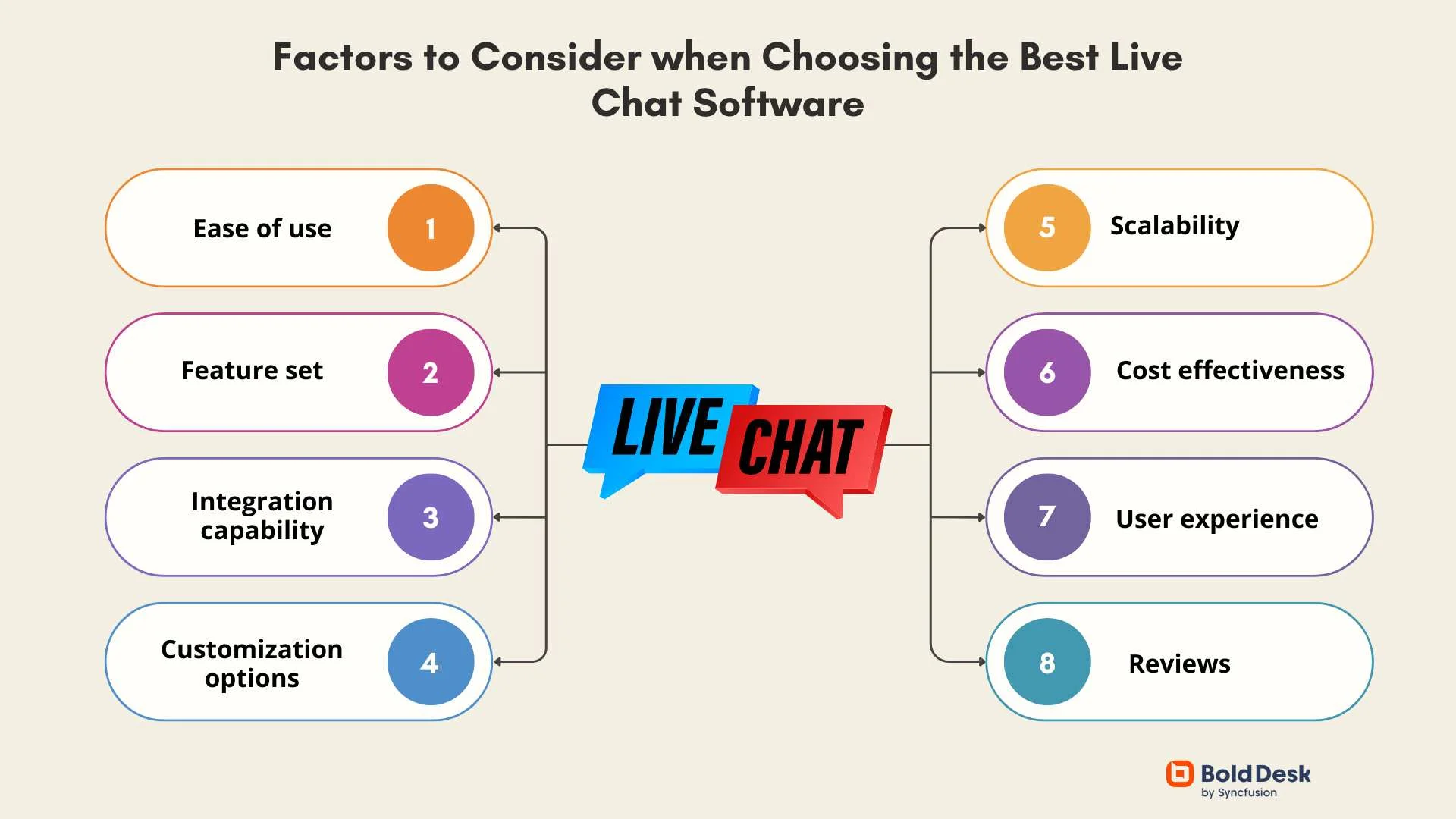
How to Evaluate Which One Fits Your Needs
Don’t let a slick UI be the sole deciding factor. Instead, line up the features that truly matter for your workflow.
1. Integration Landscape
Ask yourself: which tools do you already use daily? If you rely heavily on Google Workspace, look for native support for Drive and Calendar. For a Microsoft‑centric stack, Teams may save you countless clicks.
2. Security & Compliance
Industries such as finance or healthcare demand encryption at rest, granular admin controls, and audit logs. Open‑source platforms like Mattermost give you the ability to audit the code yourself, while SaaS options often provide SOC 2 or ISO 27001 certifications out of the box.
3. Scalability and Pricing
Startups often begin with a free tier, but growth can quickly outpace those limits. Compare per‑user pricing beyond the first 100 seats and check for hidden costs—like extra charge for file storage or premium integrations.
4. User Experience
Even the most secure tool will flop if adoption stalls. Run a short pilot with a diverse group of employees: note how intuitive the UI feels, whether notification controls prevent overload, and if mobile apps keep the experience consistent.
5. Support and Community
When something breaks at 2 a.m., you want a reliable help channel. Paid plans usually include dedicated support, but open‑source projects often have vibrant forums where power users share workarounds.
Practical Steps to Make the Decision
- List Your Must‑Haves – Write down the top three features you can’t live without (e.g., end‑to‑end encryption, video calls, bot automation).
- Shortlist Candidates – Cross‑reference your must‑haves with the table above; eliminate any that miss a critical requirement.
- Trial Run – Set up a sandbox environment for each remaining option. Invite a handful of users and monitor engagement for a week.
- Calculate Total Cost of Ownership – Include subscription fees, potential training time, and any additional add‑ons.
- Make the Call – Choose the platform that balances cost, functionality, and user enthusiasm the best.
Bonus Tips for Smooth Adoption
- Design a clear naming convention for channels (e.g., #project‑alpha‑updates) to avoid chaos.
- Set up automated onboarding messages that guide new users through basic shortcuts.
- Leverage bots for routine tasks—reminders, polls, or even simple ticket creation.
- Encourage “quiet hours” to respect work‑life boundaries and prevent burnout.
At the end of the day, the “best” chat software is the one that quietly supports your team’s flow without demanding constant attention. By testing a few, weighing the criteria above, and keeping an eye on user feedback, you’ll land on a solution that feels less like a tool and more like an extension of your everyday collaboration.