How to Choose the Best WordPress Templates on Envato Elements
Finding a WordPress template that fits both style and function can feel like hunting for a needle in a haystack—especially when the haystack is a massive marketplace like Envato Elements. The good news? You don’t have to settle for trial-and-error. Below is a practical guide that walks you through the key factors to consider, plus a short list of standout templates that consistently earn high marks.
Why Envato Elements Is Worth the Dive
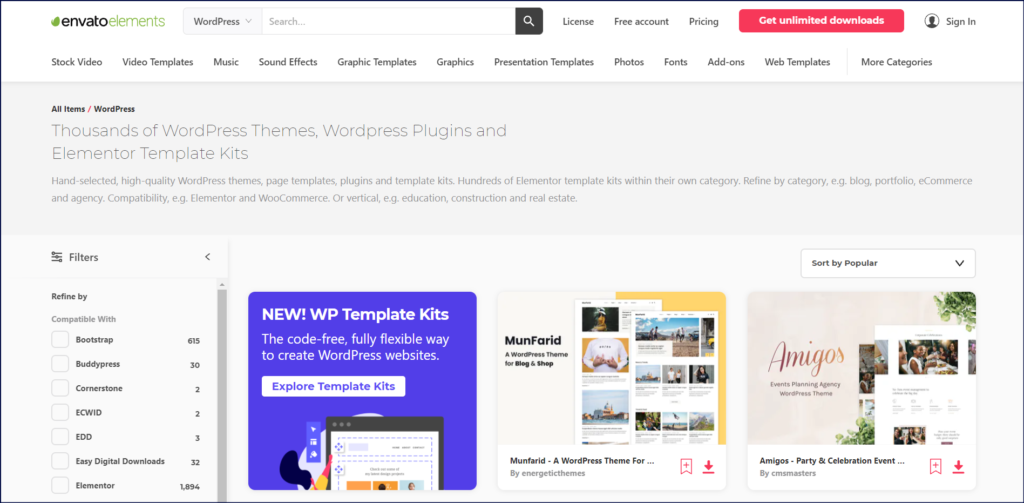
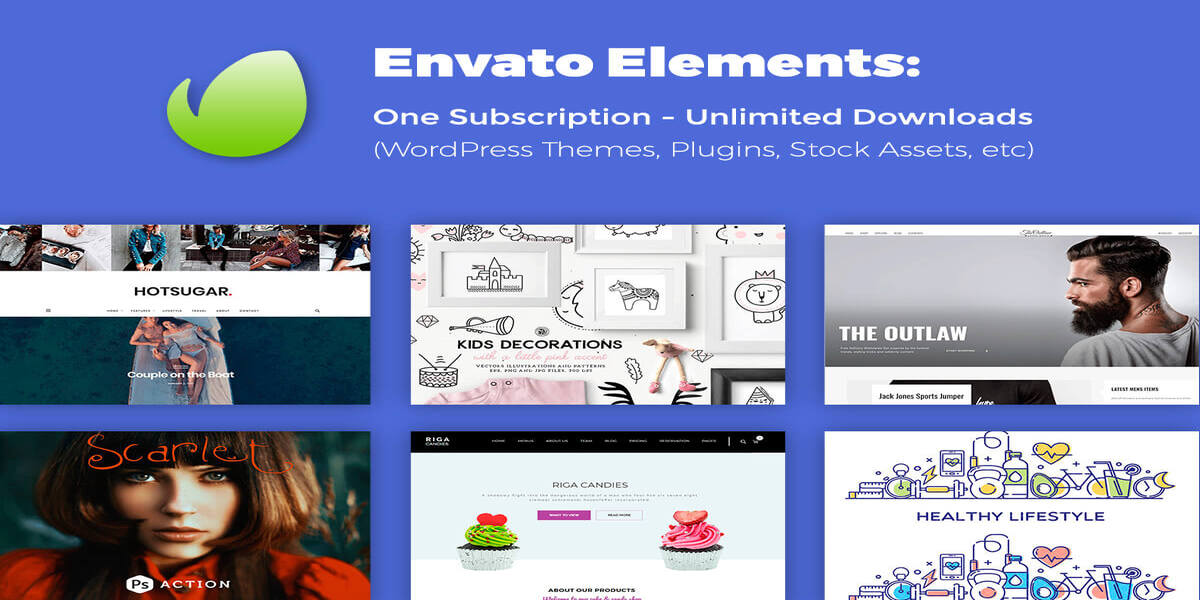
Envato Elements offers a subscription model that gives you unlimited downloads of premium assets, including thousands of WordPress themes. This all‑in‑one approach saves you from juggling multiple licences and can dramatically lower the cost per project.
- Unlimited downloads – No need to pick one theme and stick with it forever.
- Regular updates – Themes are kept current with the latest WordPress core releases.
- Built‑in support – Many creators provide documentation, video tutorials, and community forums.
What to Look For Before Clicking “Download”
1. Compatibility With Page Builders
If you rely on Elementor, Gutenberg, or WPBakery, verify that the template supports your preferred builder. Compatibility means you can drag‑and‑drop sections without fighting the code.
2. Responsiveness Across Devices
Check the demo on a phone, tablet, and desktop. A truly responsive theme adapts gracefully, preserving layout integrity and loading speed.
3. Performance Metrics
Page speed matters for both visitors and SEO. Look for themes that boast a lightweight design, minimal external scripts, and built‑in lazy loading.
4. Customization Flexibility
Some themes lock you into a single header style or colour palette. Others expose a full suite of options—typography, colour schemes, widget areas, and more. Choose the latter if you anticipate frequent branding tweaks.
5. Quality of Documentation
Even the sleekest template can become frustrating without clear instructions. A well‑structured doc folder or video guide can shave hours off your learning curve.
Top Picks That Frequently Impress Users
- Elara – Multipurpose Creative Theme
Ideal for portfolios, agencies, and small businesses. Comes with 12 demo sites, a robust header builder, and full Elementor integration.
- NovaPress – Blog‑Centric Layout
Focuses on readability with clean typography and a flexible sidebar system. Perfect for writers who want a minimalist aesthetic.
- CommerceX – WooCommerce‑Ready Storefront
Features product quick‑view, advanced filtering, and a built‑in cart widget. Performance‑tuned for fast checkout experiences.
- Zenith – Corporate Business Suite
Offers multiple page templates for services, case studies, and team pages. Includes a pre‑configured dark mode toggle.
How to Test a Template Before Fully Committing
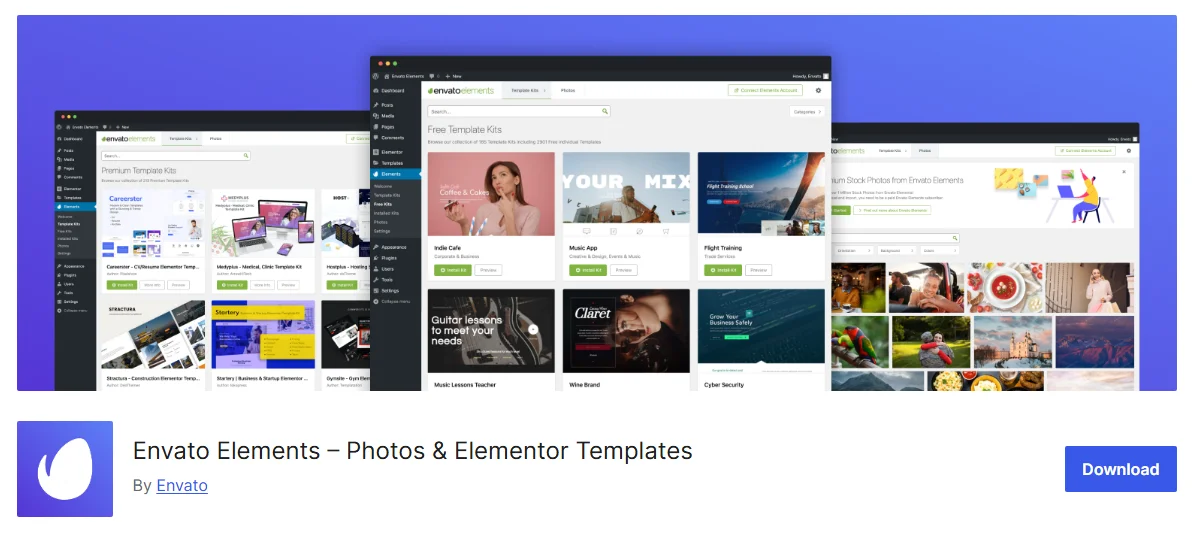
Envato Elements lets you download a theme and install it locally. Spin up a fresh WordPress instance (using Local by Flywheel or DesktopServer) and import the demo content. This sandbox approach lets you:
- Verify that required plugins don’t clash with existing tools.
- Assess load times with your own images and content.
- Experiment with custom CSS or child‑theme modifications.
If anything feels off, you can simply delete the test site and try another template—no wasted money, just a bit of time.
Maintaining Your Chosen Theme Over Time
Even the best‑designed template will need occasional attention. Here are a few habits that keep things smooth:
- Check for updates monthly; most theme authors push security patches quickly.
- Back up your site before applying any major change.
- Keep a child theme active if you plan to edit core files; this prevents your tweaks from being overwritten.
With a solid backup routine and a habit of reviewing change logs, you’ll rarely encounter surprise breakages.