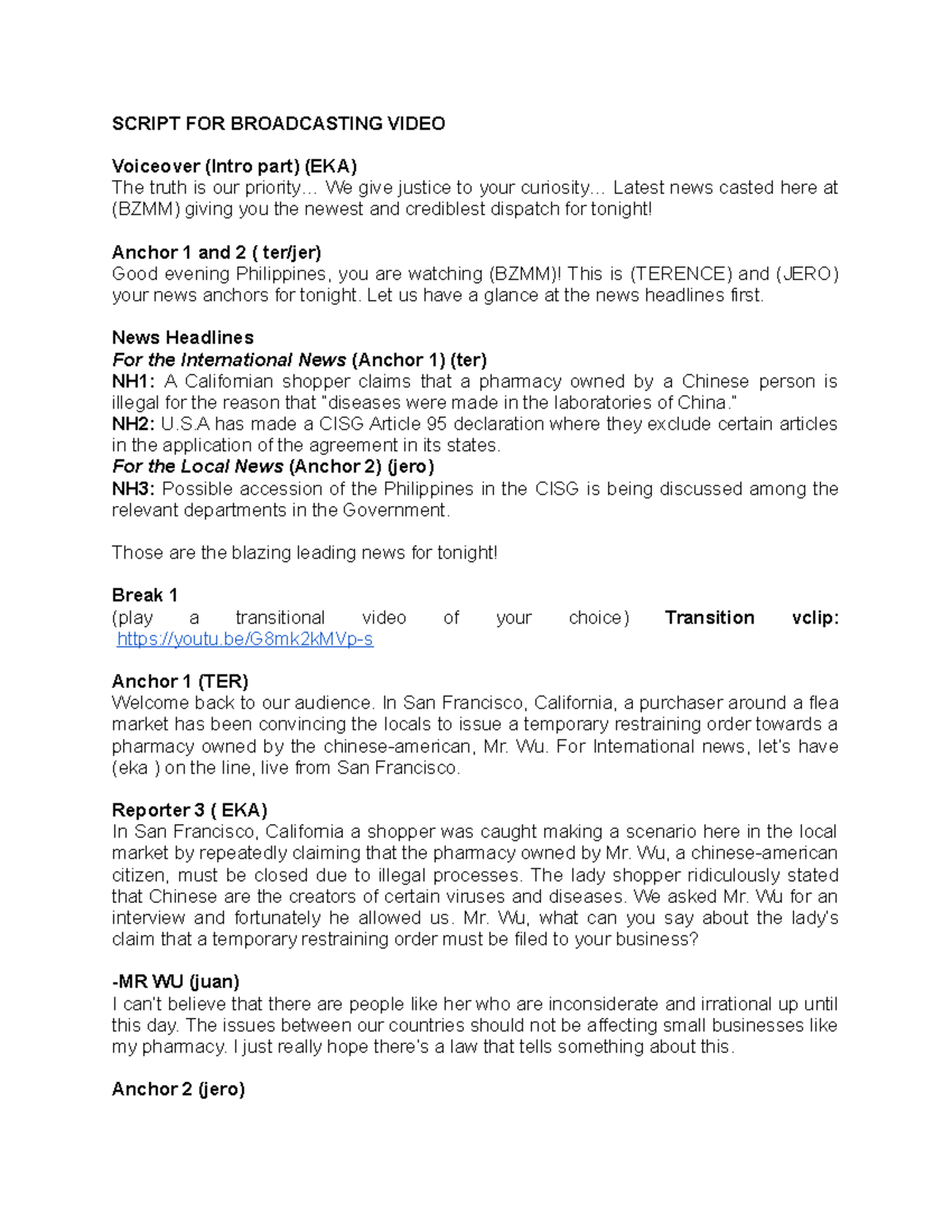
How to Craft a Digital Learning News Broadcast Script
In today’s fast‑moving educational landscape, a well‑structured news broadcast can turn a dry update into a story that teachers, students, and administrators actually want to hear. Below is a practical guide that walks you through each segment of a digital learning broadcast, from the opening hook to the closing call‑to‑action.
1. Grab Attention Right From the Start
The first few seconds set the tone. Think of a short “teaser” that hints at the biggest news piece.
- Example: “Tomorrow, every classroom at Lincoln High will get a brand‑new virtual lab—here’s what that means for you.”
- Use a clear, energetic voice; avoid jargon that might confuse listeners.
2. Introduce the Host and the Segment
A quick self‑introduction builds rapport. Follow with a brief outline so the audience knows what’s coming.
“I’m Maya Rivera, your digital learning correspondent, and in the next three minutes we’ll cover new LMS features, a student success story, and upcoming training dates.”
3. Deliver the Core News Items
Structure the body like a mini‑news bulletin: most important story first, then supporting details.
a. Major Announcement
State the news, why it matters, and any immediate actions.
Key points to hit:
- What the change is (e.g., new platform rollout)
- Who is affected
- Timeline for implementation
- Where to find help or resources
b. Spotlight Feature
Humanize the broadcast with a short interview or testimonial. A 30‑second clip of a student or teacher sharing a positive experience adds credibility.
c. Quick Tips & Reminders
End the news block with bite‑size advice—think “Did you know?” facts or simple how‑to reminders that reinforce the main story.
4. Insert Transitional Elements
Smooth transitions keep listeners engaged. A short musical sting or a spoken segue (“Now, let’s shift gears to upcoming professional development…”) works well.
5. Close with a Call‑to‑Action
Tell the audience exactly what you want them to do next.
- Visit a webpage for tutorials
- Register for a live Q&A session
- Submit feedback through a short survey
End on a friendly note: “Thanks for tuning in—see you online tomorrow!”
6. Technical Checklist
Before hitting “record,” run through these quick checks:
- Clear audio – no background chatter or echo.
- Consistent volume levels for voice‑overs and interview clips.
- All visuals (slides, screen captures) match the script timing.
- Backup copy of the script saved in a shared drive.
7. Sample Script in Full
Below is a concise example that pulls all the elements together. Feel free to adapt the wording to suit your school’s voice.
Opening Teaser: “Tomorrow, every classroom at Lincoln High will get a brand‑new virtual lab—here’s what that means for you.”Host Intro: “I’m Maya Rivera, your digital learning correspondent. In the next three minutes we’ll explore the new virtual lab rollout, hear from a senior who piloted it, and share quick tips on getting started.”Major Announcement: “The district’s partnership with EduTech means each classroom will receive a set of VR headsets and a custom lab platform starting September 5. Teachers can log in to the admin portal now to reserve equipment. Training sessions begin next week, Monday through Friday, at 3 p.m.”Spotlight Feature: “Here’s Alex, a senior who used the prototype last semester.” [30‑second student clip]Tips & Reminders:- “Download the quick‑start guide from the LMS ‘Resources’ tab.”
- “Bookmark the troubleshooting FAQ for common connectivity issues.”
Transition: “Now, a quick look at upcoming professional development.”Call‑to‑Action: “Register for the live Q&A on Thursday at 4 p.m. via the link in today’s newsletter. We’ll answer any questions you have about the virtual lab.”Closing: “Thanks for joining us. Stay curious, and see you online tomorrow!”
Final Thoughts
Crafting a digital learning news broadcast isn’t about flashy production; it’s about delivering clear, actionable information in a voice that feels both professional and approachable. Follow the steps above, keep the pacing brisk, and you’ll have a script that informs, engages, and motivates your audience.