How to Create Your EA Sports Account: A Simple Guide
Whether you’re gearing up for the next FIFA tournament or want to dive into the latest Madden franchise, the first step is a reliable EA Sports account. It’s the gateway to online play, exclusive rewards, and cloud saves. Below you’ll find a straightforward walk‑through that gets you up and running without the usual hassle.
Why an EA Sports Account Matters
Having an account does more than just let you log in. It syncs your progress across consoles, unlocks special in‑game events, and gives you a single place to manage your purchased titles. In short, it’s the backbone of the modern EA experience.
Step‑by‑Step Registration
The process can be broken into three clear stages: preparation, input, and verification.
1. Gather What You Need
- A valid email address (preferably one you check regularly).
- A strong password – aim for at least eight characters, mixing letters, numbers, and symbols.
- Access to a device with internet connectivity – a phone, tablet, or PC works fine.
2. Fill Out the Form
Head to the official EA website and click “Sign Up.” The form is deceptively simple: you’ll be prompted for your name, email, birthdate, and country. A few tips to keep in mind:
- Double‑check the email spelling. A typo can lock you out of your new account.
- Choose a memorable password. If you use a password manager, this step becomes almost automatic.
- Enter your birthdate accurately – it determines age‑appropriate content and parental‑control options.
After completing the fields, tick the box agreeing to EA’s terms of service. It’s worth glancing at the privacy policy, especially if you’re concerned about data handling.
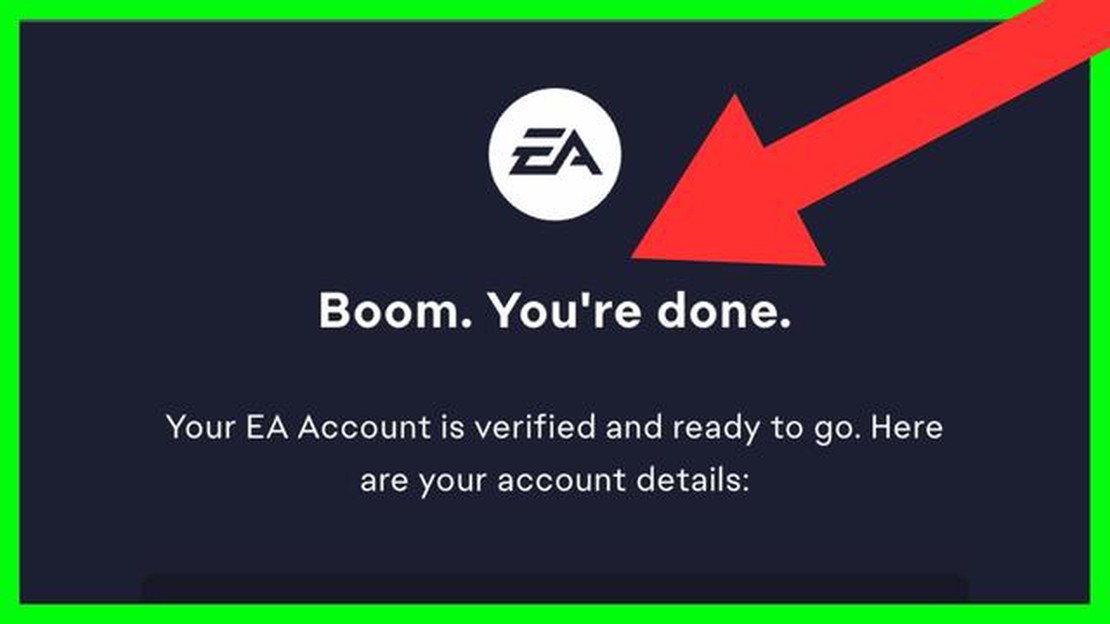
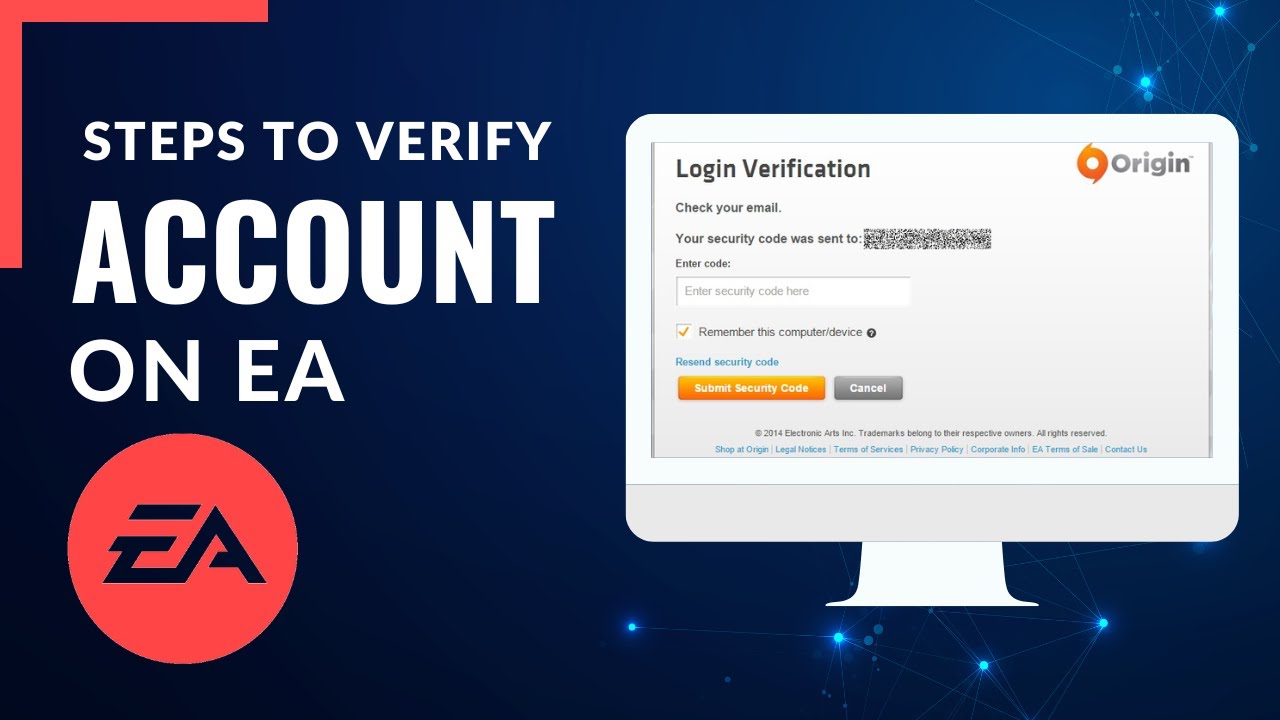
3. Verify Your Email
Within minutes, EA will fire off a verification link to the address you supplied. Click it, and you’ll be redirected to a confirmation page. If the email never arrives, check your spam folder or request a resend from the signup screen.
That’s it. Your account is now active and ready for use on any platform that supports EA games.
Linking the Account to Consoles and PC
Creating the account is just half the battle. To actually play, you need to link it to your gaming hardware.
- PlayStation / Xbox: Launch any EA title, navigate to the “Settings” menu, and select “Link EA Account.” Sign in with the credentials you just set up.
- PC (Origin or EA Desktop): Download the client, open it, and log in using your new email and password.
Some users report a brief delay before the link registers – a quick restart of the console or client usually resolves it.
Common Pitfalls and How to Fix Them
Even a simple guide can’t anticipate every hiccup, but here are the most frequent snags and quick fixes.
- Forgotten password: Use the “Forgot Your Password?” link on the login page. EA sends a reset email; follow the instructions and you’ll be back in minutes.
- Account already exists: If you try to create an account with an email that’s already registered, the system will prompt you to log in instead. Consider whether you previously set up an EA account years ago.
- Regional restrictions: Some titles aren’t available in every country. If your account says a game isn’t supported, double‑check EA’s regional availability list.
Security Tips for Long‑Term Peace of Mind
Once your account is live, treat it like any valuable online credential.
- Enable two‑factor authentication (2FA) via the EA website – an extra code sent to your phone can stop unauthorized logins.
- Regularly review the “Connected Accounts” section to see which platforms are linked.
- Update your password periodically, especially if you suspect a breach elsewhere.
Getting the Most Out of Your EA Sports Account
With the basics sorted, explore the perks that come with a fully linked profile.
- EA Play subscription: Offers early access to upcoming titles and a library of classic games for a monthly fee.
- Seasonal events: Participate in limited‑time tournaments that reward exclusive cosmetics and in‑game currency.
- Cross‑save functionality: Play on your console at home, then pick up where you left off on a PC later.
All of these features hinge on a single, well‑maintained account.
Final Thoughts
Creating an EA Sports account doesn’t have to feel like a tech‑savvy chore. By gathering a few essentials, following the three clear steps, and taking a moment to secure the login, you unlock a world of competitive play, exclusive content, and seamless cross‑platform experiences. So fire up your favorite EA title, sign in, and let the games begin.