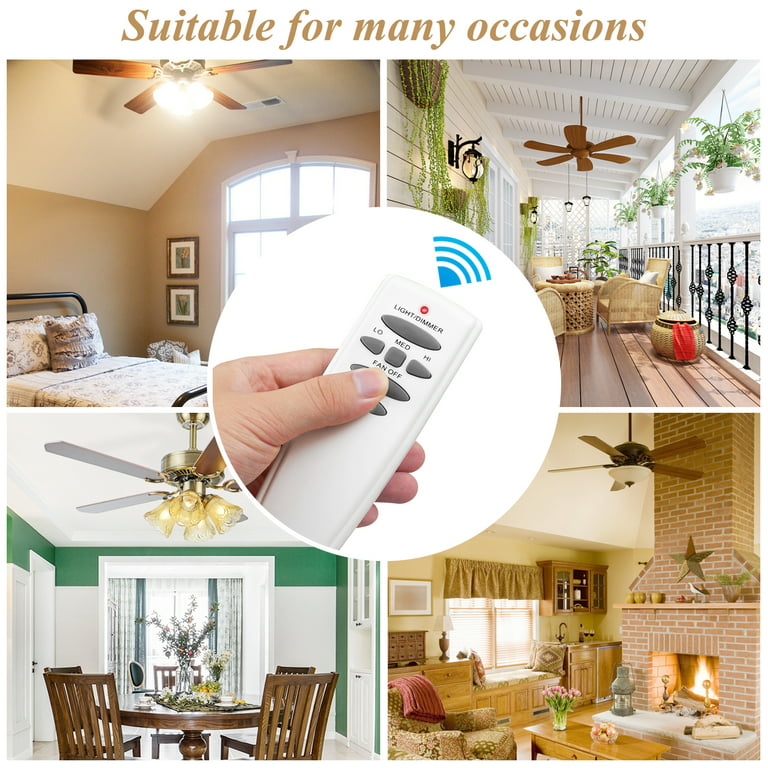
How to Fix Common Hampton Bay Ceiling Fan Remote Issues
If your Hampton Bay ceiling fan suddenly stops responding to its remote, you’re not alone. A few simple checks often reveal the culprit, and most fixes can be done without calling an electrician. Below is a step‑by‑step guide that walks you through diagnosing the problem, resetting the system, and getting your fan back in sync.
What to Check First
Before you dive into the manual, make sure you have the remote’s batteries fresh and the fan itself powered.
- Battery health – Replace the two AA or AAA cells with new ones; low voltage can cause intermittent signals.
- Power supply – Verify the fan is receiving electricity by flipping the wall switch or checking the circuit breaker.
- Obstructions – Ensure nothing blocks the line‑of‑sight between the remote and the fan’s receiver (usually located in the canopy).
Re‑pairing the Remote to the Fan
Hampton Bay fans use a simple pairing process. If the remote has been replaced or the fan was recently installed, the two may need to be linked again.
Step‑by‑step pairing
- Turn the fan off using the wall switch.
- Press and hold the pair button on the fan’s receiver (often a small recessed button on the canopy).
- While holding the button, turn the fan back on. The fan should emit a short beep or flash the light kit, indicating it’s in pairing mode.
- Point the remote at the fan and press the Power button three times quickly.
- If the fan starts, the connection is restored. If not, repeat the sequence once more.
When the Fan Spins but Won’t Change Speed
Sometimes the remote works, but the speed selector feels dead. This usually points to a receiver glitch or a mis‑programmed setting.
- Reset the fan – Turn off power at the breaker for 30 seconds, then restore it. The fan’s electronics reboot, often clearing the error.
- Check the dip switch – Some older models have a set of tiny switches inside the remote’s battery compartment. Ensure they match the pattern printed on the fan’s manual.
- Inspect the pull‑chain – If the fan’s built‑in pull‑chain works but the remote doesn’t, the receiver may be defective and need replacement.
Troubleshooting Light Kit Problems
If your fan also includes a light, the remote may control the fan but not the illumination. Here’s why that happens and how to fix it.
Common causes
- Separate light‑control module not powered.
- Wrong mode selected on the remote (some remotes have a Fan vs. Light toggle).
- Loose wiring at the canopy.
Quick fix
Turn the fan off at the wall, remove the canopy, and verify that the light‑module wires (usually black and white) are securely clamped. Re‑attach the canopy, restore power, and press the Light button on the remote.
Dealing with Interference
Remote signals travel on a low‑frequency radio band that can be crowded in apartments or homes with many wireless devices. If you notice occasional “ghost” commands, try these tips:
- Move cordless phones, baby monitors, or Wi‑Fi routers a few feet away from the fan.
- Replace the remote’s batteries with a high‑quality brand; cheap cells often emit weaker signals.
- Consider a universal ceiling‑fan remote that operates on a different frequency.
When All Else Fails: Replacing the Receiver
If you’ve walked through every step and the fan still ignores the remote, the receiver—essentially the fan’s “brain”—may have burned out. Replacing it is straightforward but does involve a bit of DIY work.
- Turn off power at the breaker and remove the fan’s canopy.
- Disconnect the old receiver’s wires (note where each color connects).
- Mount the new receiver in the same spot, reconnect the wires according to the included wiring diagram.
- Secure the canopy, restore power, and re‑pair the remote using the steps above.
Most homeowners find a compatible receiver at home‑improvement stores; just double‑check the model number to avoid mismatches.
Maintenance Tips to Prevent Future Issues
Regular care can extend the life of both remote and fan.
- Clean the remote’s infrared window with a soft, dry cloth; fingerprints block signals.
- Dust the fan blades and motor housing quarterly to keep the internal components cool.
- Test the batteries every six months; replace them before they are completely drained.
Following these habits usually means you’ll only need to consult a professional for major electrical work, not for a simple remote hiccup.