How to Get Free Open‑Source Motion Capture Data
Whether you’re animating a game prototype or experimenting with a VR demo, realistic motion data can make all the difference. Luckily, a handful of open‑source projects now offer high‑quality captures without a price tag. Below we walk through the most popular sources, what they provide, and how to integrate the data into your pipeline.
Why Open‑Source Motion Capture Matters
Traditional mocap studios charge by the hour, and the cost can balloon quickly when you need dozens of takes. Open‑source libraries sidestep that hurdle, giving indie creators access to the same skeletal recordings used by big studios. The upside isn’t just budget—it’s also the freedom to remix, edit, and share your results under permissive licenses.
Top Free Repositories to Explore
1. CMU Graphics Lab Motion Capture Database
This veteran collection, hosted by Carnegie Mellon University, provides thousands of recordings ranging from simple walks to complex martial arts sequences. Files come in BVH and ASF/AMC formats, making them compatible with most 3D tools.
- Strength: Wide variety of actions & high‑resolution joint data.
- License: Free for non‑commercial use; commercial projects require a simple attribution.
- Tip: Use the “subject 13” recordings for clean, marker‑less data that’s easier to retarget.
2. MoCap Labs – OpenMoCap
OpenMoCap is a community‑driven hub that aggregates uploads from hobbyists and researchers. The repository is organized by activity type (e.g., dancing, sports) and provides both raw CSV joint positions and ready‑to‑use BVH files.
- Strength: Frequently updated with contemporary motion trends.
- License: CC‑0 (public domain), so you can use the data without any attribution.
- Tip: The “dance‑mix” packs are great for training procedural animation systems.
3. Mixamo Free Animation Library
While not strictly open‑source, Adobe’s Mixamo offers a free tier that lets you download dozens of rigged animations in FBX format. You can even auto‑rig a custom character directly on the website before exporting.
- Strength: Seamless integration with Unity and Unreal.
- License: Free for personal and commercial use with attribution to Adobe.
- Tip: Pair Mixamo’s “idle” loops with your own captured gestures for a hybrid workflow.
4. DeepMocap – Synthetic Motion Dataset
DeepMocap generates motion data using neural networks trained on real‑world captures. The result is a collection of synthetic BVH files that can fill gaps when you need rare actions (e.g., parkour flips).
- Strength: Unlimited variations on a single base motion.
- License: MIT, allowing modification and redistribution.
- Tip: Combine synthetic loops with real footage for a more natural feel.
How to Choose the Right Dataset
Not every library fits every project. Here are a few quick questions to ask yourself before downloading:
- Do you need high‑frequency joint data (e.g., >120 Hz) for precise physics simulation?
- Is a specific character rig required, or can you retarget the skeleton?
- Will the license affect your commercial release schedule?
Answering these will narrow the field—if you need speed, CMU’s archive is a solid bet; if licensing is a headache, OpenMoCap’s CC‑0 data is a breath of fresh air.
Integrating Free Mocap into Your Workflow
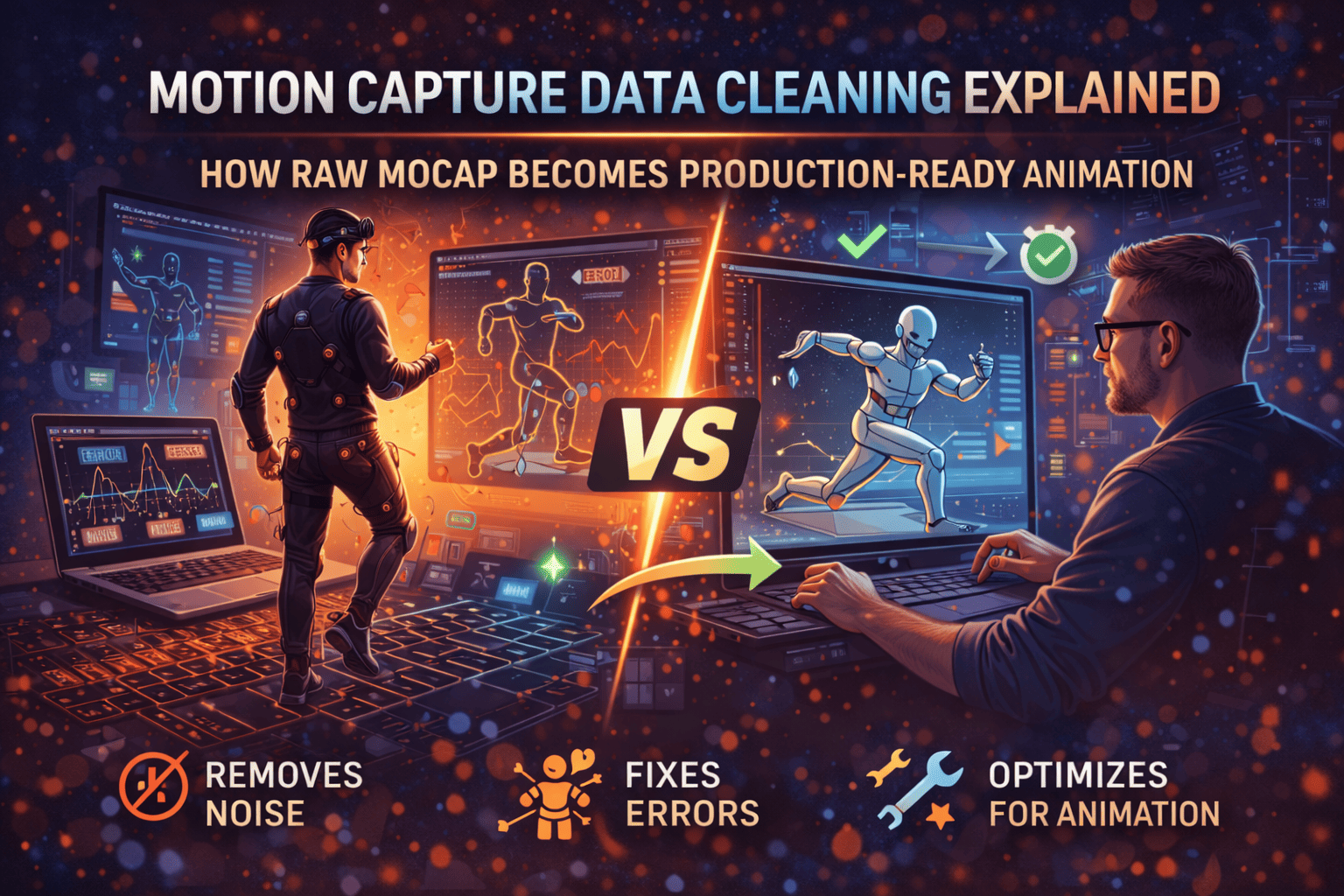
Once you’ve grabbed a file, the real work begins: cleaning, retargeting, and blending. Below is a streamlined process that works for most pipelines.
- Import the BVH/FBX into your 3D software (Maya, Blender, or 3ds Max).
- Check for missing frames—open‑source captures sometimes have gaps; a quick “graph editor” scrub can reveal them.
- Retarget the skeleton to your character using built‑in tools or plugins like Auto-Rig Pro.
- Trim and loop the animation to avoid awkward start/end jumps.
- Blend with other actions (e.g., transition from walk to run) using a simple state machine.
If you’re working in a game engine, most of these steps can be automated with scripts. For Unity, the Humanoid rig mapping does most of the heavy lifting; in Unreal, the Control Rig system offers similar flexibility.
Common Pitfalls and How to Avoid Them
Even free data can trip you up if you’re not careful.
- Inconsistent joint naming – Some datasets use “HipCenter,” others “Pelvis.” Rename them before retargeting.
- Scale mismatches – BVH files sometimes assume a different unit (centimeters vs. meters). A quick scale check prevents skeletal distortion.
- License confusion – Double‑check the readme; a dataset might be free for non‑commercial use only.
Where to Find the Latest Updates
Open‑source communities move fast. Bookmark these hubs to stay in the loop:
With a little digging, you can assemble a robust library of motions without spending a dime. The key is to match the dataset’s strengths to your project’s needs, respect the licensing terms, and spend a few minutes cleaning the files before they become the backbone of your animation.