How to Get Free Premium Canva PPT Templates (No Cost)
Scrolling through endless slide decks can feel like a marathon, especially when you spot a slick template and the price tag pops up. Luckily, Canva hides a handful of tricks that let you tap into its premium feel without reaching for your wallet. Below is a practical walk‑through for anyone who wants polished presentations on a shoestring budget.
Why Canva Is a Go‑To for Slides
Canva blends the simplicity of drag‑and‑drop with a library that rivals professional design firms. Its templates are already sized for 16:9, fonts are balanced, and the color palettes are tested for visual impact. Even if you’ve never touched a design app before, the learning curve is gentle enough to start a deck in minutes.
Finding Free Templates Inside Canva
Before hunting external hacks, explore what Canva already offers at zero cost. The platform tags many high‑quality designs as “Free” – and they’re often just as polished as the paid ones.
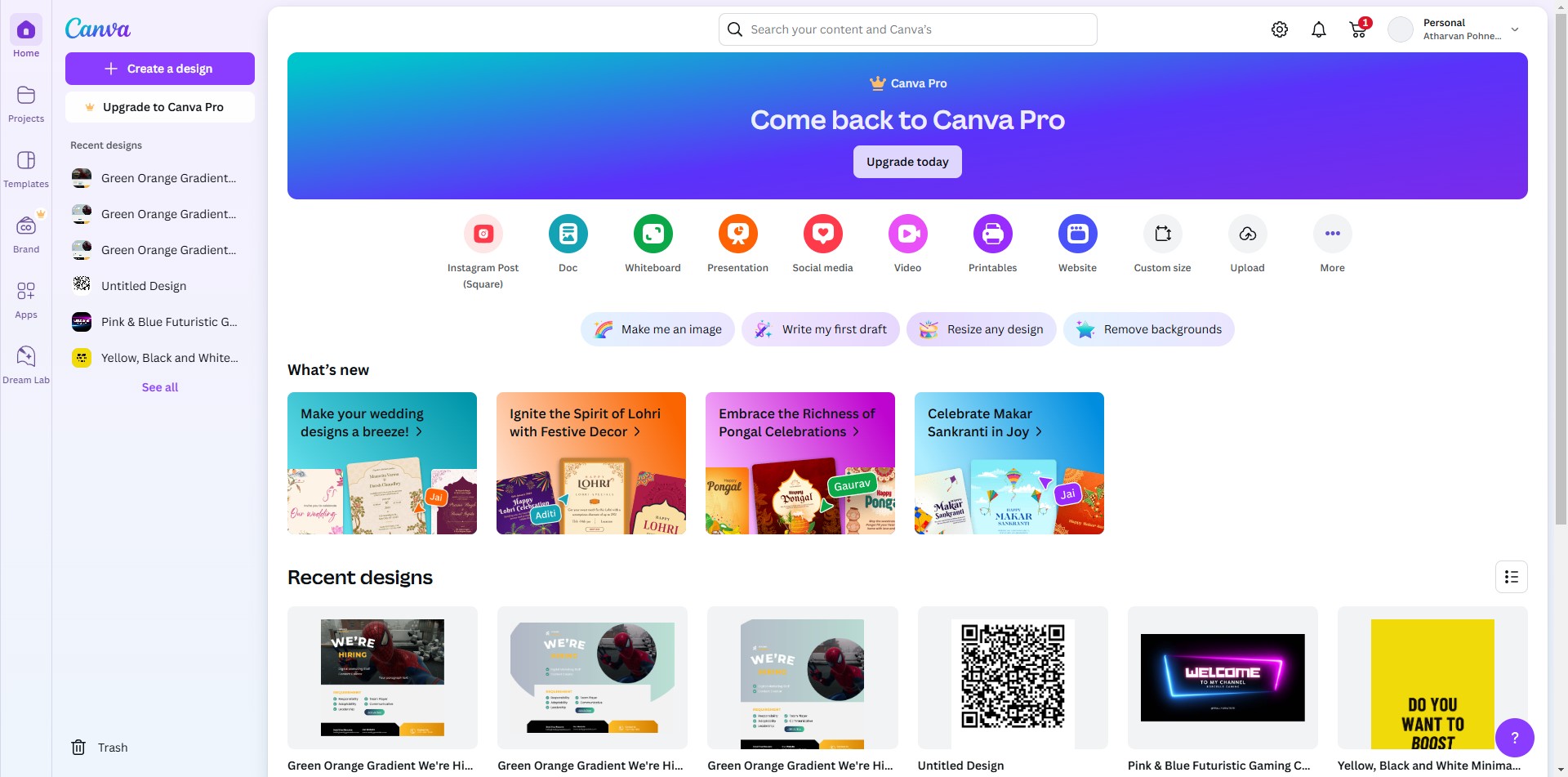
- Log in to Canva and click “Templates” on the left sidebar.
- Enter “Presentation” in the search bar, then apply the filter “Free” under the “Price” dropdown.
- Browse the results; you’ll see sleek layouts for business pitches, educational talks, and creative showcases.
- Pick a design, customize the text and images, and you’re ready to export.
Sometimes a free template feels like a stripped‑down version of a premium gem. A quick tweak – swapping a background image or adjusting spacing – can elevate it to that professional level you imagined.
Leveraging Canva’s Free Trial and Pro Features
If you need that extra polish, Canva’s 30‑day free trial is a solid shortcut. During the trial you gain access to premium assets, animated transitions, and the brand kit – all without paying a dime.
Here’s how to make the most of it:
- Sign up using a new email address or a Google account you don’t use for other services.
- Choose the “Trial” option when prompted; no credit‑card entry is required for the basic trial.
- Gather the templates you want, edit them, and download before the trial ends.
- Remember to export your finished slides as PDF or PPTX – the files remain yours even after the trial lapses.
Tip: Set a calendar reminder for a few days before the trial expires. That way you won’t lose access to any assets you’ve already saved.
Using Educational or Non‑Profit Accounts
Students, teachers, and many nonprofit organizations qualify for Canva’s free “Education” tier. This version unlocks most of the Pro library, but it’s officially free for verified users.
To claim it, visit Canva’s Education page, verify your affiliation with a school email or an institutional ID, and you’ll instantly see a broader selection of premium slides. No hidden fees, no trial countdown – just a straight‑up upgrade for those who qualify.
Exporting Your Slides Without Paying
Once your design feels just right, the export step is where many stumble. Some think you need a paid plan to download a PPT, but Canva offers several free export options.
- Choose “Download” in the top right corner.
- Select “Microsoft PowerPoint (.pptx)” – this is free for most templates.
- If a premium element blocks the download, replace it with a free alternative (like a basic icon or a solid color).
- Alternatively, download as PDF and convert to PPT using free online tools.
Even animations aren’t a dead end; you can export a presentation as MP4 (free for many accounts) and embed the video into a PowerPoint slide for a dynamic effect.
Tips to Keep Your Designs Looking Professional
- Stick to a limited color palette. Too many hues can distract the audience.
- Use high‑resolution images. Canva’s free library includes royalty‑free photos that scale well.
- Maintain consistent typography. Choose one header font and one body font; Canva’s “Text” tab makes this easy.
- Leave breathing room. White space isn’t empty – it guides the eye.
- Test on different devices. Open the exported PPT on a laptop and a tablet to spot any layout quirks.
With these habits, a free template can feel as polished as a custom‑designed deck you’d pay a designer for.
So, whether you’re a startup founder, a teacher prepping a lecture, or simply a slide‑enthusiast, Canva’s mix of free resources, trial access, and educational perks offers a realistic path to premium‑looking presentations without the price tag.