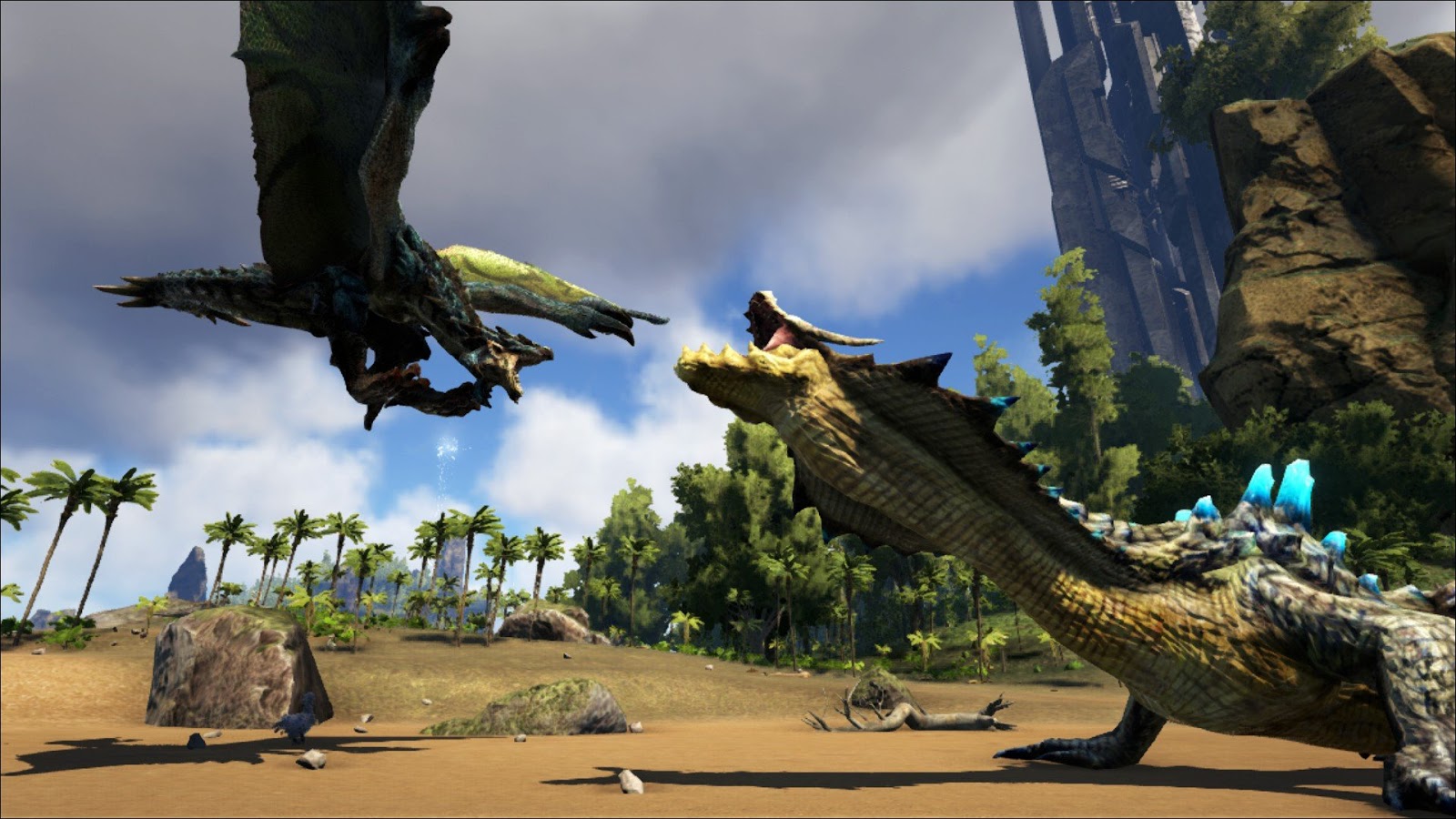
How to Install ARK Survival Evolved Mods on Epic Games PC
Playing ARK Survival Evolved on the Epic Games Store opens the door to a bustling world of community creations. From dinosaur skins to entire new biomes, mods can completely reshape your island experience. The good news is that the Epic version now ships with a built‑in mod manager, making it easier than ever to browse, download, and enable mods without juggling third‑party launchers. Below is a step‑by‑step guide that walks you through everything you need to know to get those fan‑made additions up and running.
Why Modding on the Epic Games Version Matters
Historically, PC players on Steam enjoyed seamless integration with the Steam Workshop, while Epic users had to rely on manual installs. Recent updates have leveled the playing field: the game’s own “Mod Manager” pulls from the same mod repository used by Steam, so the majority of popular mods are now just a click away. This means you can keep your library tidy, receive automatic updates, and avoid the hassle of hunting down .pak files on external sites.
Preparing Your Game for Mods
Before you start adding content, make sure the mod system is enabled. Launch the Epic Games Launcher, click Library**, and start ARK Survival Evolved. In the main menu, select the Mods tab. If it’s your first visit, the game will prompt you to download the “Mod Support” package – a small file that creates the necessary folder structure and links to the mod catalog. Accept the download and let the process finish; you’ll see a list of installed mods (which will be empty at first).
Finding the Right Mods
The built‑in browser works much like a mini‑storefront. Use the search bar to type keywords such as “dinosaur skins,” “structures,” or “hardcore difficulty.” Each entry shows a brief description, file size, and the number of active users, which can help you gauge popularity and compatibility. For more niche creations, you can also browse community‑curated categories like “Map Packs” or “Gameplay Overhauls.”
Installing Mods Directly Through the Game
- Locate the mod you want and click the Subscribe button. The game will begin downloading the files in the background.
- Once the download finishes, the mod appears in your Installed Mods list with a checkbox.
- Check the box to enable the mod for the next play session.
- Start a new game or load an existing save; the game will automatically apply the active mods.
Most mods require a restart to take effect, so be patient if the loading screen seems unusually long – the game is stitching the new assets into memory.
Manual Installation for Non‑Catalog Mods
Some creators host their files on sites like Nexus Mods or GitHub, especially large map packs that haven’t been added to the official catalog yet. To install these manually, follow these steps:
- Download the .zip or .rar archive and extract it. Inside you’ll usually find a folder named with a numeric ID (e.g.,
123456789). - Navigate to your ARK installation folder. By default it lives at
C:\Program Files\Epic Games\ARK\ShooterGame\Content\Mods. - Create a new folder inside
Modsand name it with the same numeric ID. - Paste the extracted files into this new folder. The folder should contain a
.pakfile and amodinfo.txtfile. - Return to the in‑game Mod Manager, click Refresh, and you’ll see the manual entry appear ready to enable.
Tips for a Stable Modded Experience
Modding can sometimes introduce conflicts or performance hiccups. Here are a few best practices to keep your island running smoothly:
- Read Compatibility Notes: Many mods specify which game version they support. Stick to the latest ARK patch or the version the mod author recommends.
- Limit Simultaneous Mods: Loading too many large map packs or high‑resolution texture packs can strain RAM. A good rule of thumb is to keep the total size under 15 GB for most modern PCs.
- Use Load Order Wisely: If two mods modify the same creature or item, the one listed higher in the Mod Manager will take precedence. Adjust the order by dragging entries up or down.
- Back Up Saves: Before adding a major overhaul (e.g., a complete gameplay rewrite), copy your
Savesfolder to a separate location. This lets you revert if something goes wrong. - Check for Updates: The Mod Manager will flag outdated mods with a small arrow icon. Updating regularly reduces the risk of crashes caused by outdated files.
Multiplayer Considerations
If you plan to host a server or join friends, remember that everyone must have the exact same set of enabled mods, and they must be in the same order. The server’s GameUserSettings.ini file lists the required mod IDs; share that list with your group and have each player enable the mods accordingly. Failure to match the list typically results in “mod mismatch” errors at launch.
FAQ
Can I use Steam Workshop mods on the Epic version?
Yes. The in‑game Mod Manager accesses the same central repository that powers the Steam Workshop, so most Steam‑only mods are available for Epic users without extra steps.
Do mods affect the game’s performance?
They can. Texture packs and large map additions increase memory usage, while script‑heavy mods may impact CPU load. Monitoring your frame rate after each new install helps identify any problematic mods.
Is it possible to create my own mod for the Epic version?
Absolutely. The modding tools provided by Studio Wildcard work independently of the distribution platform. Once you package your mod, you can upload it through the Epic Games “Mod Upload” portal, where it will appear in the game’s browser for other players.
What should I do if a mod causes the game to crash?
First, disable the most recent mod you added and try launching again. If the crash persists, check the mod’s description for known conflicts, or revert to a previous save. In rare cases, reinstalling the game can clear corrupted files.

![Getting Started in ARK: Survival Evolved [Beginner's Guide] | ARK ...](https://s3-us-west-1.amazonaws.com/shacknews/assets/editorial/2015/06/ark-survival-evolved-555121c7e85c3.jpg)