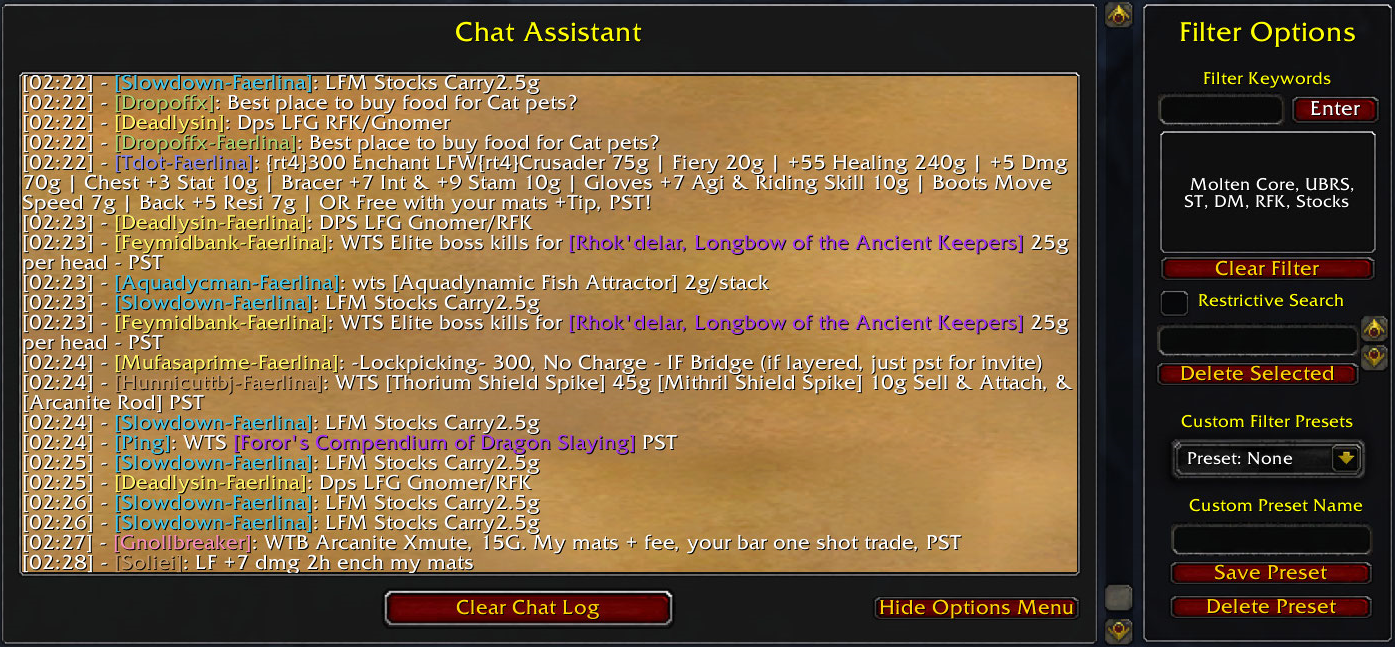
How to Join WoW Chat Channels and Boost Your Gameplay
World of Warcraft isn’t just about raiding bosses or grinding gear; it’s also a bustling social hub where information flows as quickly as spells. Finding the right chat channel can feel a bit like hunting for a rare mount—there’s a lot out there, and the map isn’t always clear. This guide walks you through the practical steps to get plugged into the conversations that matter, whether you’re a newcomer looking for advice or a veteran hunting a specific guild.
Why Chat Channels Still Matter in 2026
Even with Discord servers and external forums, the in‑game chat remains the fastest way to coordinate a pull, ask a quick “what’s the best enchants?” question, or spot a spontaneous world event. The key advantage? Immediate, location‑based interaction. A player nearby can respond in seconds, something a forum thread can’t replicate.
Types of Channels You’ll Encounter
- General (1): The default channel for all nearby players.
- Trade (2): Where you’ll see auction house ads and gear swaps.
- Looking For Group (LFG) (3): Perfect for finding dungeon or raid buddies.
- Guild (G): Your private space for coordinated guild activities.
- Custom Channels: Created by players for anything from class discussion to role‑play.
Step‑by‑Step: Joining a Channel
1. Open the chat window. Press Enter to bring it up, or click the chat icon on your UI.
2. Identify the channel number. Most default channels have fixed numbers (1‑5). Custom channels use a name you’ll type in.
3. Use the join command. Type /join 3 to enter the LFG channel, or /join Trade for the trade chat. Press Enter again.
4. Confirm you’re listening. The channel name should appear next to your chat input, like “[3] LFG”. If you don’t see it, type /filter to ensure the channel isn’t muted.
5. Leave when you’re done. A quick /leave 3 or /leave Trade keeps your chat uncluttered.
Finding the Right Custom Channels
Custom channels aren’t listed in any menu, so you’ll need a little scouting. Here are three reliable ways to discover them:
- Use the “/who” command: Type
/who classname:mageand watch the chat for “Looking for a mage group? Join ArcaneCircle!” - Check the “Communities” tab: Blizzard’s built‑in community system often lists active channels for specific realms.
- Ask in general chat: A simple “Anyone on MythicRuns today?” can yield a quick invite.
Best Practices for Chat Etiquette
Chat is a shared space, so a few unspoken rules go a long way. Remember to keep messages concise—no one wants a wall of text while battling a boss. If you’re asking for help, include your character’s level and the zone you’re in; it saves everyone a back‑and‑forth.
Also, respect the channel’s purpose. Posting a raid pull request in Trade chat will quickly get you a “spam” warning. Conversely, a well‑timed “Need healer for 10‑man!” in LFG can fill a group in minutes.
Advanced Tips: Using Macros and Add‑Ons
If you find yourself hopping between several channels during a raid, a macro can streamline the process. Example:
/run JoinChannelByName("Guild")/run JoinChannelByName("LFG")
/run JoinChannelByName("MythicRuns")
Popular add‑ons like Prat or Chatter let you filter, color‑code, and even set auto‑responses for each channel, turning a chaotic stream of text into a readable feed.
When to Switch Channels on the Fly
Imagine you’re in a PvP battleground and spot an enemy healer about to turn the tide. Dropping a quick whisper to a friend in your guild might be faster than shouting in general. Knowing when to switch is as important as how. A rule of thumb: if the information is time‑sensitive and location‑specific, use a private channel or whisper; if it’s a general announcement, stick to the default channel.
Common Pitfalls and How to Avoid Them
- Over‑joining: Being in too many channels can flood your screen and cause you to miss critical alerts. Trim down to three or four at most.
- Ignoring mute settings: New players often forget to unmute the channels they just joined, ending up silently listening.
- Spamming invitations: Repeatedly posting “Looking for guild” in several channels can earn you a temporary chat ban.
Wrapping It Up
Mastering WoW’s chat system isn’t a lofty quest line, but it does reward you with smoother group formation, faster market trades, and a richer sense of community. Start with the basics—join the LFG channel, test a custom group, and experiment with a macro. Before long, you’ll notice how much smoother your adventures become when you’re plugged into the right conversation at the right time.