How to Navigate Miami‑Dade County Tax Rolls Efficiently
If you’ve ever needed to confirm a property’s assessed value, track ownership changes, or simply satisfy a curiosity about who lives where, the Miami‑Dade County tax rolls are the place to start. Below you’ll find a practical roadmap—complete with tips on using the county’s online widgets—to get the information you need without wading through endless PDFs.
What Exactly Are Tax Rolls?
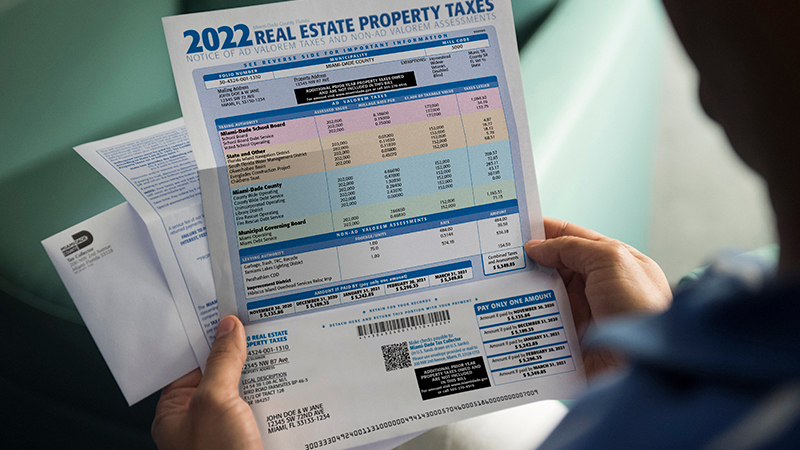
Tax rolls are public records that list every parcel of real estate within a jurisdiction, along with its assessed value, owner name, and the amount of property tax owed. In Miami‑Dade, these rolls are updated annually after the assessor’s office finishes its valuation cycle.
Why They Matter
- Buyers and sellers: Verify that the seller’s asking price matches the assessed value.
- Investors: Spot trends in property values across neighborhoods.
- Residents: Check that your own tax bill reflects the correct assessment.
Accessing the Rolls Online
The county’s website offers a suite of “widgets”—tiny, interactive tools that pull data from the master roll and display it in a user‑friendly format. Here’s how to make the most of them:
1. The Property Search Widget
Enter an address, parcel number, or owner name, and the widget instantly returns the latest assessment, tax amount, and legal description. It’s essentially a quick preview before you dive deeper.
2. The Map Viewer Widget
This visual tool layers parcel boundaries over satellite imagery. You can zoom in on a street to see how parcels are grouped, which is handy for figuring out lot sizes or identifying vacant land.
3. The Tax History Widget
Want to see how a property’s taxes have changed over the past five years? This widget pulls a simple table that shows each year’s assessed value, tax rate, and any exemptions applied.
Step‑by‑Step Guide to Using the Widgets
Even if you’re not tech‑savvy, the process is straightforward:
- Visit the Miami‑Dade Property Assessment page.
- Locate the “Interactive Tools” section—there you’ll see the three widgets mentioned above.
- Pick the widget that matches your goal. For a simple owner check, the Property Search is your best bet.
- Fill in the required field(s) and click “Search.” Results appear within seconds, often with a printable PDF link.
Common Pitfalls and How to Avoid Them
While the system is generally reliable, users sometimes hit snags:
- Misspelled names: The search widget is strict about spelling. Try using wildcards (e.g., “Smith*”) if you’re unsure of the exact format.
- Out‑of‑date data: The rolls are refreshed annually, usually in August. Anything before that may still show the previous year’s numbers.
- Parcel number confusion: Miami‑Dade uses a 13‑digit APN (Assessor’s Parcel Number). Double‑check the format—missing leading zeros can lead to a “no records found” message.
When to Call the Assessor’s Office
Online tools cover most everyday queries, but a few situations warrant a phone call or in‑person visit:
- You suspect an assessment error that can’t be resolved through the online appeal form.
- You need certified copies of tax roll excerpts for legal proceedings.
- Complex parcels (e.g., mixed‑use developments) show contradictory data.
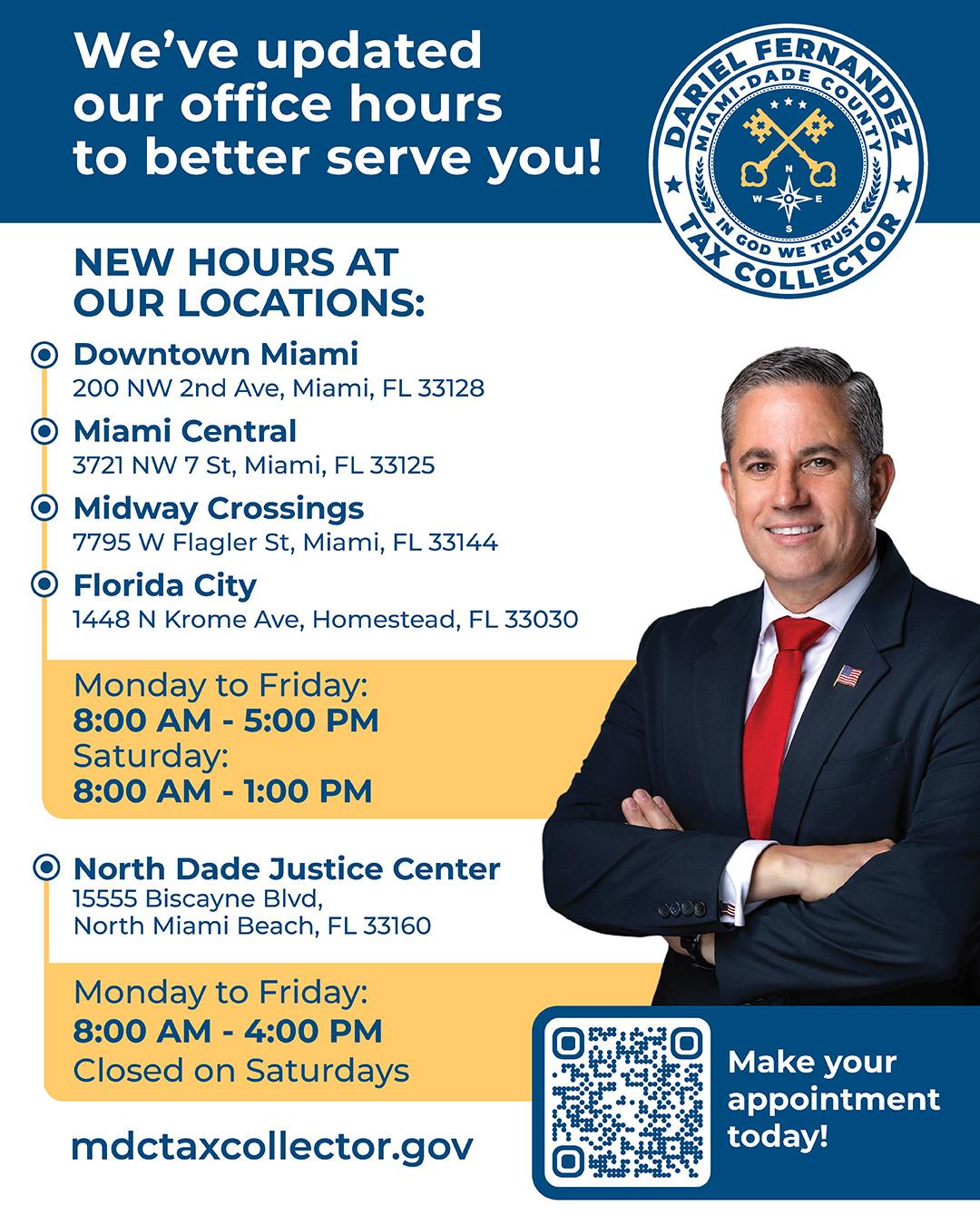
The assessor’s office line is open weekdays, 8 a.m. to 5 p.m., and staff are generally helpful with clarification.
Tips for Getting the Most Value
Don’t treat the tax roll as a static snapshot. Pair it with other resources for a fuller picture:
- Cross‑reference with the County Recorder’s property records for deed history.
- Use the U.S. Census data to gauge demographic trends that might impact future values.
- Check local zoning maps to see if a property’s allowable uses could change, potentially affecting its assessed value.
By layering these data points, you’ll move from a basic tax‑bill check to a strategic insight tool.