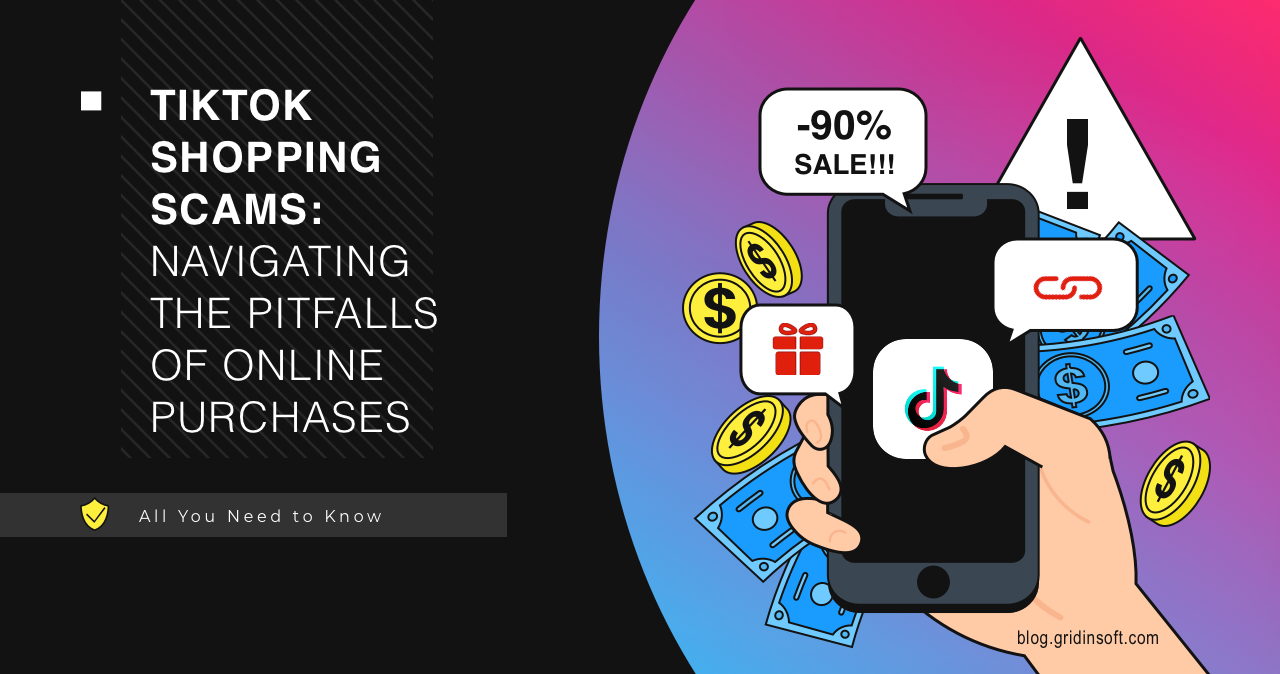
How to Report a TikTok Shop Scammer in Just a Few Steps
Why Reporting Matters
Every time you hit “Buy” on TikTok Shop, you trust the platform to protect you. When a seller turns out to be a scammer, reporting isn’t just about getting your money back—it’s about keeping the marketplace safe for everyone else.
Beyond personal loss, unchecked fraud can erode confidence in the whole TikTok ecosystem, making it harder for legitimate creators to thrive.
Spotting the Red Flags
Before you even think about reporting, make sure the situation really looks like a scam. Here are some common tell‑tale signs:
- Unrealistically low prices that seem too good to be true.
- Seller asks you to move the conversation to another app or asks for a direct bank transfer.
- No clear return policy or shipping details.
- Repeated updates that the item is “on the way” but never arrives.
If several of these appear in one transaction, you’re probably dealing with a fraudster.
Step‑by‑Step: How to File a Report
1. Open the Order Details
Navigate to the Orders tab in the TikTok Shop app. Tap the problematic purchase, then look for the three‑dot menu in the top‑right corner. Selecting “Help” or “Report Issue” will take you to the reporting screen.
2. Choose the Right Category
The app offers several reasons for a complaint. For scammers, pick “Seller is fraudulent” or a similar option. This ensures the case lands with the team that handles fraud investigations.
3. Attach Evidence
Give the support staff something concrete to work with:
- Screenshots of the product listing, price, and any suspicious messages.
- Proof of payment—receipts, bank statements, or payment‑app confirmations.
- Any shipping tracking numbers that show no movement.
The more you attach, the faster the review process tends to be.
4. Write a Clear Description
Keep it short but specific. Mention the seller’s username, the date of purchase, what was promised, and what actually happened. Avoid vague language like “they’re shady”—focus on facts.
5. Submit and Track
After hitting “Submit,” you’ll receive a reference number. Save it. TikTok usually sends status updates via the app’s notification center, so you can watch the case move forward without hunting through emails.
What Happens After You Report?
Once your report lands in the moderation queue, a reviewer will:
- Verify the seller’s history—multiple complaints can trigger a swift ban.
- Contact you if additional details are needed.
- Potentially issue a refund, depending on payment method and timing.
In many cases, TikTok will also remove the fraudulent listing and warn other users.
Tips for Faster Resolution
While the platform does a lot behind the scenes, you can help speed things up:
- Report promptly. The sooner you flag the scam, the less time the fraudster has to slip away.
- Use the app, not a web browser. In‑app reporting is routed directly to the dedicated fraud team.
- Follow up politely. If weeks pass without an update, a brief, courteous check‑in referencing your case number can nudge the process.
Preventing Future Scams
Even the best reporting system can’t protect you from every trick. Here are a few habits that make you a harder target:
- Stick to sellers with a solid track record—look at ratings and the number of completed orders.
- Prefer payment methods that offer buyer protection, such as TikTok’s own checkout.
- Never share personal banking info outside the official TikTok payment flow.
When to Escalate
If the seller disappears, the refund never arrives, and TikTok’s response feels stalled, consider these extra steps:
- Contact your bank or payment provider to dispute the charge.
- File a complaint with consumer protection agencies in your country.
- Share a concise description on consumer forums—sometimes public awareness prompts faster action.
Scams are frustrating, but you’re not powerless. By following this quick guide, you turn a negative experience into a catalyst for a safer TikTok Shop community.