How to Resolve a Rejected Shopee Checkout: Common Reasons and Fixes
Ever clicked “Place Order” on Shopee only to see a red warning that your checkout was rejected? It’s frustrating, especially when you’ve already spent time picking the perfect items. The good news is that most rejections aren’t mysterious glitches—they’re usually tied to a few predictable factors you can correct in minutes.
Why Does Shopee Reject a Checkout?
Before jumping to solutions, it helps to understand the typical triggers. Shopee’s system constantly checks several data points, and if something doesn’t line up, the transaction is halted.
- Payment Method Issues – expired cards, insufficient balance, or a bank that flags the transaction as suspicious.
- Address Mismatch – the shipping address you entered doesn’t match the one registered with your payment provider.
- Account Verification Gaps – an unverified phone number, missing ID documents, or a newly created account under review.
- Technical Glitches – browser cache conflicts, outdated app versions, or temporary server overloads.
- Seller Restrictions – some sellers block certain regions or payment types, causing the order to bounce back.
Step‑By‑Step Checklist to Fix a Rejected Checkout
1. Verify Your Payment Details
Open your Saved Cards or Bank Accounts section in the app and double‑check the following:
- Card expiration date – a common oversight.
- Available balance – even a small shortfall can trigger a decline.
- Bank’s 3‑D Secure (OTP) setting – ensure you can receive the one‑time password.
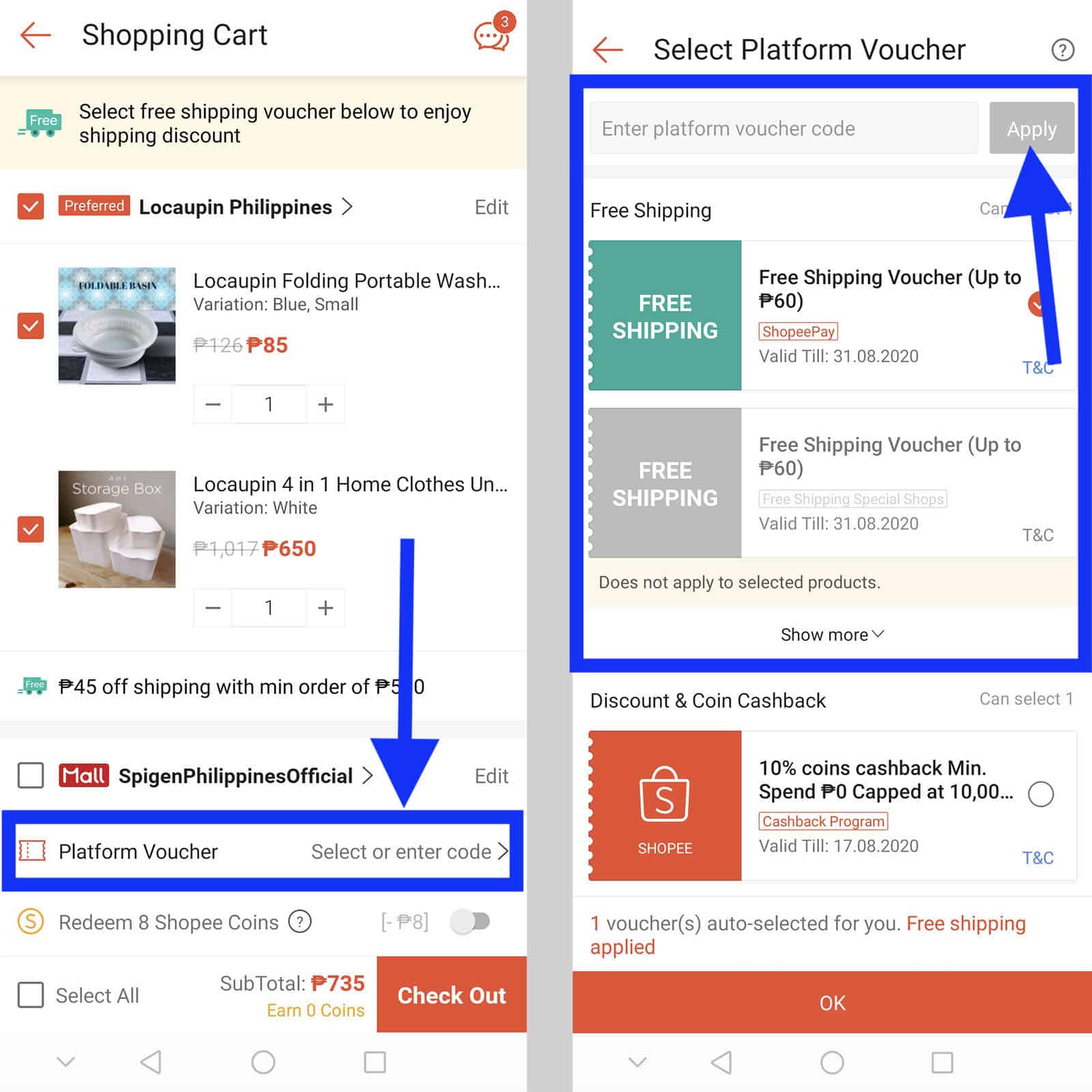
If anything looks off, update the info or switch to a different payment method, such as ShopeePay or a prepaid voucher.
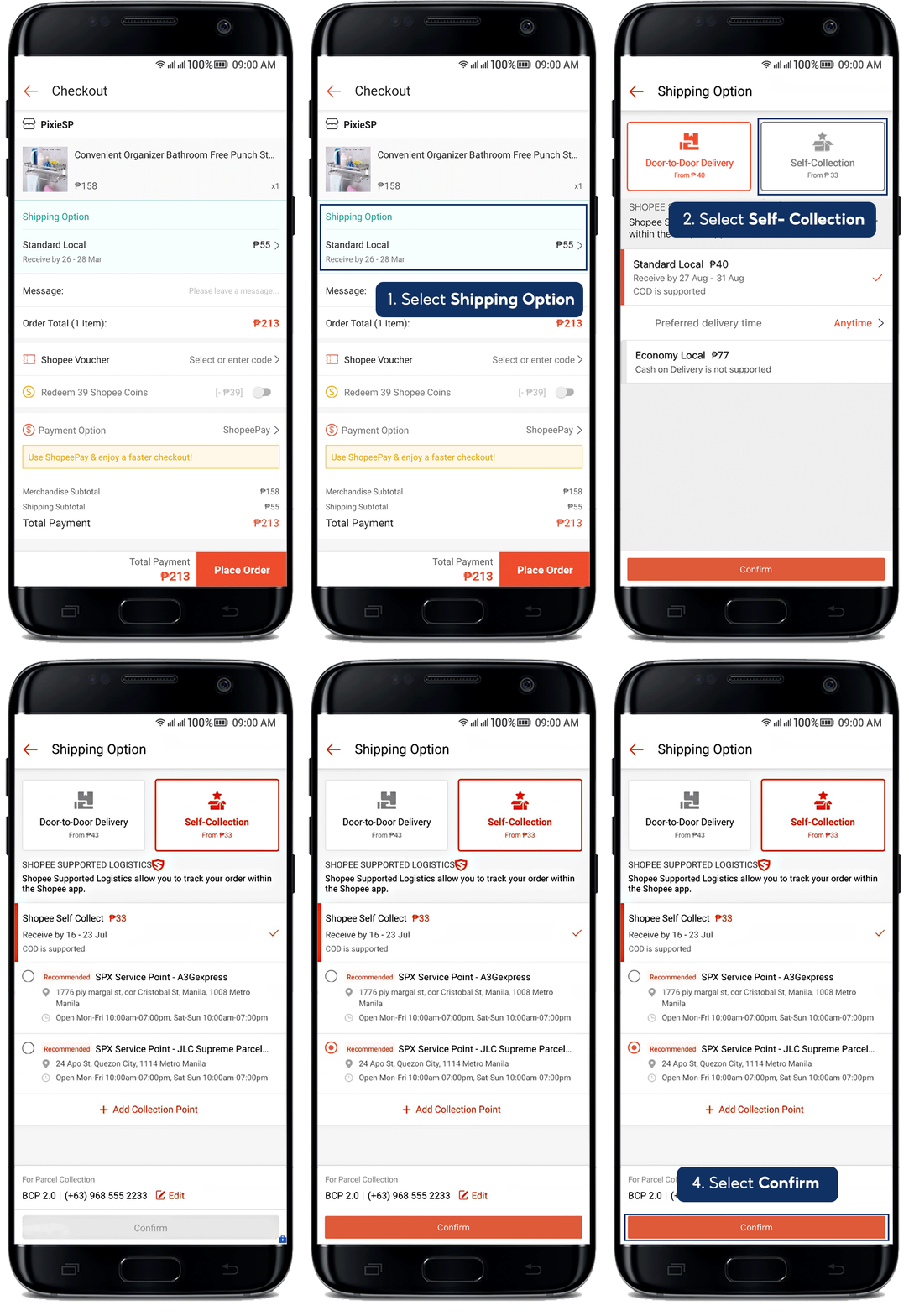
2. Confirm Your Shipping Address
Navigate to My Account → Shipping Address. Compare the address there with the one you entered during checkout. Minor differences—like “St.” versus “Street”—can sometimes cause a mismatch, especially if your bank cross‑references the address.
Tip: Save the address once, then select it from the dropdown instead of typing it anew each time.
3. Complete Account Verification
Shopee may hold orders from accounts that haven’t completed basic verification steps. Look for a banner asking you to:
- Verify your phone number via SMS.
- Upload a government‑issued ID.
- Link a valid social media profile for added security.
Finishing these tasks not only unlocks the checkout flow but also speeds up future transactions.
4. Clear Cache or Update the App
Technical hiccups are easier to overlook. If you’re using the mobile app, try these quick fixes:
- Swipe away the app from recent apps and relaunch.
- Go to Settings → Apps → Shopee → Storage, then tap “Clear Cache.”
- Check the App Store or Play Store for the latest update – newer versions often patch checkout bugs.
Desktop users can simply refresh the page, clear browser cookies, or switch to a different browser.
5. Check Seller Policies
Some sellers restrict purchases to certain regions or block specific payment methods. Look at the product page’s “Shipping Info” or the seller’s “Policy” tab. If the restriction is the culprit, you might need to:
- Choose a different seller offering the same item.
- Contact the seller directly via Shopee Chat to ask for an exception.
When All Else Fails: Reach Out for Help
If you’ve walked through the checklist and the checkout still won’t cooperate, it’s time to contact Shopee support. Here’s how to make the process smoother:
- Open the app, go to Help Center → Chat with Us.
- Provide the order number (or the product link) and a brief description of the error message you saw.
- Attach a screenshot if possible – visual proof often speeds up resolution.
Support agents typically respond within a few hours, and they can either reset the transaction flag on their end or guide you to a more specific fix.
Prevent Future Checkout Rejections
Prevention is better than a repeated scramble. Keep these habits in mind:
- Regularly update payment info. A quick check every month ensures cards don’t expire unnoticed.
- Maintain a verified profile. Completed verification reduces friction for all future purchases.
- Bookmark favorite sellers. Knowing their shipping zones helps you avoid region‑related snags.
- Use ShopeePay. Because it’s built into the ecosystem, it bypasses many external bank checks.
Quick Recap
Checkout rejections on Shopee usually stem from payment glitches, address mismatches, incomplete verification, technical hiccups, or seller restrictions. By systematically reviewing each area, you can often resolve the issue within minutes, and if not, Shopee’s support team is ready to step in.