How to Share a PS5 Account Safely and Legally
Ever wondered why the same game library shows up on a friend’s console after you let them log in? The allure of sharing a PlayStation 5 account is obvious—instant access to a library without buying twice. But the practice walks a thin line between convenience and breach of Sony’s terms. Below we unpack the practical steps, the pitfalls, and the safeguards you can put in place.
Why People Share PS5 Accounts
Two main motivations drive the trend. First, cost‑saving: families and roommates can pool licences for pricey titles, especially those that launch as part of a subscription service. Second, social convenience: a shared account lets friends jump straight into co‑op sessions without swapping discs or arranging purchases.
Both reasons make sense, yet they also create a web of technical and legal considerations that aren’t always obvious at first glance.
What Sony’s Terms Actually Say
Sony’s PlayStation Network Terms of Service are clear: an account is for personal, non‑commercial use only, and you may not share login credentials with anyone outside your household. Violating this can lead to temporary suspensions or permanent bans.
In practice, Sony rarely pursues casual sharing, but the risk isn’t zero. Understanding the exact language helps you gauge how far you can stretch the rules without crossing a line.
Technical Ways to Share Without Breaking Rules
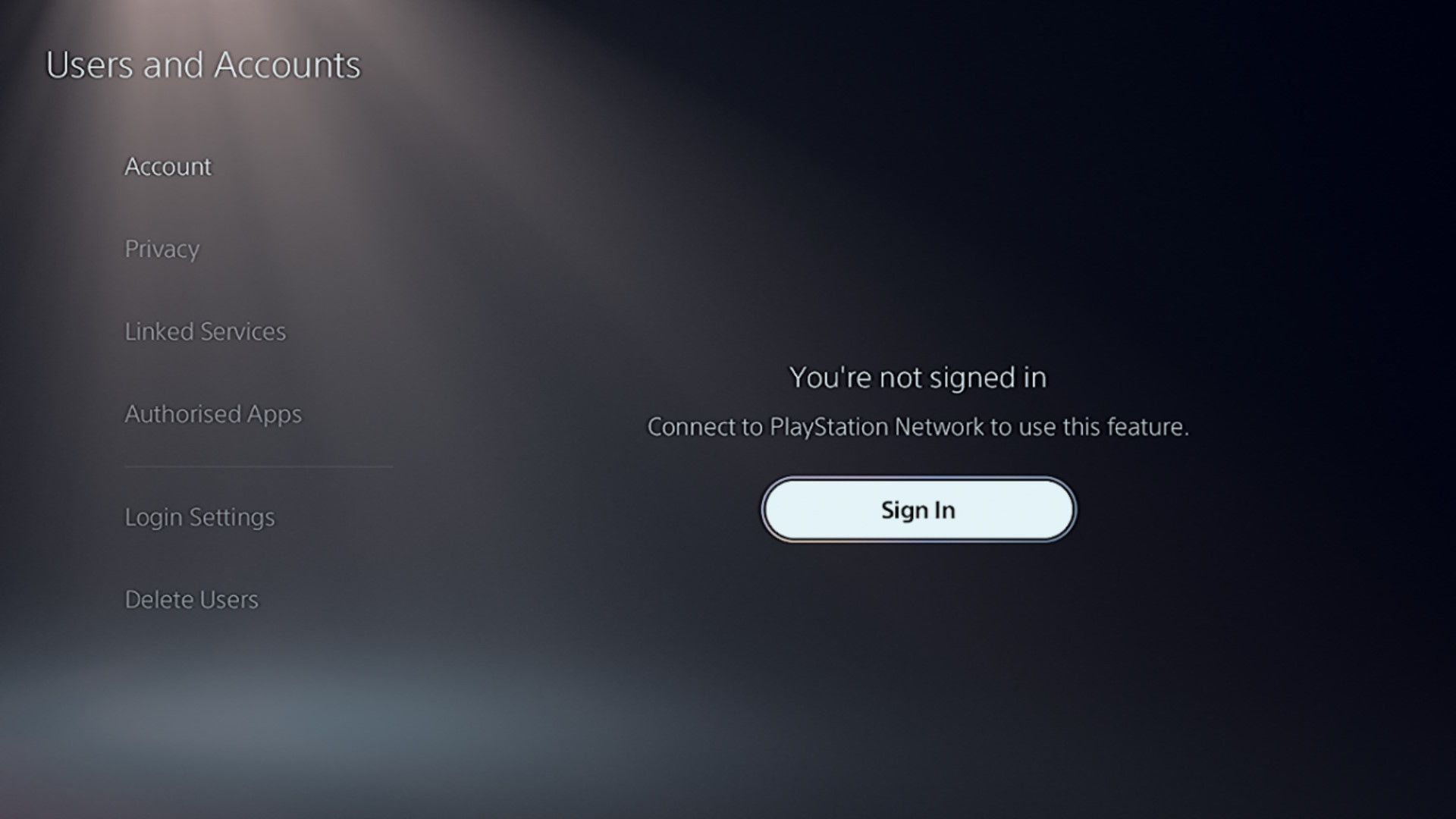
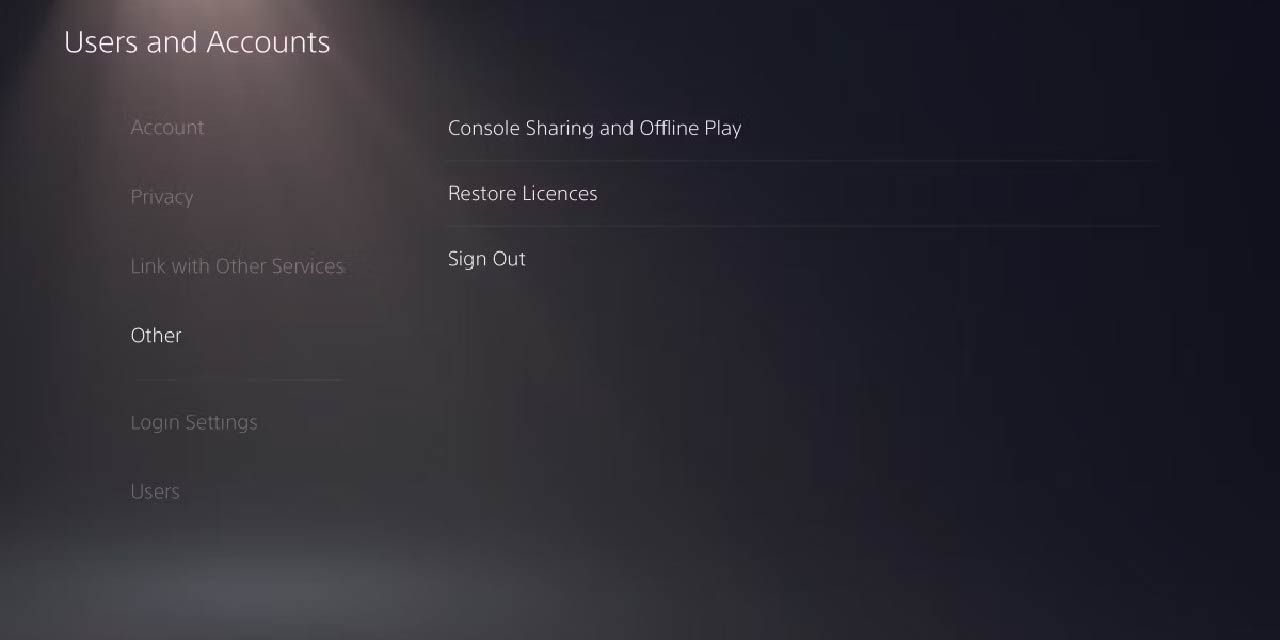
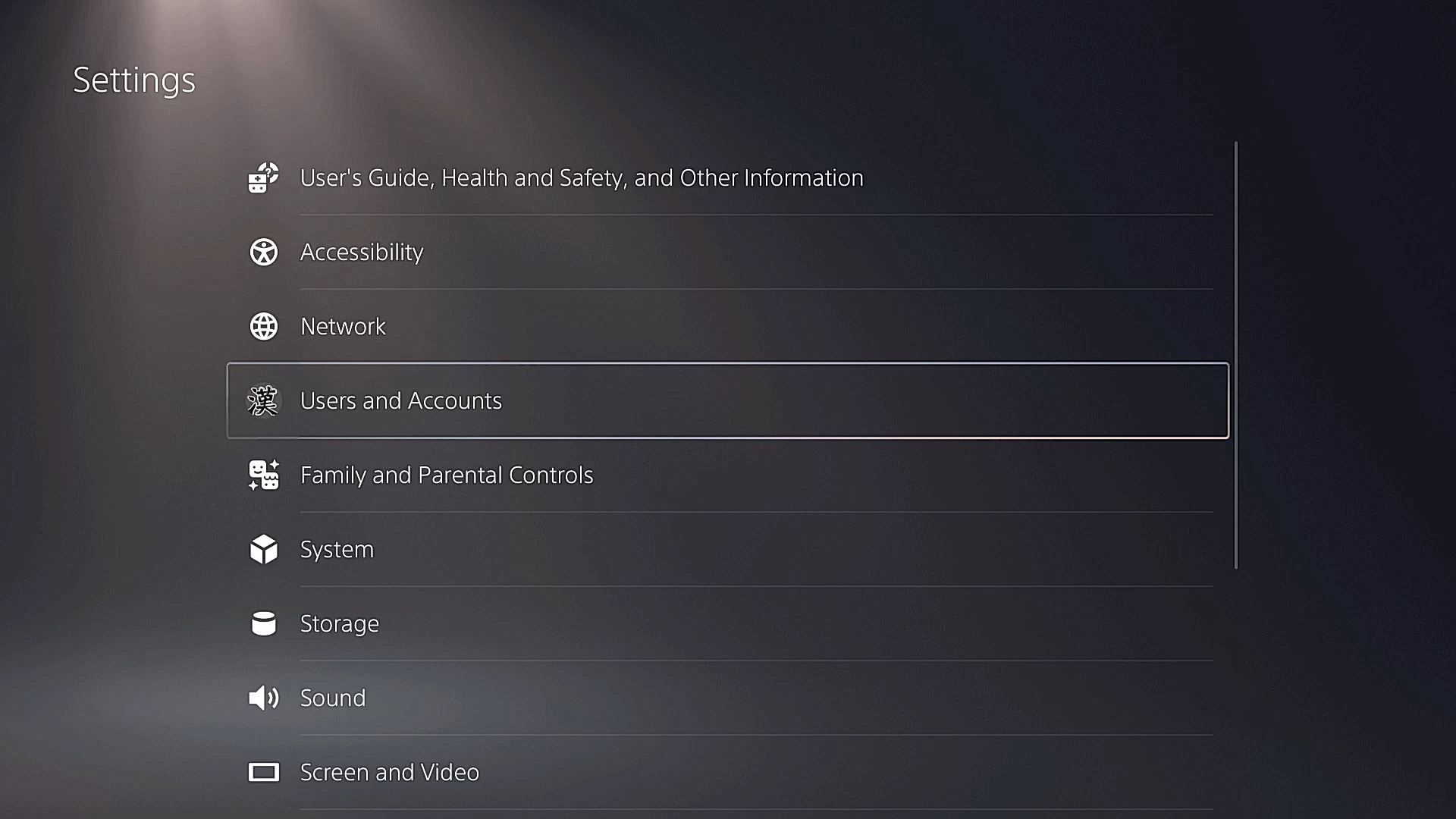
- Primary Console Designation – Set your PS5 as the “primary” console for the account. All other users on that console can play downloaded games and use PlayStation Plus benefits, even if they’re not signed in.
- Game Share Feature – Sony officially promotes “Game Share” as a method for two households to share purchased titles. It works by designating each other’s consoles as primary for the same account.
- Family Management – Create a family group under the “Family Management” portal. You can add up to eight members, grant them access to your subscription services, and control spending limits.
All three options keep your login details private while granting the intended access. They also stay within the boundaries of the service agreement because the sharing is limited to a defined household.
Risks of Unrestricted Credential Sharing
When you hand over your email address and password, you hand over control. A friend could unintentionally uninstall games, change your security settings, or even purchase unwanted DLC. Worse, a malicious actor could use the account for fraudulent activity, leaving you with a financial headache and a potential ban.
Moreover, simultaneous streaming from multiple locations may trigger Sony’s anti‑fraud systems, prompting a forced logout or verification request that interrupts gameplay for everyone.
How to Protect Your Account While Sharing
Even within the official Game Share framework, a few safeguards are worth the few extra minutes you spend setting them up.
Enable Two‑Factor Authentication (2FA)
Activate 2FA on the account’s email and the PlayStation Network itself. This adds a code‑step every time someone tries to log in from a new device, making unauthorized access far harder.
Use a Dedicated “Sharing” Account
Create a secondary Sony account solely for the purpose of sharing. Purchase games on that account, then make it the primary console on the shared device. Your main account stays untouched, and you can revoke access simply by removing primary status.
Set Purchase Restrictions
Within Family Management, you can require a password for every purchase. This way, a friend can play existing titles but cannot add new ones without your explicit approval.
Legal Gray Areas and Regional Differences
Some regions interpret “household” loosely, allowing friends who live together but aren’t family to share. Others enforce stricter definitions, especially where digital rights management laws are tighter. If you’re unsure, check your local consumer protection guidelines or Sony’s regional documentation.
What Happens If You Get Banned
A ban can range from a temporary suspension—usually 24 to 72 hours—to a permanent account deletion. In most cases, the ban applies to the specific ID, not the console, meaning other users can continue playing if they have separate accounts.
If you’re caught in a grey‑area scenario, Sony often offers a “reinstatement” process after a waiting period, but you’ll likely lose any purchased content tied to the suspended ID.
Alternatives to Direct Sharing
When the risk feels too high, consider these workarounds that keep the experience collaborative without compromising security.
- PlayStation Plus Collection – Subscribe to the service and both parties get access to a rotating library of titles without needing a shared account.
- Game‑Specific Co‑Op – Invite friends to join a session using the “Invite Friends” feature; the host’s game copy covers everyone’s playtime.
- Physical Discs – For titles that still ship on disc, simply swap the disc between consoles. It’s low tech, but it works.
Bottom Line: Share Wisely, Play Freely
Sharing a PS5 account can be a smart way to stretch your gaming budget, but it demands a balance of technical know‑how and respect for Sony’s policies. By designating primary consoles, leveraging Game Share, and bolstering security with 2FA and purchase limits, you get most of the convenience without courting a ban. When in doubt, the official alternatives—subscriptions and co‑op invites—offer a risk‑free path to the same multiplayer fun.