How to Stream ITV Channels on Android TV
If you’ve recently added an Android TV to your living room and wonder how to bring ITV’s lineup into the mix, you’re in the right spot. The process isn’t hidden behind a maze of menus; it’s mainly a matter of installing the right app and tweaking a few settings. Below you’ll find a step‑by‑step guide, plus some handy tips for a smooth viewing experience.
What You Need Before You Start
- A compatible Android TV (most 2015‑onward models work)
- Stable internet connection—Wi‑Fi or Ethernet
- A free ITV account (optional but useful for personalization)
- The ITV Hub app from the Google Play Store
Installing the ITV Hub App
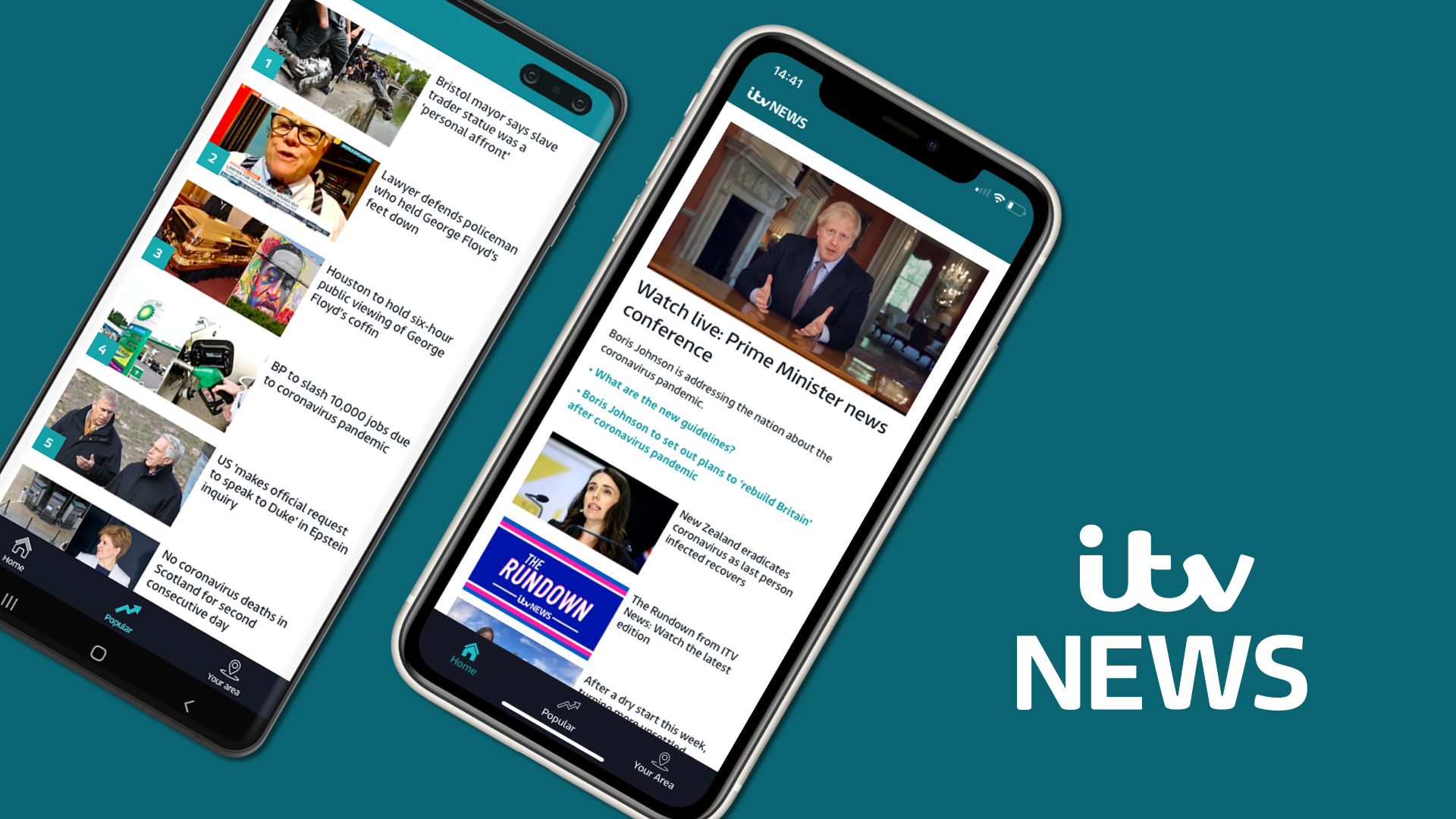
First, fire up your Android TV and head to the Google Play Store. If you don’t see it on the home screen, use the Search function and type “ITV Hub”. Once you spot the official icon (a red “ITV” on a white square), select Install. The download typically finishes in under a minute on a decent connection.
Quick Checklist
- Ensure your TV’s software is up to date; older firmware can cause compatibility hiccups.
- If the Play Store asks for a Google account, sign in with the one you use for other apps.
- Watch the progress bar—don’t interrupt the install.
Launching and Setting Up the App
When the installation completes, open ITV Hub from your apps row. The first screen will greet you with a brief welcome video; you can skip it if you prefer. Next, you’ll see two main options: Sign In or Continue as Guest. Signing in grants access to your favorites, catch‑up services, and personalised recommendations, but it’s not mandatory for live channels.
Signing In (Optional)
Tap Sign In and choose your preferred method—email, Apple ID, or a social login. Follow the on‑screen prompts, then verify your account if required. Once logged in, you can link your TV provider (if you have a cable or satellite subscription) to unlock premium ITV content.
Finding the ITV Channels
After the app loads, you’ll land on the home screen where a carousel of featured shows rolls by. To get straight to the live channels, navigate to the Live TV tab—usually located at the bottom of the screen. Here you’ll see the core ITV lineup:
- ITV1 (main channel)
- ITV2
- ITV3
- ITV4
- ITVBe
Select any of them and the stream should begin within a few seconds. If a channel appears greyed out, it may require a TV provider login or be unavailable in your region.
Troubleshooting Common Hurdles
Even with a straightforward setup, a few snags can pop up. Below are the most frequent issues and quick fixes.
- Buffering or freezing: Switch from Wi‑Fi to a wired Ethernet connection, or move the router closer to the TV.
- App won’t open: Clear the cache via Settings → Apps → ITV Hub → Storage, then restart the TV.
- Channel missing: Verify that your ITV account is linked to a supported TV provider; some premium channels need that association.
- Sound out of sync: Check the TV’s audio settings; disabling “Dolby Atmos” or similar enhancements often resolves timing mismatches.
Enhancing the Viewing Experience
Once you’re watching ITV without interruption, consider these tweaks for added comfort.
- Enable Closed Captions from the app’s settings if you need subtitles.
- Use the ‘Remember my position’ feature for series you binge; the app will pick up where you left off.
- Activate Night Mode on your TV to reduce eye strain during late‑night viewing.
Alternative Ways to Access ITV on Android TV
If the ITV Hub app isn’t your cup of tea, there are a couple of workarounds.
- Screen Mirroring: Cast ITV from a smartphone or tablet via Chromecast built into most Android TVs.
- Third‑Party TV Apps: Some platforms like Freeview Play include ITV channels and are also available on the Play Store.
Final Thoughts
Getting ITV onto your Android TV is essentially a matter of a few clicks, a reliable internet line, and a bit of patience if the first attempt stalls. With the app installed, your favourite dramas, reality shows, and live sports will be right at your fingertips, ready for a relaxed evening on the sofa.