How to Use NetNewsWire via GitHub: Open‑Source RSS Guide
Why NetNewsWire Still Matters
In a world where social media feeds dominate the headlines, a clean, reliable RSS reader can feel like a breath of fresh air. NetNewsWire delivers exactly that — a lightweight, macOS‑focused client that respects privacy and stays true to the original spirit of RSS. Because the code lives on GitHub, anyone can peek under the hood, customize, or even lend a hand.
Getting the Source from GitHub
First things first: you’ll need the repository. Open your terminal and run:
git clone https://github.com/Ranchero-Software/NetNewsWire.git
This pulls the latest stable branch into a folder named NetNewsWire. If you prefer a specific release, switch to the tag that matches your macOS version:
git checkout tags/v4.0.2
Don’t forget to keep the code up to date. A quick git pull in the project directory will fetch any new commits.
Building the App
NetNewsWire uses Swift and Xcode, so you’ll need the latest Xcode installed. Open the NetNewsWire.xcodeproj file, select the NetNewsWire scheme, and hit Run. Xcode handles the dependencies via Swift Package Manager, downloading everything automatically.
If you encounter a “cannot find module” error, check that your command‑line tools point to the correct Xcode version:
xcode-select --install
Key Features Worth Exploring
Even though NetNewsWire’s interface is minimal, several hidden gems often surprise newcomers:
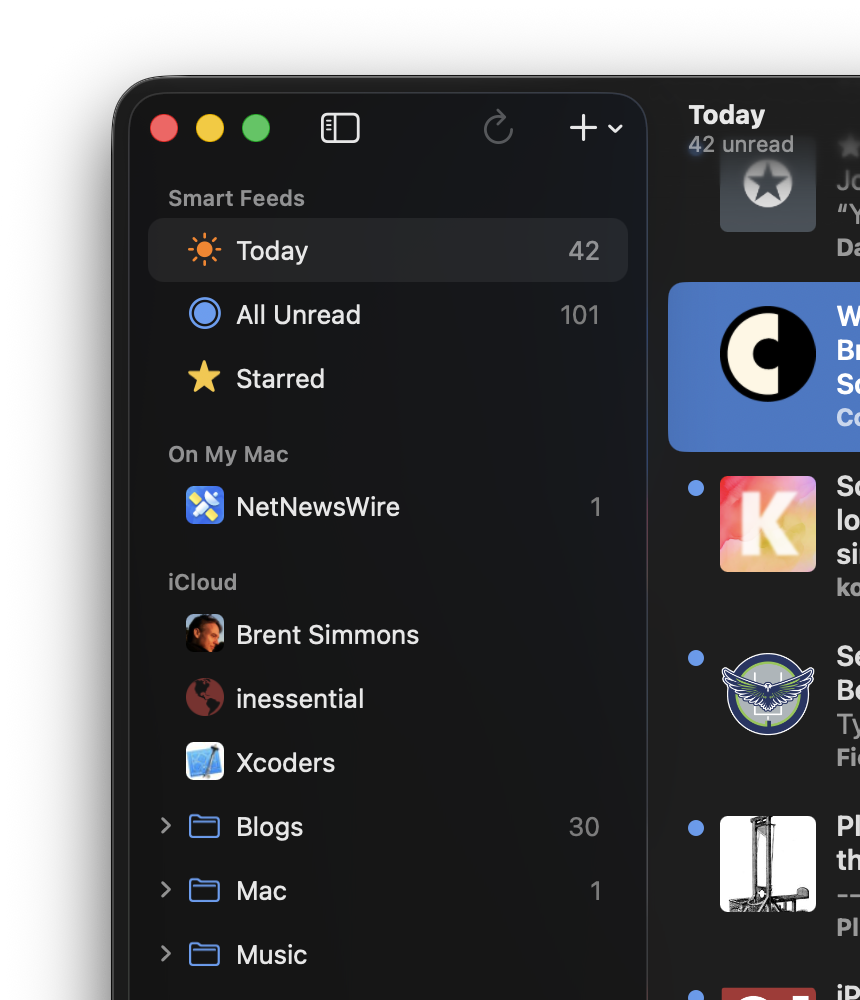
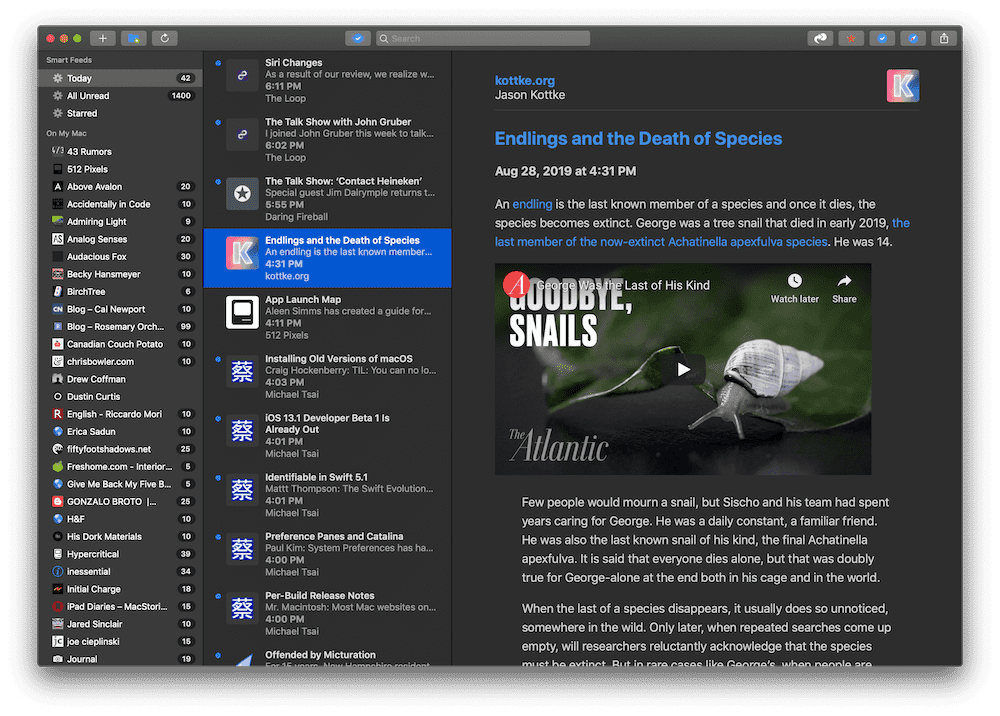
- Smart Filters – Organize feeds by unread count, starred items, or custom keywords.
- Keyboard‑Centric Navigation – Jump between columns with ⌘ + ←/→ and mark items as read with Space.
- Sync Options – Connect to Feedly, Inoreader, or self‑hosted services via the Settings pane.
- Extensions – Plug‑in support lets developers add actions like “Save to Pocket” without touching the core code.
Contributing Without a Full‑Time Commitment
Open‑source projects thrive on small, incremental contributions. Here’s a low‑stress way to get involved:
- Browse the issue tracker for “good first issue” tags.
- Fork the repository, create a new branch (e.g.,
fix‑icon‑spacing), and make your changes. - Run the test suite with
swift testto ensure nothing breaks. - Open a pull request and let the maintainers review it.
The community is friendly; most reviewers will leave a helpful comment rather than a blunt rejection.
Setting Up Your RSS Streams
Once the app is running, adding feeds is as simple as dropping the URL into the sidebar. For bulk imports, NetNewsWire reads OPML files:
- Export your old reader’s feeds to an OPML file.
- In NetNewsWire, choose File → Import OPML… and point to the file.
Tip: Organize feeds into folders named after topics (e.g., “Tech,” “Health”). This makes the smart filter work even better.
Keeping Your Data Safe
While NetNewsWire stores feed data locally, you can back up the SQLite database located at ~/Library/Containers/com.ranchero.NetNewsWireMac/Data/Library/Application Support/NetNewsWire/Database.sqlite. A scheduled rsync or Time Machine backup will protect you from accidental loss.
Advanced Tweaks for Power Users
Because the source is public, you can tweak the UI or add hidden shortcuts. For instance, editing Preferences.swift lets you change the default refresh interval from 15 minutes to any value you prefer. Just recompile, and the change takes effect instantly.
Where to Find Help
The GitHub wiki hosts a FAQ, while the Discussions tab is a good spot for feature requests or troubleshooting. If you’re stuck, a quick search of existing issues often reveals that someone else faced the same hiccup.
Bottom Line
NetNewsWire remains a solid choice for anyone who wants a no‑frills RSS reader that you can actually see the code behind. By cloning the repo, building it yourself, and maybe pitching in a small fix, you get a personalized feed reader and a glimpse into the collaborative world of open source. Happy reading!