How to Use Robinhood 2FA to Secure Your Investments Today
When it comes to trading on a mobile platform, the temptation to skip extra security steps is real. Yet a single breach can wipe out a portfolio that took months to build. Robinhood’s two‑factor authentication (2FA) isn’t just a buzzword—it’s a practical line of defense you can enable in minutes.
Why Two‑Factor Authentication Matters
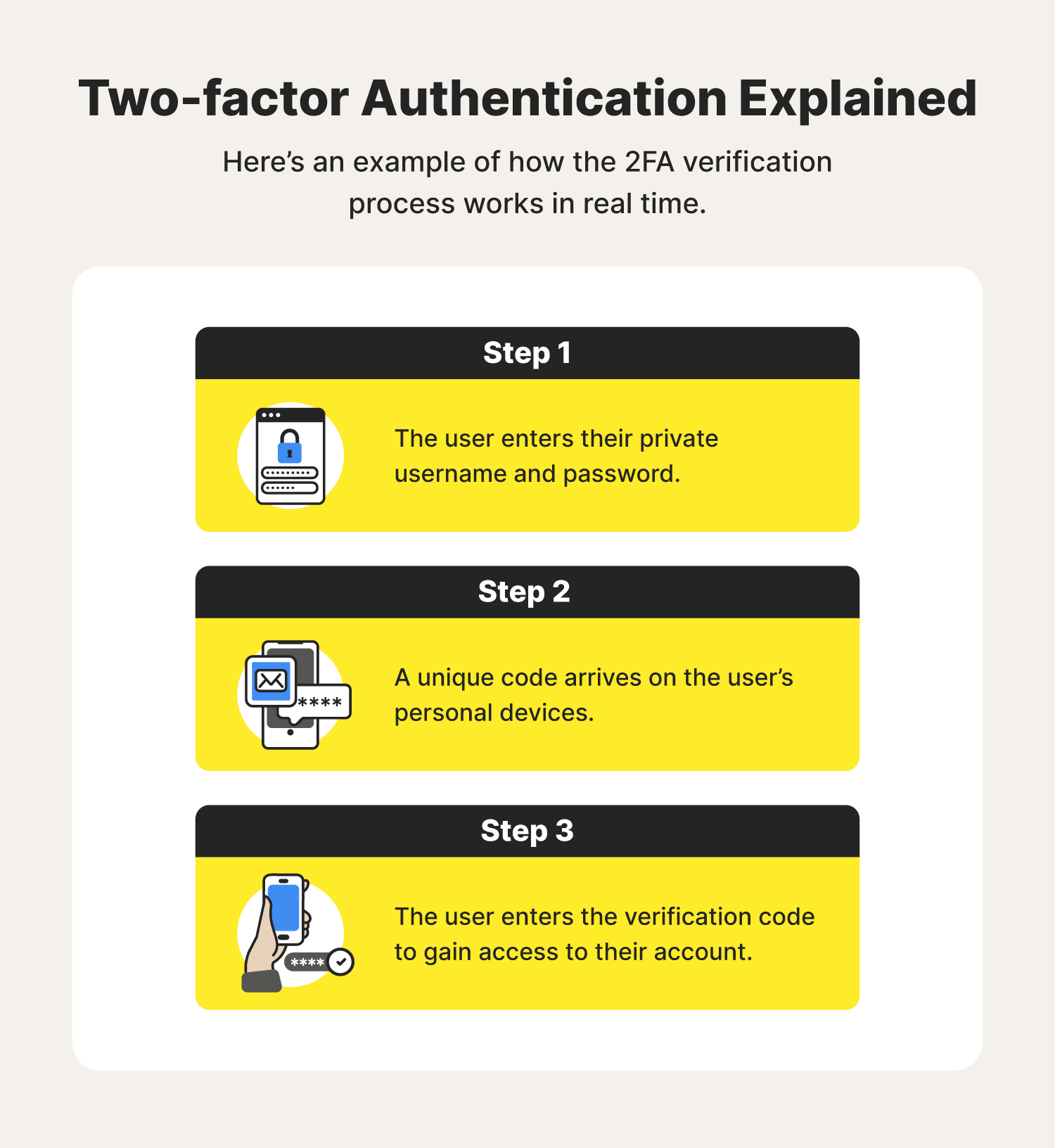
Passwords alone are vulnerable to phishing, credential stuffing, and simple guesswork. Adding a second factor—usually a time‑based code from an app or a text message—means a thief would need both your secret and physical access to your phone.
- Reduced attack surface: Even if your password leaks, the attacker hits a wall.
- Real‑time alerts: Most 2FA methods send a notification when a login attempt occurs.
- Compliance boost: Some brokers require 2FA for higher‑risk transactions; Robinhood is moving in that direction.
Setting Up 2FA on Robinhood
First, make sure your app is updated to the latest version. The steps differ slightly between iOS and Android, but the overall flow is the same.
Step‑by‑Step Guide
- Open the Robinhood app and tap the Account icon (the little silhouette at the bottom‑right).
- Select Settings > Security & Privacy.
- Tap Two‑Factor Authentication. You’ll see two options: SMS code or Authenticator app.
- If you choose SMS, enter your mobile number and confirm the code you receive.
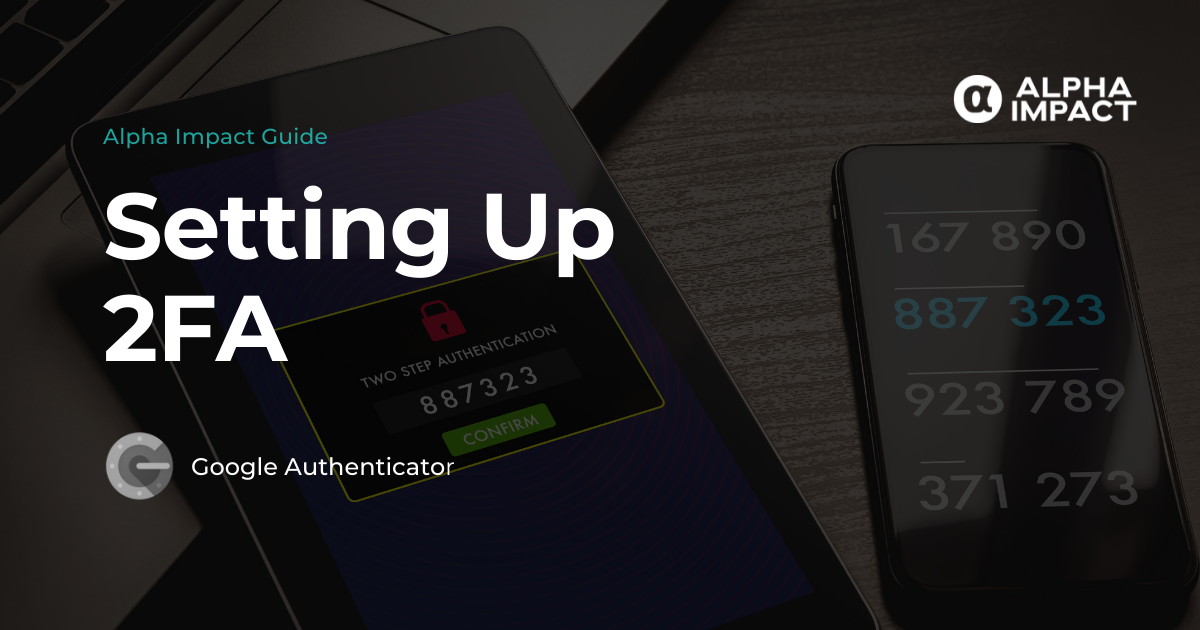
- For an authenticator app, scan the QR code with Google Authenticator, Authy, or any TOTP‑compatible app.
- Enter the six‑digit code generated by the app to verify.
- Hit Save. You’ll now be prompted for a 2FA code on every new login.
That’s it. Most users finish the process in under five minutes.
Choosing Between SMS and an Authenticator App
Both methods are supported, but they’re not created equal.
- SMS is convenient—no extra app required—but it can be intercepted via SIM swapping.
- Authenticator apps store codes locally, making them immune to network‑based attacks.
If you’re comfortable installing a small utility, the authenticator route offers a marginally higher security ceiling.
Best Practices to Keep Your 2FA Effective
- Backup your authenticator seeds. Most apps let you export or screenshot the QR code—store it safely offline.
- Enable biometric unlock (fingerprint or Face ID) on your phone; it adds another layer without extra friction.
- Regularly update your recovery phone number. An outdated number can lock you out for weeks.
- Consider a hardware token (like YubiKey) if you frequently trade large sums.
These habits don’t require a massive time investment, yet they close the gaps that attackers love to exploit.
What to Do If You Lose Access to Your 2FA Device
Misplacing your phone or wiping the authenticator app can feel catastrophic. Robinhood does provide a recovery workflow, but it’s deliberately thorough to prevent fraud.
- Visit the Help Center on the website and select “I can’t access my 2FA.”
- Provide a government‑issued ID and a selfie for verification.
- Answer security questions based on your account history.
- Once approved, you can set a new 2FA method.
The process might take a day or two, which is why a backup method is worth the initial setup time.
Common Pitfalls and How to Avoid Them
Even after you enable 2FA, a few habits can erode its benefits.
- Saving passwords in plain text on your phone or computer. Pair your 2FA with a reputable password manager.
- Using the same phone number for multiple services. If that number is compromised, every linked account suffers.
- Ignoring app updates. Older versions may lack the latest security patches that protect the 2FA flow.
Think of 2FA as a lock—if the key is left out on the floor, the lock isn’t much help.
Advanced Tip: Enable Transaction Confirmation
Robinhood now offers an optional step that asks for a 2FA code before confirming a trade that exceeds a set threshold. Toggle this in Settings > Security & Privacy > Trade Confirmation and set your own limit. It’s a small extra friction that can prevent accidental high‑value orders.
How 2FA Impacts Your Overall Investing Experience
There’s a perception that security measures slow you down. In practice, once you’re accustomed to the prompt, entering a six‑digit code becomes second nature—much like entering your PIN at an ATM.
Moreover, knowing your account is fortified can reduce the anxiety that often accompanies market volatility. You can focus on strategy rather than worry about unauthorized access.
Is 2FA Enough?
Security is a layered discipline. 2FA is a strong middle layer, but you should still watch out for:
- Phishing emails that mimic Robinhood communications.
- Public Wi‑Fi that could expose session cookies.
- Unpatched operating systems on your device.
Combining 2FA with cautious browsing and up‑to‑date software creates a resilient shield around your investments.
Final Thought: Make 2FA a Habit, Not an Afterthought
Turning on two‑factor authentication on Robinhood is a quick win for anyone serious about protecting their capital. The steps are straightforward, the maintenance is minimal, and the payoff—peace of mind—is priceless. If you haven’t activated it yet, the moment is now.