How to Watch Live TV Streams Online: A Practical Guide
Want to catch the latest episode of your favorite sitcom, a breaking news bulletin, or a live sports showdown without fiddling with a cable box? Watching live TV streams online has become a surprisingly straightforward way to stay plugged in, and you don’t need a Ph.D. in tech to make it work. Below, we break down the most reliable methods, the gear you’ll need, and a handful of tips that keep the picture crisp and the buffering at bay.
Why Live TV Streaming Is Gaining Momentum
The shift from traditional broadcast to internet‑based delivery isn’t just a fad; it reflects how audiences actually consume content. First, streaming erases the geographic barriers that once locked viewers into local affiliates. Second, most platforms let you hop between devices—watch a game on your phone during a commute, then finish the episode on your living‑room TV. Finally, many services bundle live channels with on‑demand libraries, so you get both worlds in a single subscription.
Legal Ways to Access Live TV Streams
Not every “free” stream you find on a search engine is above board, but there are plenty of legitimate options that deliver high‑quality video without sketchy pop‑ups.
Network Websites and Apps
Major broadcasters such as ABC, CBS, NBC, and Fox stream their prime‑time line‑up directly on their websites or through official apps. All you typically need is a valid cable or satellite login to unlock the live feed; some networks also offer limited free streams for major events.
Over‑The‑Top (OTT) Services
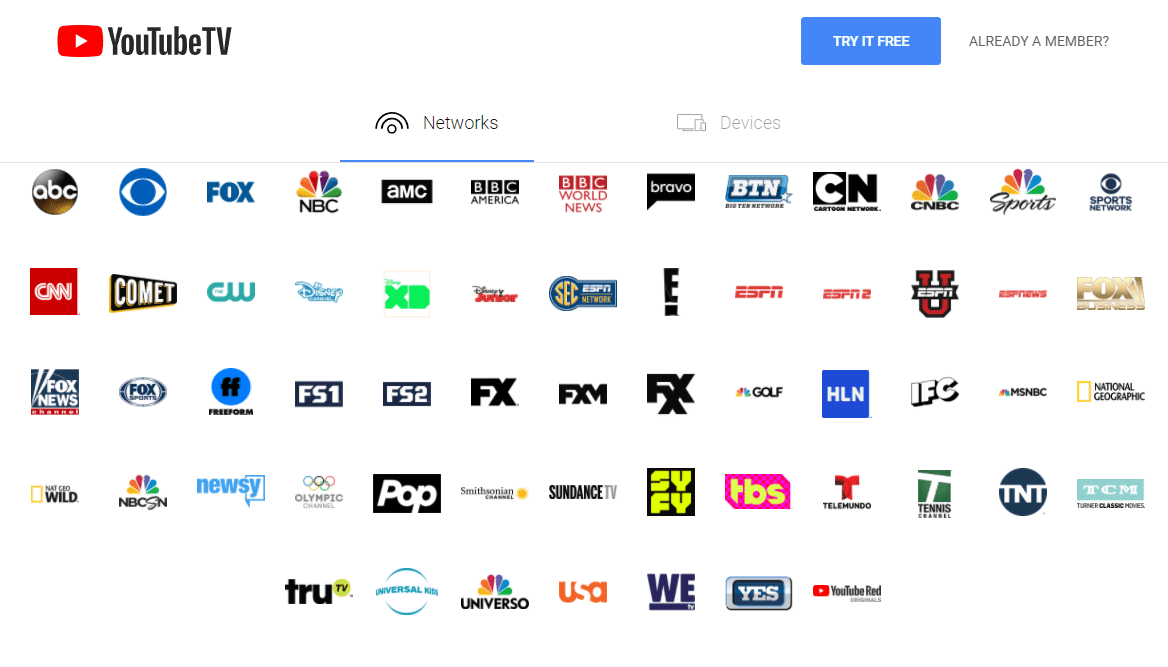
Platforms like YouTube TV, Hulu + Live TV, Sling TV, and Philo aggregate dozens of channels into a single subscription. Prices range from under $30 a month for a lean lineup to $80+ for a full‑fledged package that includes regional sports networks and premium movie channels.
Free, Ad‑Supported Services
If you’re willing to tolerate occasional commercials, services such as Pluto TV, Tubi Live, and Xumo provide a rotating roster of news, sports, and entertainment channels at no cost. The trade‑off is a smaller selection and occasional channel shuffling.
Live‑TV Apps Tied to Antenna Reception
For those who still rely on over‑the‑air (OTA) broadcasts, apps like Tabloid TV or HDHomeRun let you stream the antenna signal to any device on your home network. You’ll need an HD antenna and a compatible tuner, but the result is a completely free, high‑definition feed of local stations.
Choosing the Right Device and Setup
Once you’ve settled on a service, the next question is: where will you watch? The answer often depends on what you already own and how you prefer to consume media.
- Smart TVs: Most new models ship with built‑in apps for the major streaming services. A simple remote‑click is all it takes to launch the live feed.
- Streaming Sticks and Boxes: Devices like Roku, Amazon Fire TV, Apple TV, and Chromecast are affordable, plug‑and‑play solutions that add a robust app ecosystem to older televisions.
- Computers and Laptops: A web browser or dedicated desktop app works well for multitasking—think watching a news broadcast while taking notes or browsing the web.
- Mobile Phones and Tablets: Most services offer iOS and Android apps optimized for smaller screens, perfect for catching a game on the go.
Regardless of the hardware, ensure your internet connection can sustain at least 5 Mbps for standard definition, 10 Mbps for high definition, and 25 Mbps for 4K streams. A wired Ethernet connection is ideal for stability, but modern Wi‑Fi routers with dual‑band capability usually cut it for most households.
Tips for a Smooth Viewing Experience
- Check for Data Caps: Some ISPs throttle bandwidth after a certain usage threshold, which can turn a crisp HD stream into a pixelated nightmare.
- Use a VPN Wisely: If a service is geo‑blocked in your region, a reputable VPN can grant access—but be aware that some providers actively block VPN traffic.
- Keep Apps Updated: Developers frequently release patches that improve streaming performance and fix compatibility quirks.
- Adjust Playback Settings: Most platforms let you toggle between automatic quality and a fixed bitrate; locking to a lower setting can prevent buffering on shaky connections.
- Prioritize Your Router Placement: Position the router centrally, away from thick walls or appliances that emit electromagnetic interference.
Frequently Asked Questions
Is it legal to watch live TV streams online for free?
Yes, as long as you use services that have proper licensing agreements with the broadcasters. Free, ad‑supported platforms and OTA‑linked apps fall into this category; dubious “free” streams that bypass rights holders are not.
Do I need a cable subscription to use most live‑TV streaming services?
Not necessarily. While services like Hulu + Live TV or YouTube TV include live channels in their subscription, they don’t require you to maintain a separate cable package. However, some network apps still ask for a cable login to verify eligibility.
Can I record live streams for later viewing?
Many OTT platforms offer a cloud DVR feature, often with a limited storage allotment. The exact rules vary—some services let you keep recordings for 30 days, others for a year. Check the provider’s DVR policy before you rely on it for long‑term archiving.
What’s the best way to watch sports live without a cable box?
Sports fans typically gravitate toward services that carry regional sports networks (RSNs) or dedicated sports bundles. Sling TV’s “Sports Extra” add‑on, the “NFL Game Pass,” and ESPN+ are popular choices, though availability can differ by market.