IOS & Apple Data Protection: What You Need To Know
As we increasingly rely on our iPhones and other Apple devices to store sensitive information, it's essential to understand how the company protects our data. Apple has long emphasized its commitment to user privacy, but what does that mean in practice? In this article, we'll delve into the world of iOS and Apple data protection, exploring the measures in place to safeguard your information.
Understanding Apple's Approach to Data Protection
Apple's approach to data protection is built around the concept of "security by design." This means that security and privacy are integrated into every aspect of the company's products and services, from the hardware and software to the data centers and networks. Apple aims to provide a secure environment where users can trust that their data is protected.
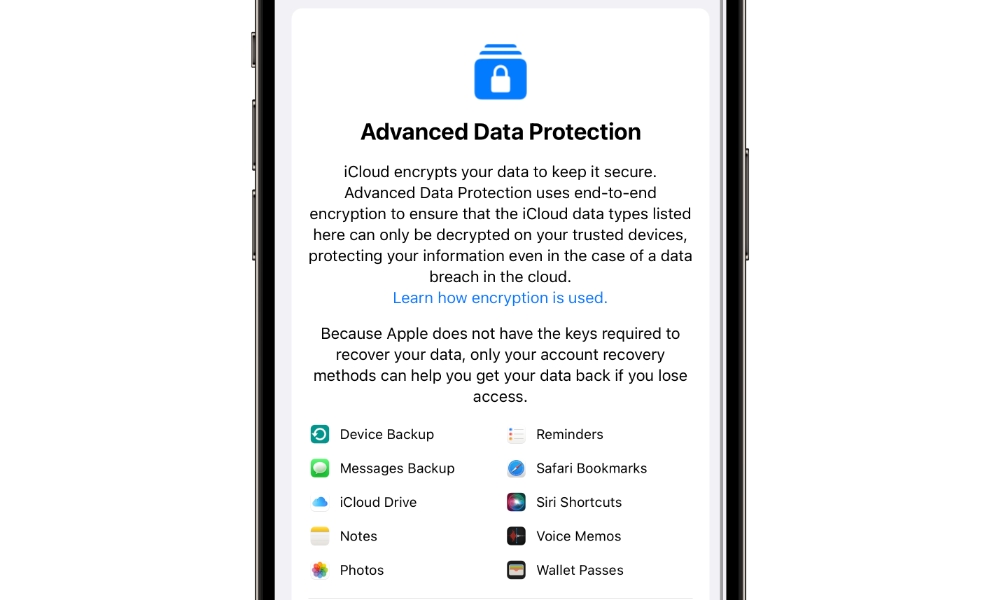
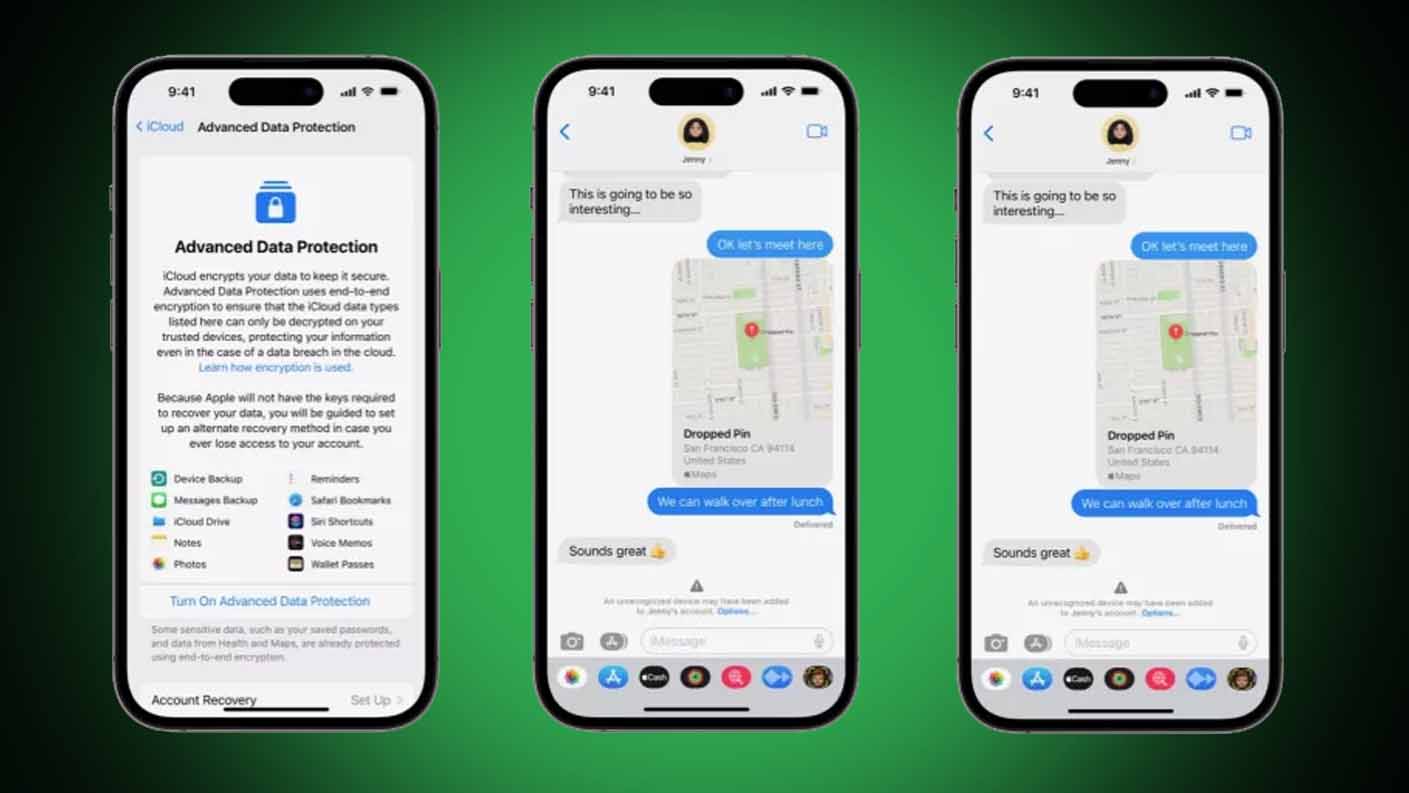
One key aspect of Apple's approach is end-to-end encryption. This means that data is encrypted on the device and can only be decrypted with the user's password, passcode, or biometric authentication (Face ID or Touch ID). This ensures that even if an unauthorized party gains access to the data, they won't be able to read or use it.
IOS Security Features
iOS, the operating system powering iPhones and iPads, includes a range of security features designed to protect user data. Some of the most notable features include:
* Face ID and Touch ID: Biometric authentication methods that provide secure and convenient unlocking and authentication.
* Secure Enclave: A dedicated chip that stores sensitive data, such as encryption keys and biometric data, in a secure environment.
* Data Protection: A feature that encrypts data on the device, using the Advanced Encryption Standard (AES) with a 256-bit key.
Data Encryption on iOS Devices
When you store data on an iOS device, it's encrypted using the Data Protection feature. This encryption uses a 256-bit AES key, which is stored in the Secure Enclave. The key is wrapped with a password, passcode, or biometric authentication, ensuring that only the authorized user can access the data.
There are some exceptions to this encryption, such as data stored in iCloud, which is encrypted but can be accessed by Apple if needed. However, Apple emphasizes that it only accesses this data when necessary, and only with user consent.
Apple's Data Collection Practices
Like many tech companies, Apple collects some data to improve its products and services. However, the company is transparent about what data it collects and how it's used. Apple provides detailed information on its data collection practices on its website, including:
* Diagnostic and usage data: Collected to improve the performance and stability of Apple devices.
* Location data: Collected to provide location-based services, such as Maps and Find My.
* Personal data: Collected to provide personalized experiences, such as Siri and Apple News.
Controlling Your Data
Apple provides users with control over their data through various settings and features, including:
* Data & Storage: A settings section where users can manage data storage, delete data, and control app access to data.
* Privacy settings: A range of settings that allow users to control app access to location, contacts, and other sensitive data.
* iCloud: A cloud storage service that allows users to store and access data across multiple devices.
Best Practices for iOS Data Protection
While Apple provides robust security features, users can take additional steps to protect their data:
* Use a strong passcode or password: A complex passcode or password can help prevent unauthorized access to your device.
* Enable two-factor authentication: This adds an extra layer of security when accessing Apple services.
* Keep your device and apps up to date: Regular updates often include security patches and feature enhancements.
Conclusion
In conclusion, Apple takes data protection seriously, incorporating robust security features into its products and services. By understanding how iOS and Apple protect your data, you can take steps to ensure your information remains secure. While no system is perfect, Apple's commitment to user privacy and security provides a solid foundation for protecting your sensitive data.
By following best practices and taking advantage of Apple's security features, you can enjoy the benefits of your Apple devices while keeping your data safe.