Nginx 403 Forbidden Errors: Fixing Common Access Denials
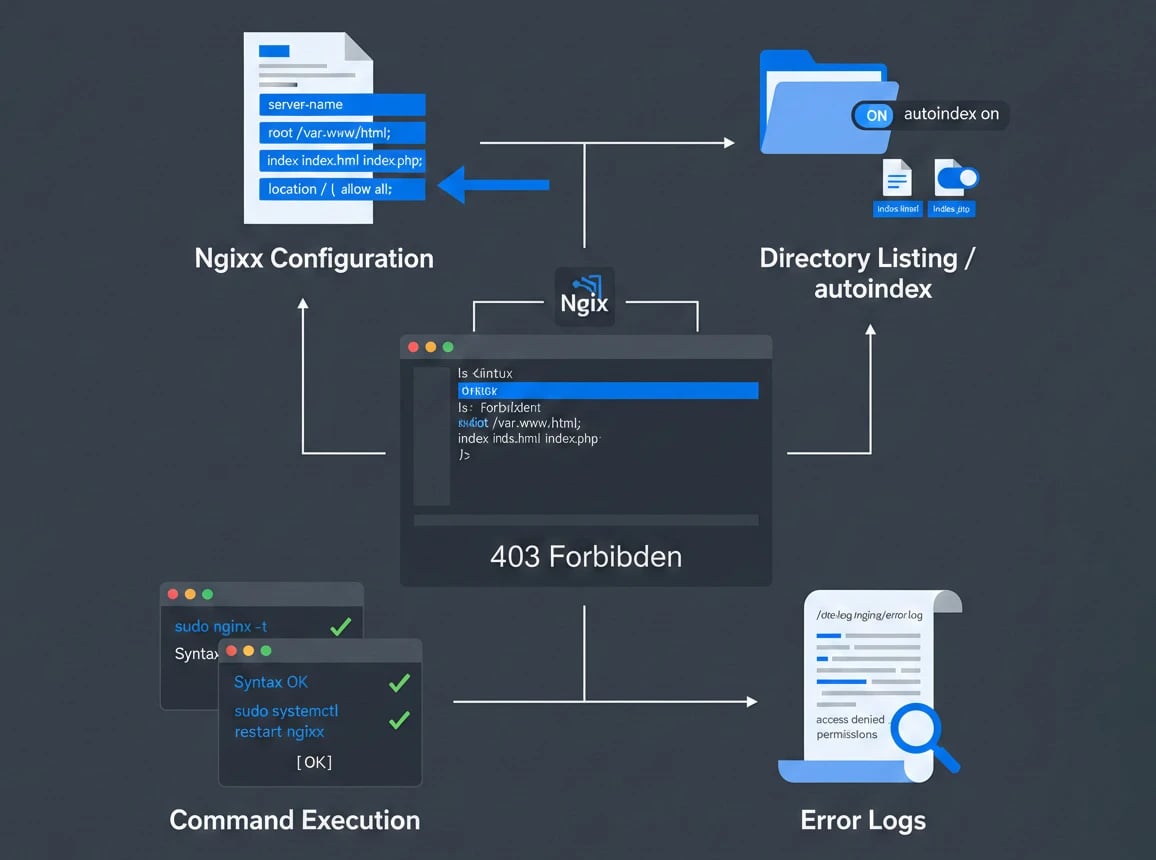
Nginx is a popular web server known for its high performance and reliability, but like any other server, it can encounter errors. One of the most common errors Nginx users face is the 403 Forbidden error. This error occurs when the server denies access to a requested resource, and it can be frustrating to resolve. In this article, we will explore the common causes of Nginx 403 Forbidden errors and provide step-by-step solutions to fix them.
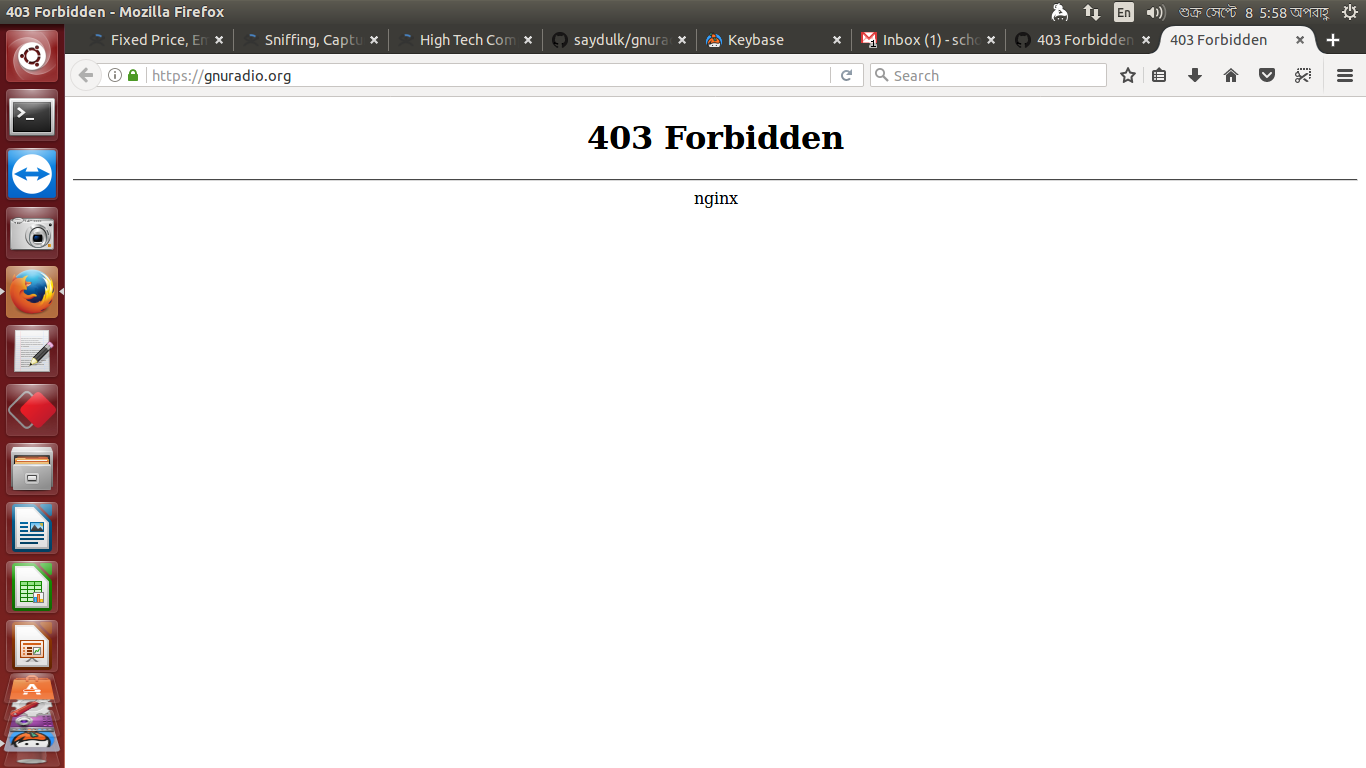
The 403 Forbidden error is usually accompanied by an error message that indicates the server understands the request but refuses to authorize it. The error message may vary depending on the Nginx configuration and the specific error. Understanding the cause of the error is crucial to resolving it, and we will discuss the most common causes and their solutions.
Causes of Nginx 403 Forbidden Errors
There are several reasons why Nginx may return a 403 Forbidden error. Some of the most common causes include:
- Incorrect file permissions: If the file or directory permissions are not set correctly, Nginx may deny access to the requested resource.
- Invalid user or group ownership: If the user or group ownership of the file or directory is not set correctly, Nginx may return a 403 error.
- Misconfigured Nginx configuration files: Errors in the Nginx configuration files can cause the server to deny access to resources.
- Apache and Nginx running simultaneously: Running both Apache and Nginx on the same server can cause conflicts and result in 403 errors.
- SELinux or AppArmor restrictions: Security-enhanced Linux (SELinux) and AppArmor can restrict access to files and directories, leading to 403 errors.
Fixing Nginx 403 Forbidden Errors
To fix Nginx 403 Forbidden errors, you need to identify the cause of the error and apply the corresponding solution. Here are some step-by-step solutions to common causes:
For incorrect file permissions:
- Check the file permissions using the ls -l command.
- Set the correct file permissions using the chmod command. For example, to set the permissions to 755, use the command chmod 755 filename.
For invalid user or group ownership:
- Check the user and group ownership using the ls -l command.
- Set the correct user and group ownership using the chown command. For example, to set the ownership to the www-data user and group, use the command chown www-data:www-data filename.
Misconfigured Nginx Configuration Files
Misconfigured Nginx configuration files can cause 403 errors. To fix this, you need to check the configuration files for errors and correct them. Here are the steps:
- Check the Nginx configuration files in the /etc/nginx directory.
- Look for any syntax errors or incorrect configurations.
- Correct the errors and restart the Nginx service using the command service nginx restart.
Apache and Nginx Running Simultaneously
Running both Apache and Nginx on the same server can cause conflicts and result in 403 errors. To fix this, you need to stop one of the servers or configure them to run on different ports. Here are the steps:
- Stop the Apache service using the command service apache2 stop.
- Configure Nginx to run on a different port by editing the /etc/nginx/nginx.conf file.
- Restart the Nginx service using the command service nginx restart.
SELinux or AppArmor Restrictions
SELinux and AppArmor can restrict access to files and directories, leading to 403 errors. To fix this, you need to configure SELinux or AppArmor to allow access to the required files and directories. Here are the steps:
- Check the SELinux or AppArmor logs for any error messages.
- Configure SELinux or AppArmor to allow access to the required files and directories.
- Restart the Nginx service using the command service nginx restart.
Conclusion
Nginx 403 Forbidden errors can be frustrating to resolve, but identifying the cause of the error and applying the corresponding solution can fix the issue. By following the steps outlined in this article, you can resolve common causes of Nginx 403 Forbidden errors and ensure that your server is running smoothly.
Remember to always check the error logs and configuration files for any errors or misconfigurations. By doing so, you can identify and fix the root cause of the issue and prevent future errors from occurring.