Stay Informed with Ease: A Simple Guide to Reading Daily News on Kindle
With the rise of digital technology, reading daily news has become more convenient than ever. One of the most popular devices for reading news is the Amazon Kindle. In this article, we will explore the benefits of reading daily news on Kindle and provide a step-by-step guide on how to get started.
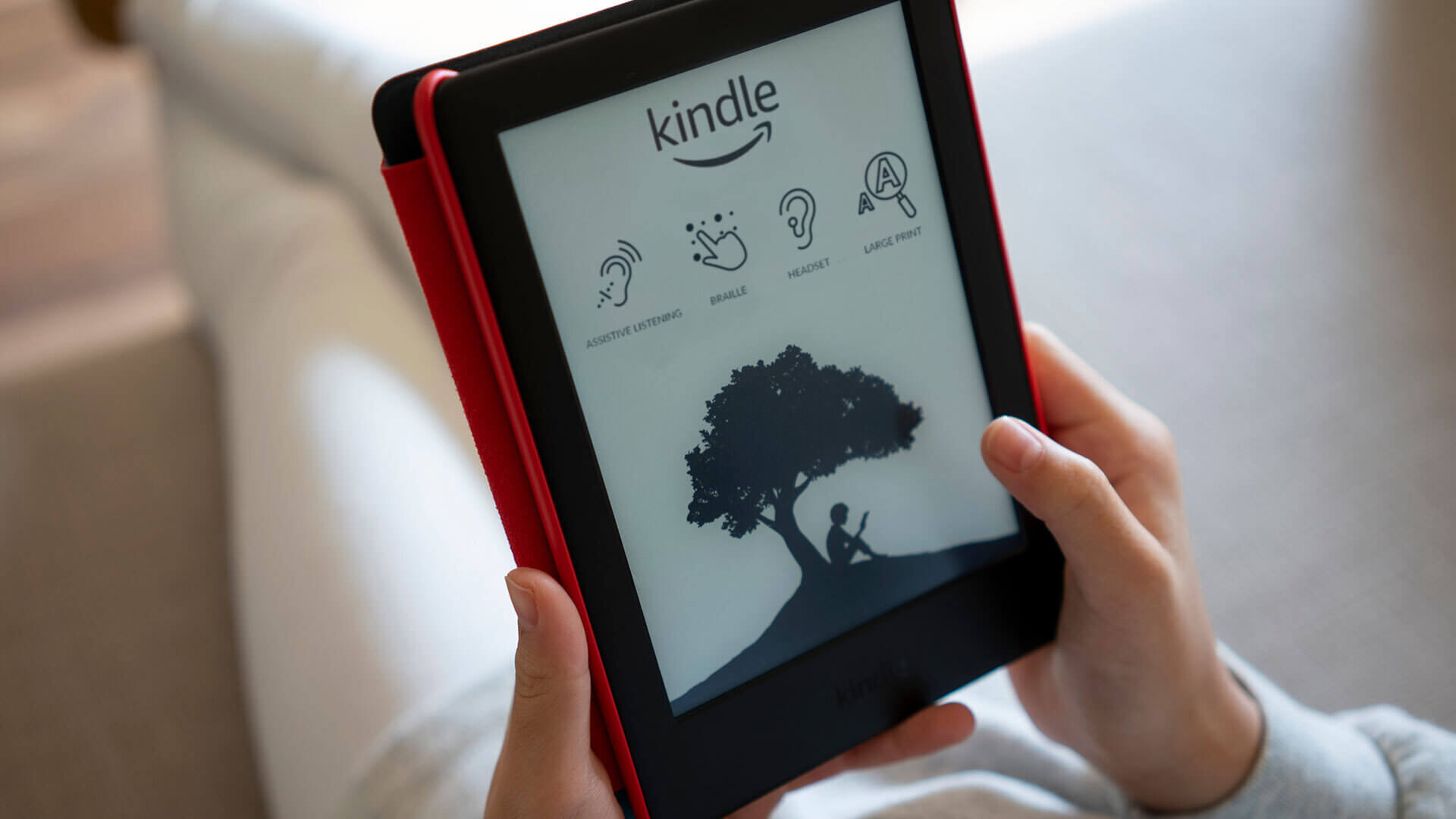
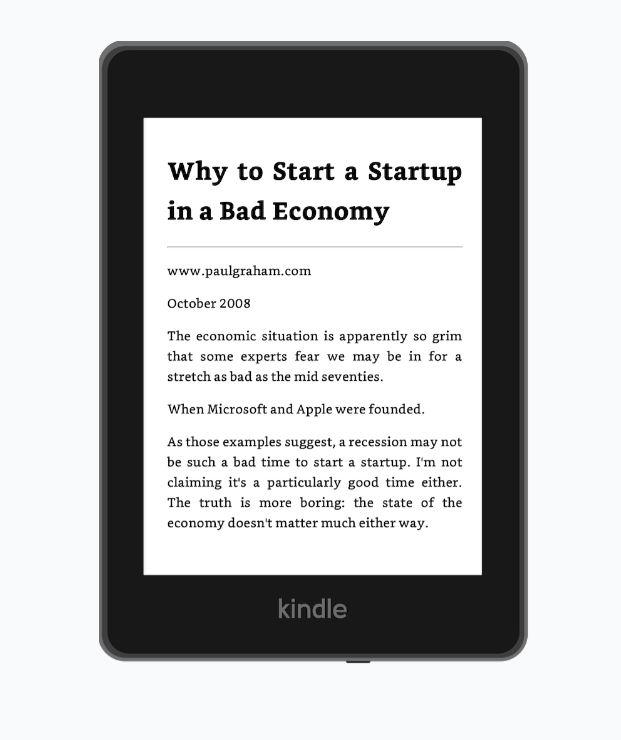
The Kindle is a lightweight, portable device that allows you to access a wide range of newspapers, magazines, and blogs from around the world. With its high-resolution display and long battery life, you can stay informed about current events without the clutter and hassle of traditional newspapers.
Benefits of Reading Daily News on Kindle
There are several benefits to reading daily news on Kindle. Firstly, it is environmentally friendly, as you can access multiple news sources without the need for physical papers. Secondly, it is cost-effective, as many news sources offer subscription services that are cheaper than buying individual newspapers. Finally, it is convenient, as you can access news from anywhere with an internet connection.
Some of the other benefits of reading daily news on Kindle include the ability to customize your news feed, access to exclusive content, and the option to save articles for later reading. You can also use the built-in dictionary to look up unfamiliar words and phrases, making it a great tool for language learners.
How to Read Daily News on Kindle
To start reading daily news on Kindle, you will need to follow these simple steps:
- Purchase a Kindle device or download the Kindle reading app on your tablet or smartphone.
- Go to the Amazon Newsstand and browse through the available news sources, including newspapers, magazines, and blogs.
- Subscribe to your chosen news sources, either individually or as part of a bundle.
- Use the Kindle navigation menu to access your news feed and start reading.
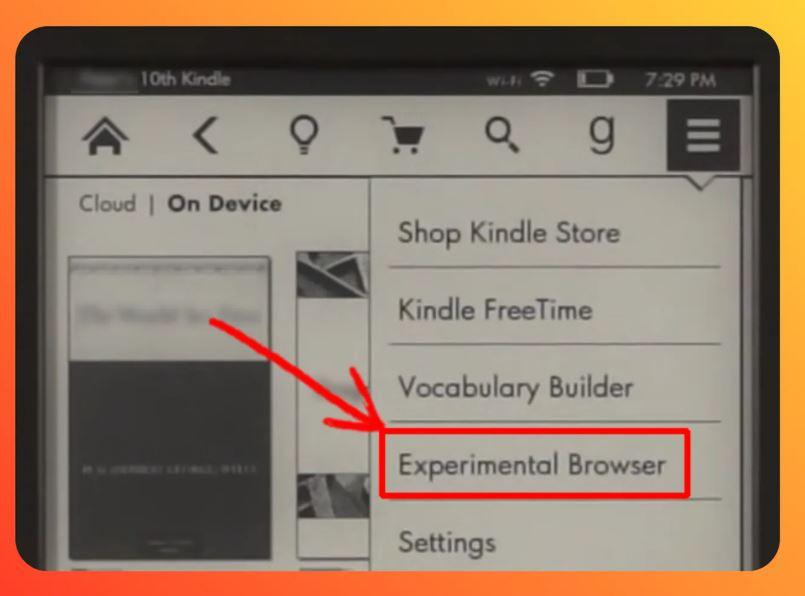
You can also use the Kindle to access news from other sources, such as RSS feeds and online news websites. Simply use the built-in browser to navigate to your favorite news sites and start reading.
Tips for Reading Daily News on Kindle
To get the most out of reading daily news on Kindle, here are some tips to keep in mind:
- Use the built-in font adjustment feature to customize the text size and style to your liking.
- Take advantage of the nightlight feature to read in low-light environments.
- Use the bookmark feature to save articles for later reading.
- Explore the different news sources and genres available on the Kindle to discover new topics and interests.
By following these tips, you can enhance your reading experience and stay informed about current events with ease.
Frequently Asked Questions
Here are some frequently asked questions about reading daily news on Kindle:
- Q: Can I access news from anywhere in the world? A: Yes, as long as you have an internet connection, you can access news from anywhere in the world.
- Q: How do I subscribe to news sources on Kindle? A: You can subscribe to news sources through the Amazon Newsstand or by visiting the website of your chosen news source.
- Q: Can I customize my news feed? A: Yes, you can customize your news feed by selecting the sources and topics you are interested in.
By reading daily news on Kindle, you can stay informed about current events and expand your knowledge on a wide range of topics. With its convenience, customization options, and cost-effectiveness, the Kindle is an ideal device for anyone looking to stay up-to-date with the latest news.