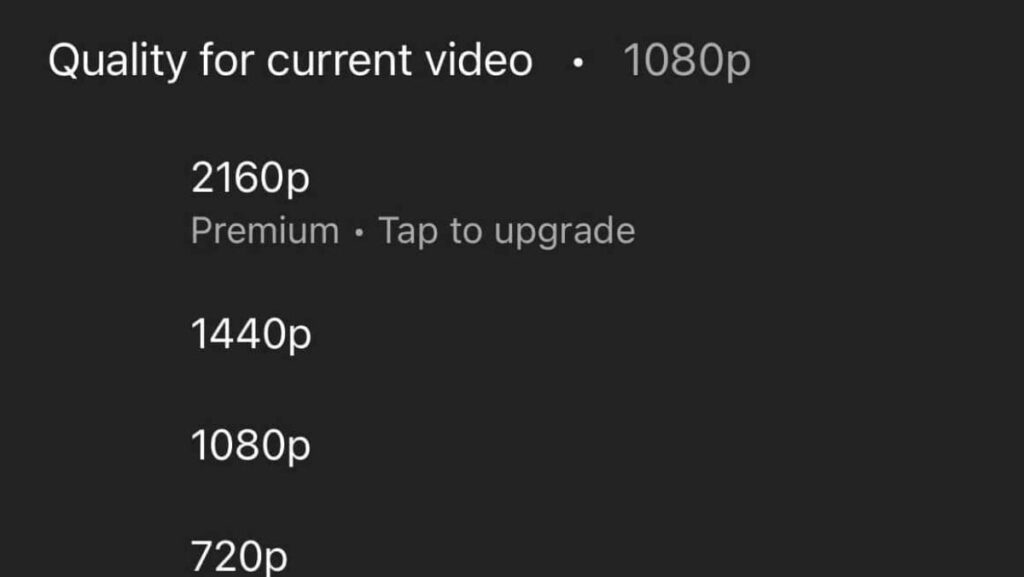
What 2160p Video Quality Means and Why It Matters
When you see “2160p” on a streaming service or a TV spec sheet, you might assume it’s just another marketing buzzword. In reality, that number tells you a lot about the level of detail you’ll see on the screen, the bandwidth required, and even the kind of hardware you’ll need. Let’s unpack what 2160p really is, how it stacks up against other resolutions, and whether it’s worth the upgrade for your viewing habits.
Understanding the Numbers Behind 2160p
Resolution is essentially a count of pixels – those tiny dots that together form the picture you watch. In the case of 2160p, the “p” stands for progressive scan, meaning each frame is drawn line‑by‑line in sequence, as opposed to the older interlaced method.
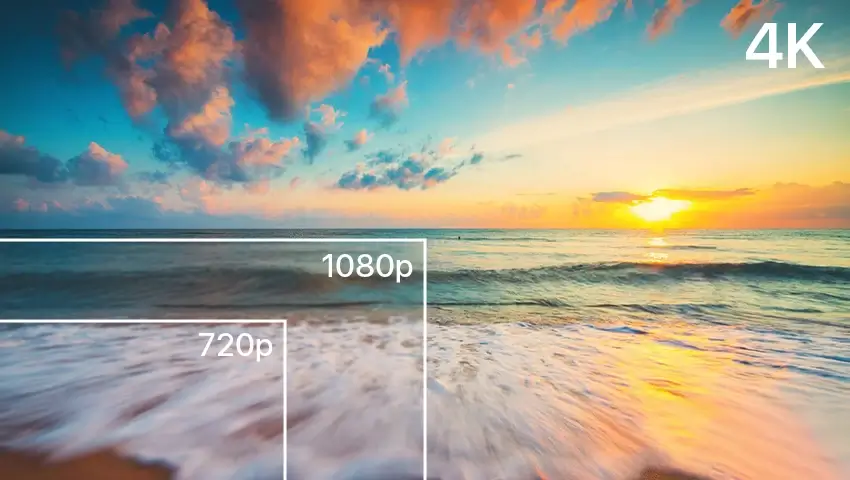
The full resolution for 2160p is 3840 × 2160 pixels. That’s exactly four times the pixel count of Full HD (1920 × 1080), which translates to a higher density of detail, especially noticeable on larger screens.
Because the width is 3840 pixels, the format is also known as 4K UHD – “UHD” short for Ultra High Definition. Technically, true cinema 4K is a bit wider (4096 × 2160), but for consumer TVs and streaming the 3840 × 2160 standard is what you’ll encounter.
How 2160p Compares to Other Resolutions
Seeing the numbers side by side helps put things in perspective:
- 720p (HD): 1280 × 720 – decent for small tablets or older smartphones.
- 1080p (Full HD): 1920 × 1080 – the current baseline for most broadcast TV and Blu‑ray discs.
- 1440p (Quad HD): 2560 × 1440 – popular among gamers who want sharper images without the full 4K bandwidth.
- 2160p (4K UHD): 3840 × 2160 – the top tier for most consumer displays today.
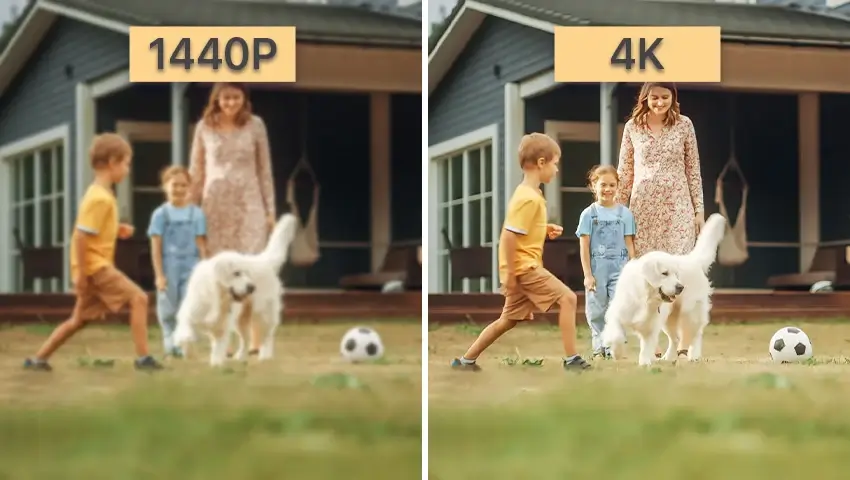
In practice, the jump from 1080p to 2160p is most apparent on screens larger than 50 inches. On a 55‑inch TV, a 4K image looks noticeably crisper; on a 32‑inch monitor, the difference can be subtle unless you’re sitting close.
What to Look for in a 2160p Display
Not all 4K screens are created equal. Here are a few factors that make a 2160p TV or monitor truly shine:
- Panel Type: OLED offers perfect blacks and excellent contrast, while LED/LCD panels vary widely in brightness and color accuracy.
- HDR Support: High Dynamic Range (HDR10, Dolby Vision) expands the color gamut and contrast, making 4K content look more lifelike.
- Refresh Rate: For gaming, a 120 Hz panel reduces motion blur; for movies, 60 Hz is sufficient.
- Upscaling Engine: A good processor can improve the look of non‑4K content, smoothing out the transition.
Keep in mind that a higher resolution also demands more from your source devices. A modest streaming stick may struggle to deliver smooth 4K playback at high bitrates.
When Does 2160p Really Shine?
If you’re wondering whether the upgrade matters, consider these scenarios:
- Home Theater Enthusiasts: A large-screen projector or TV paired with a 4K Blu‑ray player can showcase the full detail of modern releases.
- Gaming: Consoles like the PlayStation 5 and Xbox Series X support native 4K output, and a monitor with low input lag can give you a competitive edge.
- Content Creators: Editing 4K footage future‑proofs your work and lets you crop or downscale without losing quality.
- General Streaming: Services such as Netflix, Amazon Prime, and Disney+ offer a growing library of 4K titles, but you’ll need a fast internet connection (roughly 25 Mbps minimum) for a consistent experience.
Common Misconceptions About 2160p
Even though 4K has been around for a while, a few myths linger:
Myth 1: “4K looks the same on any TV.” Not true. Two 55‑inch 4K sets can deliver vastly different images based on panel quality, HDR capability, and processing.
Myth 2: “You need a huge TV to notice 4K.” While larger screens amplify the benefit, a 4K monitor on a desktop can reveal fine detail in games and professional work.
Myth 3: “All streaming content is truly 4K.” Some services stream at “4K‑ish” resolutions or use compression that can soften the image, especially on lower‑bandwidth plans.
Balancing Expectations and Reality
Ultimately, 2160p offers a noticeable step up from Full HD, but it isn’t a magic bullet. The visual gain is most pronounced when you pair it with a quality display, proper HDR, and source material that genuinely uses the full 4K resolution.
If you’re content with 1080p and don’t have a large screen or a streaming plan that supports 4K, you might not feel a strong need to upgrade right now. On the other hand, if you love immersive movies, next‑gen gaming, or future‑proofing your media workflow, investing in a good 2160p setup can be a rewarding move.