What Reddit Thinks About NVIDIA’s Battery Boost Feature
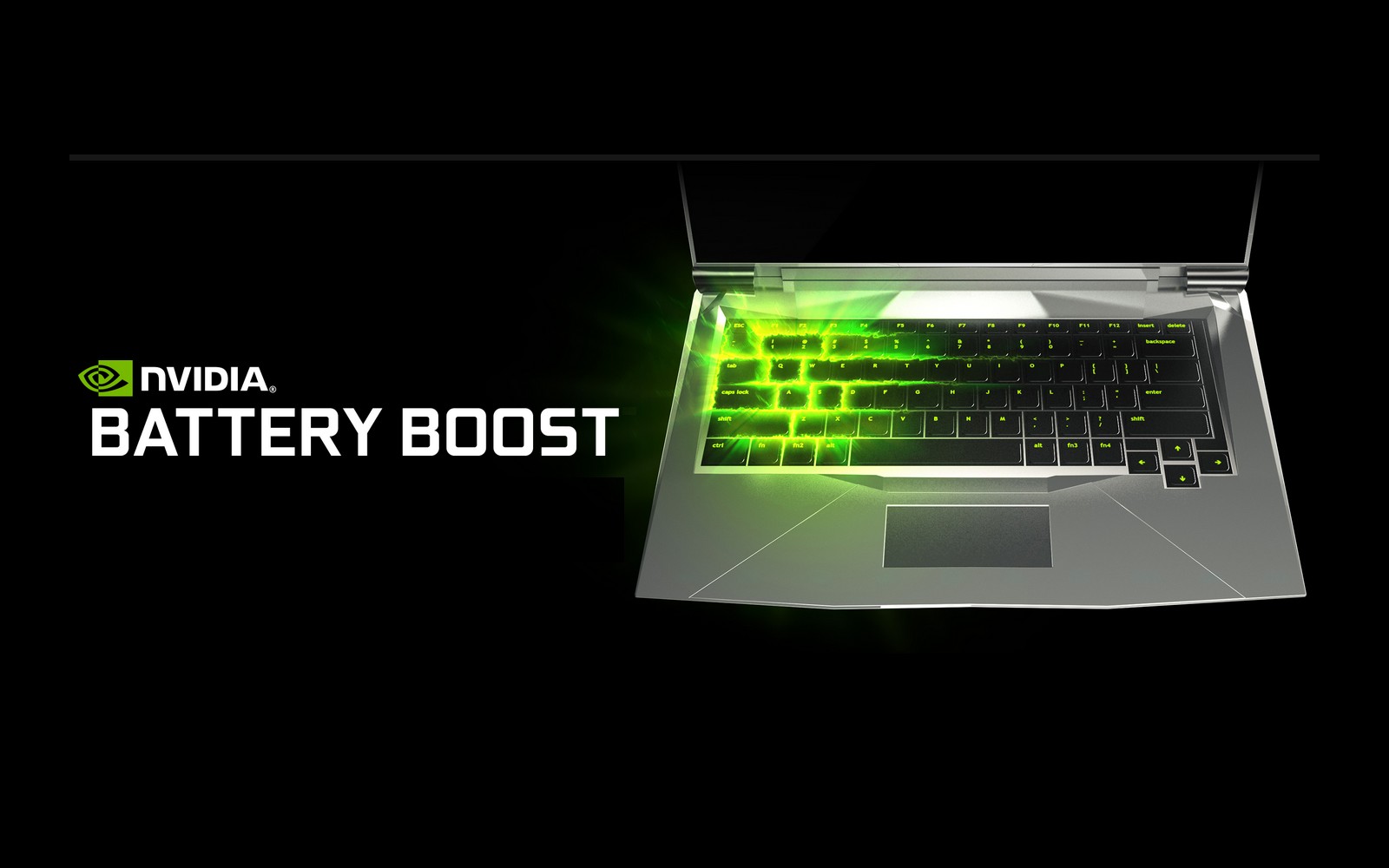
When NVIDIA rolled out its Battery Boost option for laptops, the gaming community jumped online to dissect the claim that a graphics‑heavy GPU could actually stretch your charge time. Reddit, with its mix of power users and everyday folks, quickly became the unofficial testing ground. Below, we sift through the most telling threads, highlight recurring themes, and point out the nuances that often get lost in the hype.
Why Battery Boost Matters for Laptop Gamers
Most gamers assume a high‑performance GPU will drain a battery faster than a notebook’s integrated graphics. NVIDIA’s Battery Boost promises the opposite: it throttles the GPU just enough to keep frame rates smooth while conserving power. If it works, you could finish a session on a single charge rather than hunting for an outlet midway through a raid.
Reddit’s First Impressions
Early posts on r/pcgaming and r/NVIDIA read like a chorus of cautious optimism. Users ran the same benchmark titles—Cyberpunk 2077, Valorant, and Fortnite—both with Battery Boost on and off. The consensus?
- Average battery life gains hovered between 15% and 30%, depending on the game’s GPU demand.
- Performance dips were usually under 5 fps, a trade‑off many considered acceptable.
- Laptops with larger power adapters (130 W or more) reported the most noticeable boost.
What the Data Really Shows
One thread compiled screenshots from five different models: a Dell XPS 15, an ASUS ROG Zephyrus, a MSI Prestige, a Gigabyte Aero, and a Lenovo Legion. When Battery Boost was enabled, the Dell gained 1 hour 20 minutes of runtime on a 2‑hour baseline, while the MSI saw a more modest 30‑minute extension. The variance points to a crucial factor: the laptop’s own power‑management firmware.
Key Variables Identified by Redditors
- CPU Power Limits – Some laptops cap the CPU at a lower TDP when Battery Boost is active, which helps overall power draw.
- Screen Brightness – A dimmer display compounds the savings; several users noted a 10% bump simply by lowering brightness.
- Background Processes – Those who disabled unnecessary services (OneDrive sync, Windows indexing) saw the cleanest results.
Common Pitfalls and Misunderstandings
Not every Reddit comment was glowing. A handful of users ran into issues that threw a wrench into the optimism.
- On some older BIOS versions, enabling Battery Boost caused the GPU to freeze before the driver could scale down.
- Several gamers reported that the feature disabled automatically after a Windows update, forcing them to re‑enable it manually.
- A few noted that the “Boost” label was misleading—NVIDIA actually uses a lower power profile rather than a true performance boost.
These anecdotes underline a simple truth: the feature works best when the whole system is tuned for low‑power operation, not just the GPU.
Practical Tips from the Reddit Community
If you’re considering turning on Battery Boost, here’s a distilled checklist that popped up repeatedly in the comments:
- Update both the BIOS and NVIDIA driver to the latest stable release.
- Set Windows power plan to “Balanced” or create a custom plan that caps CPU at 85%.
- Lower screen refresh rate to 60 Hz if you don’t need a higher rate for fast shooters.
- Disable unnecessary startup programs via Task Manager.
- After enabling Battery Boost, run a quick
nvidia-smicheck to confirm the GPU clock is indeed lower.
Is Battery Boost Worth It for You?
Reddit isn’t monolithic; opinions split along usage patterns. Users who primarily stream media or do light 3D work leaned heavily toward enabling the feature, citing longer uninterrupted sessions. Hardcore gamers, especially those chasing high frame rates in titles like Escape from Tarkov, were more hesitant—any dip felt like a compromise.
One particularly detailed post ran a side‑by‑side comparison of two identical laptops, one with Battery Boost on, the other off, across a 10‑hour marathon gaming session. The Boost‑enabled machine lasted 2 hours and 15 minutes longer, with an average FPS drop of just 3.2. Those numbers convinced many skeptical readers that the trade‑off was acceptable for most modern shooters.
Looking Ahead: What Might Change?
Discussion threads often veered into speculation about future driver updates. A recurring theme was the hope that NVIDIA will introduce a “Dynamic Battery Boost” that adjusts on the fly based on power draw, rather than a static off‑on switch. Some users even suggested community‑crafted scripts that toggle the feature depending on whether the laptop is plugged in.
While nothing official has landed yet, the Reddit chatter suggests a strong demand for more granular control. If the company listens, we could see a new iteration that fine‑tunes both GPU and CPU power envelopes in real time.
Bottom Line from the Reddit Verdict
In the end, the community’s take is nuanced rather than black‑and‑white. Battery Boost does extend runtime without a dramatic hit to performance for most everyday gaming scenarios. However, its effectiveness hinges on laptop-specific power management, driver versions, and user willingness to tweak settings.
If you’re fine with a few FPS shaved off and ready to spend a few minutes fine‑tuning your system, the consensus leans toward giving it a try. As the conversations on Reddit illustrate, the feature isn’t a miracle cure, but it’s a handy tool in the laptop gamer’s arsenal.