Which Shooter Runs Smoother On Your PC: CS2 Or Valorant?
When you sit down for a quick match, the last thing you want is choppy graphics or a sudden drop in frame rate. Both Counter‑Strike 2 (CS2) and Valorant claim to be lightweight, but they’re built on very different engines. The real question is: which one actually feels smoother on the hardware you already own?
Understanding the Core Engines
CS2 runs on the Source 2 engine—a modern rewrite of Valve’s classic architecture. It promises better lighting, more realistic physics, and—crucially—more efficient CPU usage. Valorant, on the other hand, is powered by a heavily tweaked version of the Unreal Engine 4. Riot has stripped out a lot of the visual fluff to keep the game snappy, especially on lower‑end rigs. The difference isn’t just academic; it translates directly into how each title taxes your PC.
Typical System Requirements
Below is a quick snapshot of the officially listed minimum and recommended specs for each game. Keep in mind these are the “official” numbers; real‑world performance can vary based on driver versions, background tasks, and even your monitor’s refresh rate.
- CS2
- Minimum: Intel Core i3‑6100 / AMD Ryzen 3 1300X, 8 GB RAM, GeForce GTX 1050 Ti or Radeon RX 570.
- Recommended: Intel i5‑9600K / AMD Ryzen 5 3600, 16 GB RAM, GeForce GTX 1660 Super or RTX 2060.
- Valorant
- Minimum: Intel i3‑4150 / AMD Ryzen 3 1200, 4 GB RAM, Intel HD 630 or GTX 660.
- Recommended: Intel i5‑7500 / AMD Ryzen 5 1600, 8 GB RAM, GTX 1050 or Radeon RX 560.
At a glance, Valorant’s minimum specs sit lower, suggesting fewer headaches for older machines. Yet the “recommended” tier for CS2 isn’t dramatically higher—just a step up.
CPU vs. GPU Bottlenecks
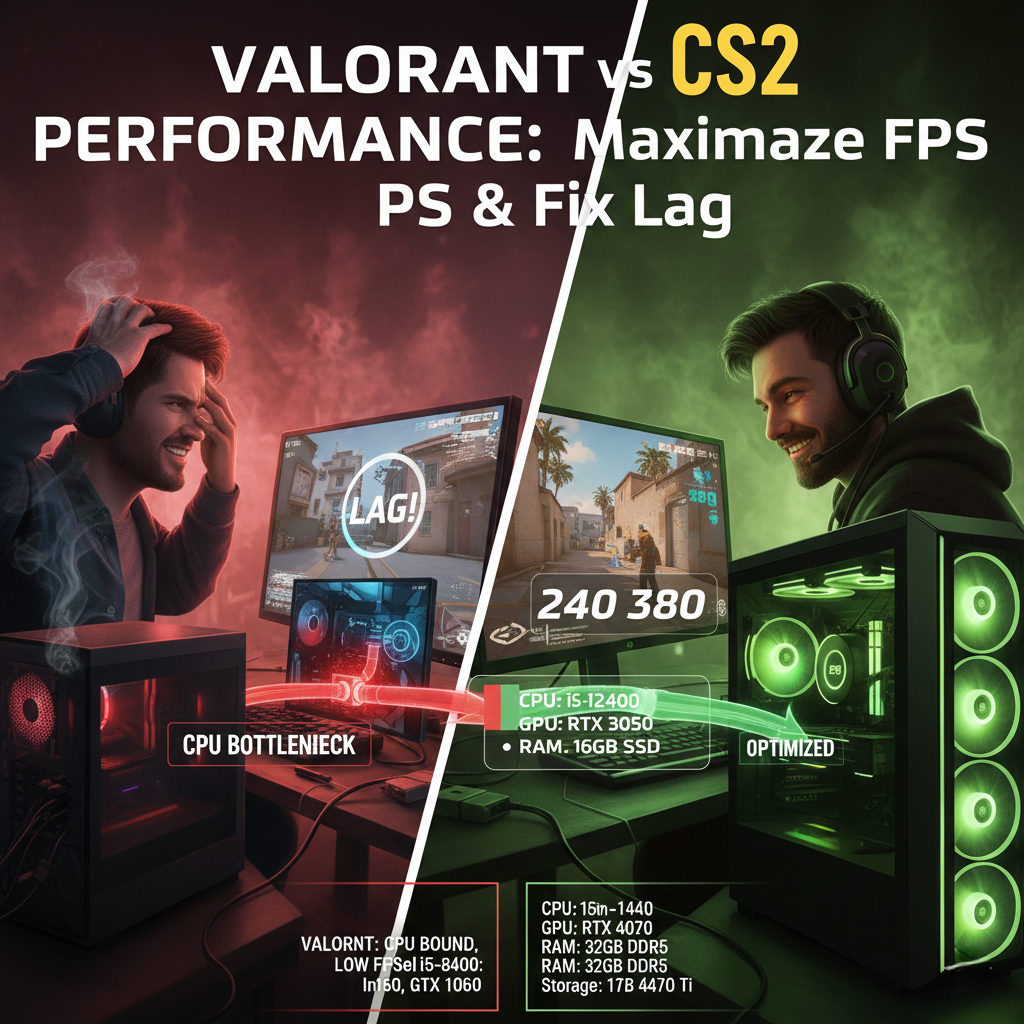
The Source 2 engine leans heavily on the CPU for its tick‑rate calculations. If you have a strong processor but a modest graphics card, CS2 often still runs at a respectable 144 fps—provided you keep the visual settings low. Valorant’s Unreal‑based rendering is more GPU‑centric; load up a high‑end graphics card and you’ll see the benefits instantly, but a weaker GPU can become the limiting factor.
For many mid‑range builds, the CPU becomes the deciding factor for CS2, while the GPU takes that role for Valorant. In practice, a Ryzen 5 5600X paired with a GTX 1660 Super will probably push both titles well above 120 fps, but if you’re stuck with an older i5‑2400, CS2 might feel noticeably sluggish despite a decent GPU.
Frame‑Rate Benchmarks in the Wild
Community tests on a variety of hardware configurations give us a rough idea of real‑world performance. Here’s what many players report on a typical 1080p setup with medium settings:
- GTX 1050 Ti: CS2 averages 100–110 fps, while Valorant hovers around 130–140 fps.
- GTX 1660 Super: CS2 often climbs to 150 fps, Valorant can breach the 200 fps mark.
- RTX 3060: Both games easily exceed 250 fps, but Valorant keeps a slight edge due to its lighter engine.
The trend is clear—Valorant tends to pull ahead in raw frame numbers, especially on older GPUs. However, the difference in perceived smoothness isn’t always proportional to the FPS count.
Settings That Matter Most
Both titles offer a slew of options, but a handful have outsized impact on performance.
CS2: Key Tweaks
- Texture Quality: Dropping from High to Medium can shave off 10–15 fps on a mid‑range GPU.
- Shadow Detail: Shadows are notoriously taxing; turning them off often yields a clean boost.
- Multicore Rendering: Enabling this lets newer CPUs distribute the load more evenly.
Valorant: Key Tweaks
- Material Quality: Lowering this barely affects visual clarity but can reduce GPU strain.
- Anti‑Aliasing: Turning it off or using FXAA instead of MSAA can boost fps without a huge visual hit.
- Resolution Scaling: Some players lock at 1024×768 and then upscale, gaining a noticeable FPS bump.
Experimenting with these options is often the fastest way to tip the scales in favor of whichever game you prefer.
Practical Tips for the Best Experience
- Keep your graphics drivers fresh—both Valve and Riot release optimization patches frequently.
- Close background applications that consume CPU cycles (Chrome tabs, streaming software, etc.).
- Consider a modest overclock on your GPU if you’re comfortable with it; a 5‑10 % boost can be enough to push both titles above that coveted 144 fps sweet spot.
- If you’re on a laptop, switch to “High Performance” power mode and ensure the device isn’t throttling due to heat.
Even small gestures—like setting your monitor to 144 Hz and capping the game at that rate—can create a smoother feel without demanding extra horsepower.
Bottom Line: Which One Wins?
If you own a relatively old CPU but a decent GPU, Valorant will likely feel smoother thanks to its GPU‑first design. Conversely, a newer processor paired with a modest graphics card can give CS2 a comfortable edge, especially when you dial down texture settings.
In the end, the “better‑running” title depends on the specific weakness of your rig. The safest bet is to test both with a few tweaks—most players find that Valorant runs slightly better on low‑end systems, while CS2 can pull ahead on newer CPUs. Whichever you choose, a few adjustments will ensure you spend more time shooting and less time watching the FPS counter dip.