Why DirecTV Go Won’t Stream: Quick Fixes for Common Problems
If DirecTV Go is not working on your phone, tablet, or smart TV, you’re not alone. The app’s convenience can quickly turn frustrating when buffering, login errors, or a blank screen appear. Most of the time the culprit is something you can address at home, without waiting on a technician. Below, we break down the usual suspects and walk you through practical steps to get your favorite shows back on track.
Why DirecTV Go Is Not Working: Common Causes
Before diving into a full reset, it helps to know what typically trips up the service. Understanding the root of the issue can save you time and spare you from needless tinkering.
1. Internet Connection Glitches
Even a brief dip in bandwidth can cause the app to stall. Streaming in HD usually needs at least 5 Mbps, while 4K pushes that requirement to 25 Mbps or more. If your network is juggling multiple devices, the available slice for DirecTV Go may shrink below the threshold.
2. Outdated App Version
Developers push updates to patch bugs, improve security, and add new features. Running an older build often leads to compatibility hiccups, especially after a recent operating‑system upgrade on your device.
3. Device‑Specific Compatibility Issues
Not every smart TV, streaming stick, or mobile OS supports the latest DirecTV Go features. Occasionally, a firmware update on the hardware itself can clash with the app’s current requirements.
4. Account Authentication Problems
Expired passwords, billing holds, or a simple typo in the login credentials can lock you out. The app may display a vague “Unable to connect” message that masks the real authentication error.
5. Cache and Data Corruption
Over time, stored cache files can become fragmented, leading to random freezes or playback failures. Clearing the cache essentially gives the app a fresh start.
Step‑by‑Step Troubleshooting Guide
Follow this checklist in order; most users find the issue resolved by the third step.
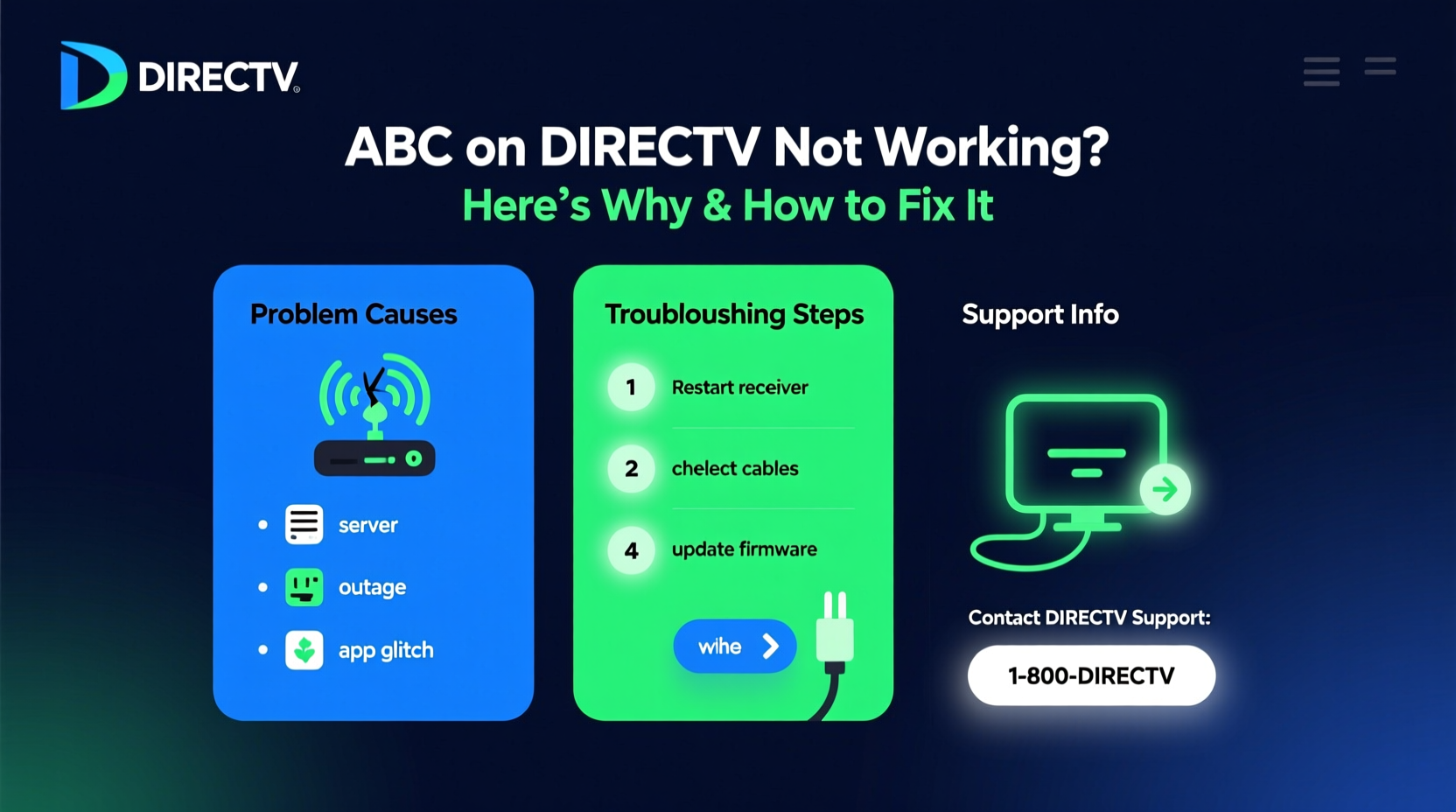
- Check your internet speed. Use a speed‑test website or app on the same device. If results fall short of the recommended bandwidth, try rebooting your router or moving closer to the Wi‑Fi source.
- Restart the device. Power it off, wait 30 seconds, then turn it back on. This clears temporary memory glitches that can affect streaming apps.
- Update DirecTV Go. Open your app store (Google Play, Apple App Store, or the TV’s marketplace) and install any pending updates. An updated app often includes fixes for known bugs.
- Clear cache and data. On Android, go to Settings → Apps → DirecTV Go → Storage, then tap “Clear Cache” and “Clear Data.” iOS users can delete and reinstall the app to achieve a similar reset.
- Verify your account status. Log into the DirecTV website on a browser. Ensure your subscription is active and your password works. If you see a billing notice, address it before trying the app again.
- Check device compatibility. Visit DirecTV’s official support page for a list of supported devices and required firmware versions. If your TV’s firmware is outdated, update it via the manufacturer’s settings menu.
- Disable VPNs or proxies. Some networks block streaming services for licensing reasons. Turn off any VPN or proxy to see if connectivity improves.
If the problem persists after these steps, it’s time to consider deeper diagnostics or reach out for professional help.
When to Call DirecTV Support
Most hiccups can be fixed with the above routine, but certain scenarios warrant a direct call to customer service.
- Repeated login failures despite correct credentials.
- Persistent “Server Unavailable” messages across multiple devices and networks.
- Known service outages in your area, confirmed via DirecTV’s status page.
- Hardware issues, such as a malfunctioning streaming stick or a TV that fails to install the app.
When you contact support, have the following information handy: your account number, the exact error message, device model, and a brief summary of the steps you’ve already tried. This preparation speeds up the troubleshooting process and reduces the back‑and‑forth.
Frequently Asked Questions
Why does DirecTV Go keep buffering even with a fast internet connection?
Buffering can still occur if the app’s cache is clogged or if the device’s processor is struggling with high‑resolution streams. Clearing the cache or lowering the playback quality in the app’s settings often resolves the issue.
Can I use DirecTV Go on multiple devices at once?
Yes, the service permits simultaneous streams on up to three devices, provided your subscription tier includes that allowance. Exceeding the limit will trigger a “Maximum devices reached” error.
Is there a way to watch DirecTV Go offline?
DirecTV Go does not currently support offline downloads. You’ll need an active internet connection for every viewing session.
What should I do if the app crashes every time I open it?
First, ensure you’re running the latest app version and that your device’s operating system is up to date. If crashes continue, uninstall the app, reboot the device, then reinstall it from the official store.