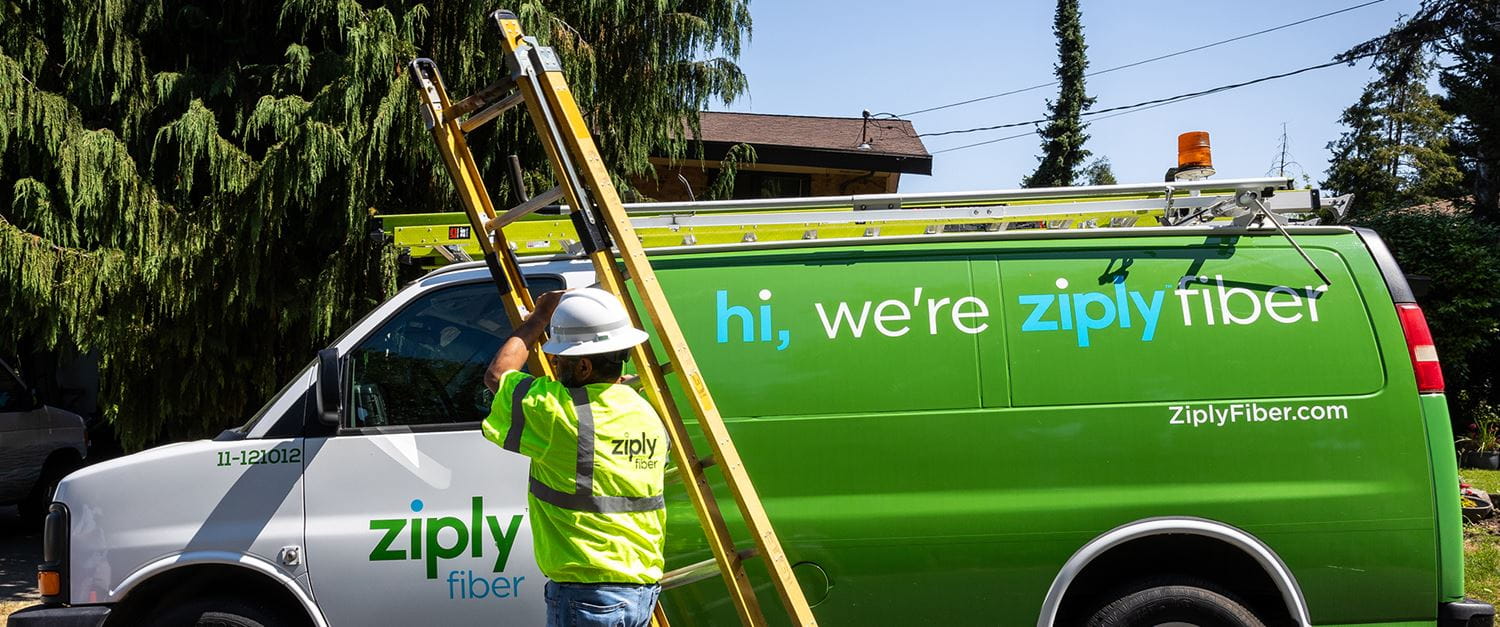
Ziply Fiber Outages: Live Updates & Essential Troubleshooting Tips
There is nothing quite as frustrating as the sudden silence of a connection dial tone. Whether you are in the middle of a critical Zoom call, streaming a must-see show, or just trying to load a webpage, an internet outage feels like a personal affront. For subscribers of Ziply Fiber, those red "No Service" lights on the modem can trigger instant anxiety. But before you pick up the phone and wait on hold, there is a systematic way to handle Ziply Fiber outages that saves time and reduces stress.
Understanding how fiber infrastructure works, where to look for real-time status reports, and what you can actually do at your end empowers you to regain control. This guide breaks down the latest updates on service stability and provides actionable tips to troubleshoot potential issues before they escalate into major downtime.
Understanding Ziply Fiber Network Reliability
Ziply Fiber has carved out a strong reputation in the Pacific Northwest, particularly in Washington and Oregon, by offering high-speed gigabit connections at competitive price points. As a fiber-to-the-premises (FTTP) provider, their infrastructure physically brings fiber optic lines into your home or business. This is technically superior to many cable coaxial systems because fiber is less susceptible to external interference and congestion.
However, "fiber" is not magic. It is still physical infrastructure. Buried cables can be damaged by construction crews—what the industry calls "backhoe fade"—aerial lines can succumb to severe weather, and central office equipment can suffer hardware failures. While Ziply generally reports high uptime percentages consistent with major tier-1 providers, outages do occur. The key distinction with fiber is that outages are often localized to specific nodes or neighborhoods rather than affecting the entire region simultaneously, unless there is a major backbone issue.
Where to Find Real-Time Outage Information
When the lights go out on your modem, the first instinct is often to search social media. While Twitter and local Facebook community groups can be goldmines for real-time anecdotes, they are also breeding grounds for misinformation. Relying solely on neighbor reports can lead to false positives.
For authoritative data, you should prioritize three specific channels:
- Ziply’s Official Outage Map: Most fiber providers, including Ziply, maintain a status page on their official website. This is the single source of truth. It usually shows a map of the service area with specific markers for known issues. If you do not see a marker in your neighborhood, the issue is likely local to your home or the final drop line.
- Downdetector: This third-party aggregation site tracks spikes in user reports. If you see a massive spike for Ziply Fiber in your city, it confirms a widespread issue. However, be cautious of outliers; a sudden spike might just be a particularly slow Tuesday for customer service inquiries rather than a technical outage.
- Account Portal: Logging into your personal Ziply account can sometimes provide specific alerts related to your service plan or known maintenance windows scheduled for your specific address.
DIY Troubleshooting Steps Before You Call
Before assuming a network-wide outage, it is crucial to rule out local hardware failures or configuration glitches. Surprisingly, a significant percentage of "outage" calls are resolved by simple power cycling or checking physical connections.
The Power Cycle Method
This is the oldest trick in the IT book, but it remains incredibly effective. Your ONT (Optical Network Terminal) and modem can buffer errors or lose handshake synchronization with the Ziply network. To reset this:
- Unplug the power cord from both your modem and your router.
- Wait for at least 60 seconds. This ensures all capacitors drain and the device fully clears its cache.
- Plug the modem back in first. Wait for the status lights to stabilize. Look for a solid green or blue light indicating internet connectivity.
- Once the modem is stable, plug in your router and allow it to boot up.
Inspecting Physical Connections
Fiber requires precise connections. Check the tiny fiber port on the back of your ONT. Ensure the patch cable is clicked in securely. Even a slightly loose connection can cause signal loss without breaking the cable. Additionally, check for any visible damage to the cable, such as sharp bends. Fiber optics are more fragile than copper; a bend radius that is too tight can refract the light signal and kill your connection.
When to Contact Support
If you have ruled out local power issues, cycled your equipment, and confirmed via the outage map that there are no known outages in your node, it is time to call Ziply support. When you do make that call, have your account number ready. More importantly, describe exactly what you see on your modem lights. Technicians can often diagnose the issue remotely based on the LED status codes faster than they can if you just say "my internet isn't working."
In cases where the outage is due to a physical cut in the line, repair times can vary. Fiber repairs require splicing equipment and specialized technicians. They cannot simply twist wires back together. If you are told to expect a window of 4 to 8 hours for a technician arrival, this is standard for physical fiber repairs. Patience is difficult, but understanding the technical complexity helps manage expectations.
FAQs About Ziply Fiber Downtime
How long do typical Ziply Fiber outages last?
For software or node-level glitches, restoration often happens within 30 to 60 minutes as the system auto-recovers or engineers apply remote patches. For physical line cuts, repairs typically take between 4 to 24 hours, depending on the severity of the damage and the location of the fiber splice point.
Does Ziply Fiber offer compensation for outages?
Ziply’s service agreement generally outlines a Service Level Agreement (SLA) for business customers, which may include credit provisions for significant downtime. For residential customers, policies are less formalized but may involve pro-rated billing adjustments for extended outages upon request. It is always worth asking customer service about good will credits during major, prolonged outages.
Can heavy rain affect Ziply Fiber speeds?
Unlike coaxial cable, fiber optics are immune to electromagnetic interference from storms. However, severe weather can cause physical damage to aerial lines or flood underground conduits. You are less likely to experience slowdowns during rain, but you are at higher risk for sudden outages if downed trees or infrastructure damage occurs.
Why does my internet work on my phone but not my laptop?
If you are using Ziply Fiber, your phone is likely on mobile data (4G/5G), not your home Wi-Fi. This is a common point of confusion. If your laptop is connected via Ethernet and has no internet, but your phone on Wi-Fi does, the issue may be with your laptop's configuration. If neither device works on Wi-Fi or Ethernet, the issue is likely with the modem or the external line.