Choosing Between WD Red and Purple: Which HDD Fits Your Needs?
If you’ve spent any time planning a new NAS or a surveillance system, you’ve probably stared at the WD Red and WD Purple product pages and wondered which drive really belongs in your rack. Both belong to Western Digital’s “special‑purpose” family, yet they’re engineered for very different workloads. In this guide we’ll break down the specs, performance quirks, and real‑world reliability so you can match the right drive to your specific use case without guessing.
WD Red vs Purple: Core Differences
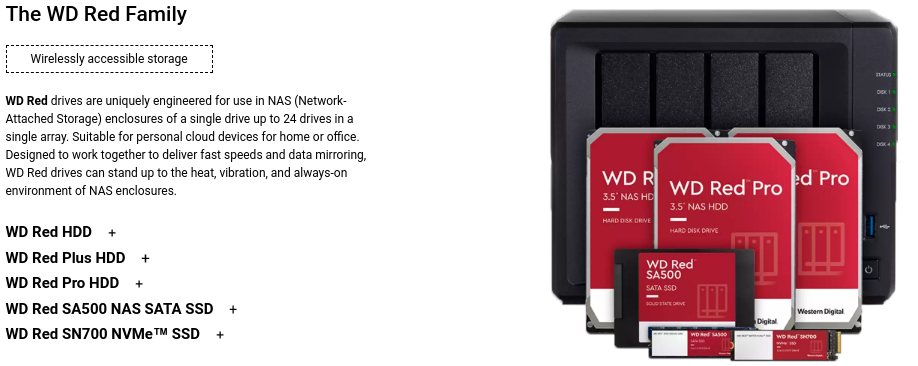
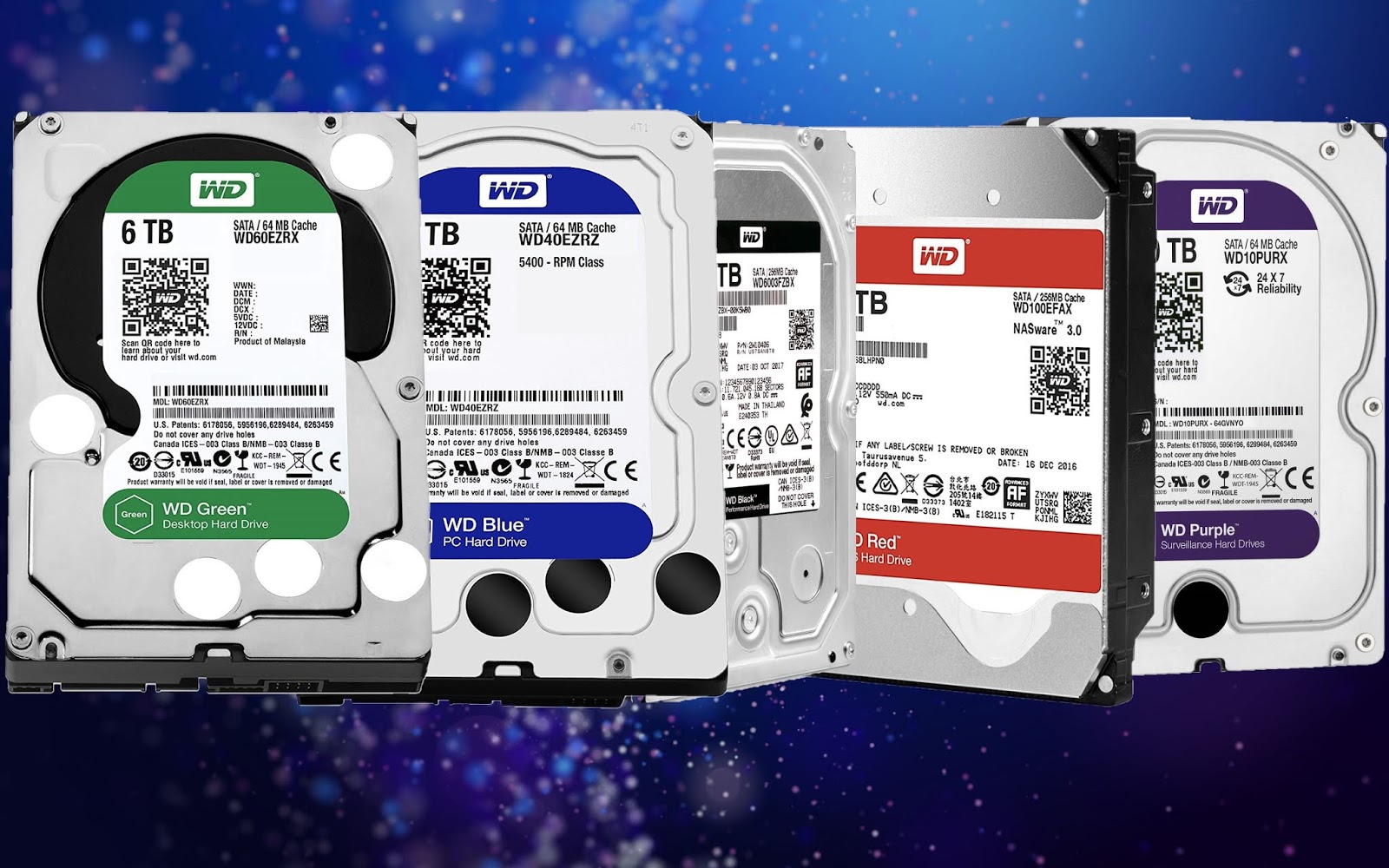
The simplest way to separate the two lines is by looking at the intended environment. WD Red is marketed for NAS (network‑attached storage) devices that serve files to multiple users, often 24/7. WD Purple, on the other hand, is built for continuous video recording in DVRs, NVRs, and security‑camera rigs. Those headline purposes drive everything else – from firmware design to power‑draw profiles.
Performance and Workload Ratings
Western Digital rates WD Red drives for up to 180 TB/year of data transferred (the “TBW” rating) and a workload rating of 180 TB per year for the 3.5‑inch models. The drives are optimized for random read/write operations that typical file‑sharing or backup tasks generate. In contrast, WD Purple is rated for 300 TB/year and is tuned for sequential writes, the pattern you see when streams of video frames are written to disk.
In practice, this means a Red drive will feel snappier when multiple users are pulling small files simultaneously, while a Purple drive will keep up with dozens of cameras writing a steady stream of large video files without stutter.
Reliability and MTBF
Both lines claim a 1 million‑hour MTBF (mean time between failures), but the underlying engineering differs. WD Red includes RAID‑optimized firmware that reduces “write‑hole” errors when the drive is part of a RAID array. WD Purple adds what Western Digital calls “AllFrame” technology – a proprietary error‑correction algorithm that smooths out dropped frames caused by variable‑bit‑rate video streams. If you plan to run a RAID‑1 or RAID‑5 NAS, Red’s firmware gives you that extra safety net; if you’re storing hours of surveillance footage, Purple’s AllFrame can prevent corrupt video files.
Power Consumption and Noise
Power draw is a subtle but important factor for always‑on devices. A typical 4 TB WD Red spins at 5400 RPM and consumes about 5 W during read/write, dropping to roughly 3 W at idle. WD Purple drives usually run at 5400 RPM as well, but their firmware keeps the disk in a higher‑performance state, pulling around 6 W under load. The noise difference is marginal – both sit around 22 dBA – but in a quiet home office a Red drive may feel a touch less intrusive.
Use‑Case Recommendations
- Home or Small‑Business NAS: Choose WD Red if you need a drive that plays nicely with RAID, supports mixed read/write traffic, and offers lower power draw.
- Enterprise‑Level NAS: Consider the WD Red Pro line (still under the Red umbrella) for higher spindle speeds (7200 RPM) and a 5‑year warranty, but the standard Red remains a solid budget option.
- Surveillance Systems: WD Purple is the clear winner for 8‑camera or larger setups, especially when you’re recording 1080p or 4K streams 24/7.
- Hybrid Environments: If a single box will store both media files and video recordings, you could split the load – a pair of Red drives for file storage and a single Purple drive dedicated to the camera feed.
Price and Value Considerations
Pricing varies by capacity, but historically Purple carries a slight premium – roughly 10‑15 % higher than a comparable Red drive. That markup pays for the AllFrame firmware and the extra testing for video workloads. If you’re on a tight budget and don’t need continuous recording, the savings from a Red drive can be redirected toward adding more capacity or a backup solution.
Quick Comparison Table
- Target Use: NAS vs. Surveillance
- Firmware: RAID‑optimized (Red) vs. AllFrame video‑optimized (Purple)
- Workload Rating: 180 TB/yr (Red) vs. 300 TB/yr (Purple)
- Power (Active): ~5 W (Red) vs. ~6 W (Purple)
- Noise: ~22 dBA for both, Red slightly quieter at idle
- Warranty: 3 years (Red) vs. 3 years (Purple), with Pro options extending to 5 years
Final Thoughts Before You Buy
There’s no one‑size‑fits‑all answer; the right HDD hinges on the primary workload you expect. If your primary goal is to host files, run virtual machines, or back up workstations, the Red series gives you a balanced mix of reliability, power efficiency, and RAID friendliness. If the main job is to ingest endless video streams without dropping frames, Purple’s specialized firmware makes it the safer bet.
And remember: regardless of brand, regular backups remain essential. Even a drive rated for a million‑hour MTBF can fail, especially in harsh environments. Pair your chosen HDD with a solid backup strategy, and you’ll have a storage solution that lasts for years.
Frequently Asked Questions
Do I need a WD Red drive for a home NAS with only two users?
Not necessarily. For light use, a standard desktop HDD or even an SSD can suffice, but Red adds peace of mind with NAS‑specific firmware and lower power draw.
Can I mix WD Red and Purple drives in the same RAID array?
Technically possible, but not recommended. The differing firmware optimizations can lead to inconsistent performance and may void warranty claims on some RAID controllers.
How many cameras can a single WD Purple drive handle?
That depends on resolution and bitrate, but a typical 4 TB Purple drive comfortably supports up to 16 1080p cameras or 8 4K cameras when recording continuously.
Is the AllFrame technology visible to the end user?
No. AllFrame works behind the scenes to correct frame errors; you’ll notice smoother playback only if you compare footage from a Purple drive against a non‑optimized drive under the same load.