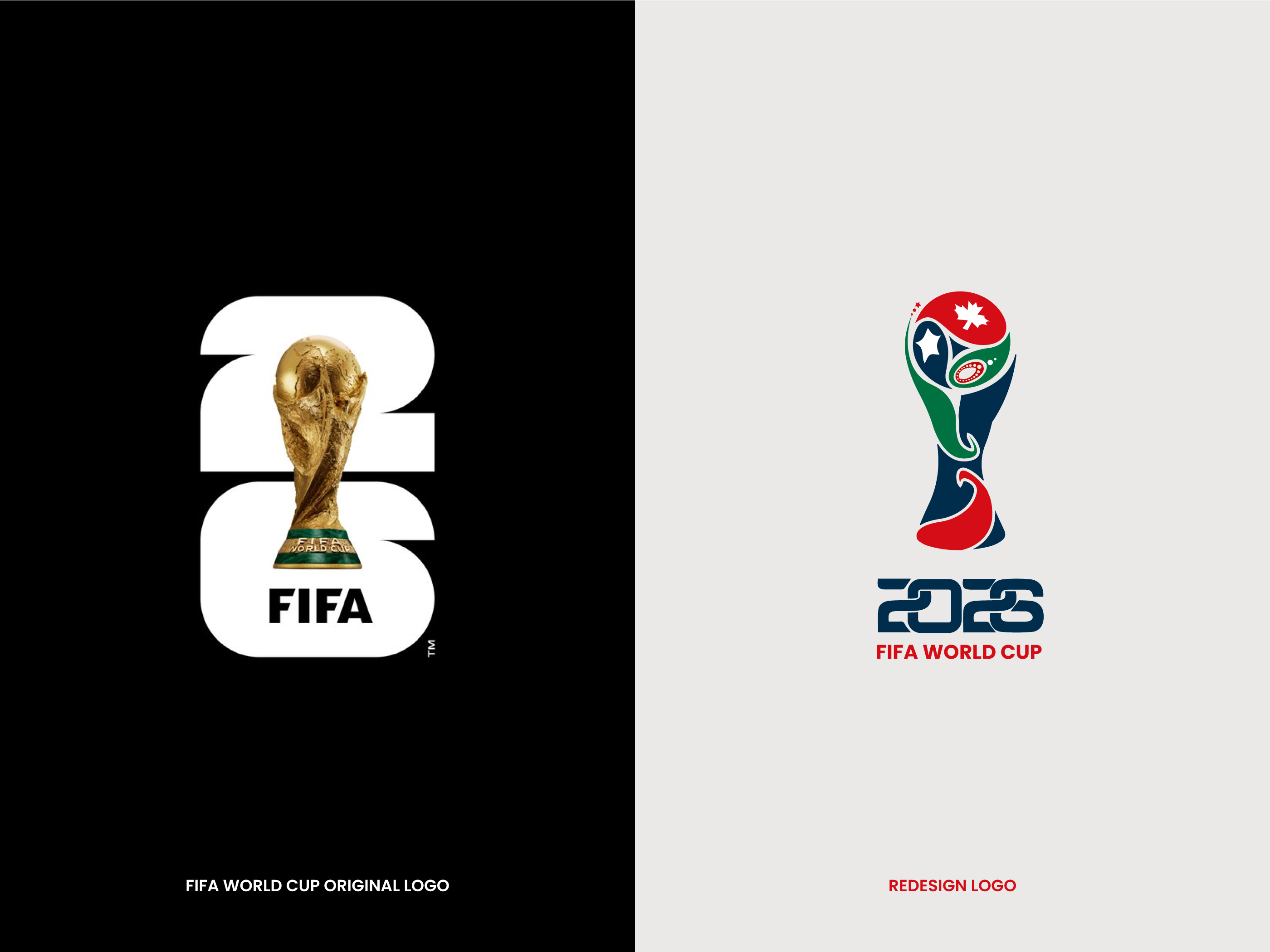
How to Download the FIFA World Cup 2026 Logo Vector
Designers, marketers, and die‑hard fans all reach for the same thing when the tournament kicks off: a crisp, scalable version of the official logo. It’s not as mysterious as it sounds, but you do need to know where the authorized files live, what formats are offered, and how to stay within the usage guidelines.
Why a Vector Matters
Unlike a raster image, a vector graphic is built from mathematical paths. That means you can blow it up to billboard size or shrink it to a tiny social‑media icon without losing a single pixel. For the FIFA World Cup 2026 brand, this flexibility is crucial because the logo appears on everything from stadium banners to mobile app icons.
Official Sources: The Safe Bet
If you want the genuine, up‑to‑date file, start at the places FIFA itself makes it available.
FIFA Digital Media Center
- Visit digital.fifa.com and look for the “Brand Assets” section.
- After a quick sign‑in (a free account is enough), you’ll see a download button for the 2026 logo in AI, EPS, and SVG formats.
- Files are usually packaged in a ZIP that includes separate versions for dark‑background and light‑background applications.
Official Tournament Website
The tournament’s home page, often fifa.com/worldcup2026, hosts a press‑kit area. Inside, look for a folder labeled “Logos & Icons.” Those assets are vetted for media use, and each file comes with a one‑page “Brand Use Guidelines” PDF.
Alternative Repositories (Use With Caution)
Sometimes the official sites are a bit sluggish, or the exact file you need isn’t listed. In those cases, a few reputable design‑resource sites carry the vectors, but you should double‑check the source.
- Brandfolder – a corporate asset manager that often mirrors FIFA’s own files.
- Freepik – offers a free SVG version, but be aware of licensing; commercial use may require attribution.
- GitHub – a handful of community‑maintained repos contain the logo in SVG, usually with a note linking back to FIFA’s official guidelines.
When you grab a file from any of these places, open it in Illustrator or Inkscape and compare it side‑by‑side with the official lockup. Tiny differences in spacing or colour can get you flagged by FIFA’s brand team.
Understanding File Formats
Not all vectors are created equal. Here’s a quick rundown of what you’ll encounter.
- AI (Adobe Illustrator) – The native format; best for full‑editability.
- EPS – Works in most vector editors and is ideal for print workflows.
- SVG – Web‑friendly, lightweight, and perfect for responsive designs.
If you’re unsure which one you need, think about the final output. Print? Go EPS. Interactive web? SVG does the job without extra plugins.
Getting the Logo Into Your Project
Once you have the file, a few steps can save you headaches later.
Check Colour Profiles
FIFA’s brand palette includes specific Pantone and CMYK values. In Illustrator, set the document colour mode to CMYK if you’re heading to print, or to RGB for screen use. The SVG may already embed the correct hex codes, but it never hurts to verify.
Preserve Clear Space
Every brand kit comes with a “minimum clear space” rule – the invisible bubble around the logo that must stay free of other elements. This is usually expressed as a multiple of the logo’s height. Ignoring it can lead to a crowded, unprofessional look.
Export the Right Size
When you finally export, remember you don’t need to rasterise the vector for most uses. Exporting an SVG for web saves bandwidth, while an EPS at 300 dpi works for posters.
Legal Bits: Staying Within FIFA’s Guidelines
FIFA is protective of its intellectual property. The downloadable vector typically comes with a short licence notice. In most cases you’re allowed to:
- Use the logo for editorial coverage, fan‑generated content, or non‑commercial promotional pieces.
- Adapt the colour version only if it matches the approved background contrast.
What you can’t do:
- Alter the logo’s proportions, add drop‑shadows, or embed it within another graphic.
- Sell merchandise bearing the logo without a formal licence from FIFA.
If your project crosses into commercial territory, reach out to FIFA’s brand office through the contact form on the media‑kit page.
Quick Checklist Before You Hit “Download”
- Are you signed in to FIFA’s Digital Media Center?
- Did you select the correct format (AI/EPS for print, SVG for web)?
- Have you reviewed the accompanying brand‑use PDF?
- Is the colour profile matched to your final output?
- Did you respect the clear‑space guidelines?
Cross those boxes, and you’ll be ready to roll out the 2026 logo with confidence.
Wrapping Up
Finding the FIFA World Cup 2026 logo vector isn’t a treasure‑hunt if you start at the right doors. Official FIFA portals guarantee authenticity and the proper usage rules, while reputable design libraries can serve as backups when speed matters. Keep an eye on file formats, respect the brand guidelines, and you’ll have a clean, scalable logo ready for any project—whether it’s a stadium billboard or a social‑media story.