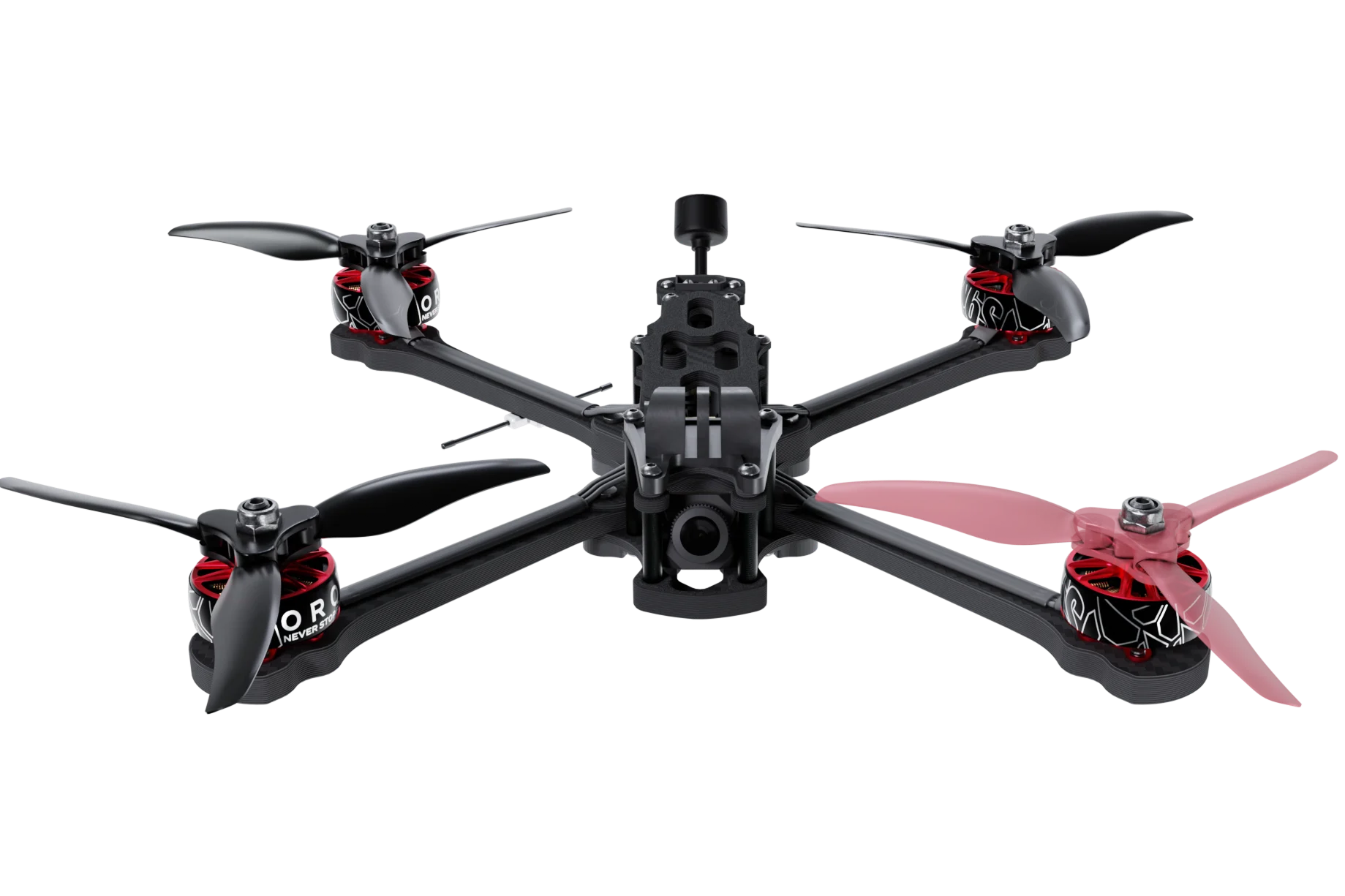
How To Play An FPV Drone Simulator Online & Master The Skies
Ever imagined soaring above a city block while your hands stay comfortably on a keyboard? With a good FPV (first‑person view) drone simulator, you can practice that thrill without a single propeller ever leaving the ground. It’s a low‑cost way to build confidence, learn the quirks of each model, and save your wallet from those inevitable crash‑repair bills.
Why Take the Virtual Route?
Flying a real FPV drone demands precise timing, muscle memory, and a solid grasp of controls. A simulator reproduces that feeling, yet offers a safety net: you can crash, respawn, and try again instantly. Plus, most platforms track your performance, so you can spot weak spots before they become costly mistakes.
Picking The Right Simulator
Not all simulators are created equal. Some focus on photorealistic environments, others on physics accuracy. Here are three popular choices, each with a distinct sweet spot:
- Velocidrone – Excellent physics, customizable aircraft, and a robust community of racers.
- Liftoff – Stunning graphics, beginner‑friendly tutorials, and seamless integration with popular controllers.
- DRL Simulator – Officially partnered with the Drone Racing League, it offers official tracks and a clear progression ladder.
If you’re just dipping your toes, start with the free demo versions. They give a taste of the interface without demanding a download of several gigabytes.
Getting Started In Minutes
Once you’ve installed your chosen software, follow these quick steps:
- Connect a compatible controller (most gamers use an Xbox or PlayStation stick).
- Calibrate the sticks – this ensures throttle and yaw respond predictably.
- Select a beginner map – a simple open field lets you focus on basic maneuvers.
- Hit “Start” and take off. Remember, the first climb is usually the hardest; keep your throttle steady and let the simulator’s “assist” mode help you stay level.
A one‑minute tutorial video inside the app often clears up any lingering doubts about button assignments.
Essential Tips To Sharpen Your Skills
Even though you’re on a screen, the fundamentals remain the same. Try incorporating these habits early on:
- Throttle control – Gradual increases prevent sudden stalls.
- Line of sight – Keep the virtual horizon centered; it trains your real‑world vision.
- Brake before turns – A gentle roll back on throttle smooths out tight corners.
- Practice emergency recovery – Simulators let you flip the drone mid‑air and regain stability without damage.
After a few sessions, you’ll notice your reaction time tightening, and the confidence to tackle more complex courses will grow.
Advanced Techniques For “Mastering The Skies”
If you’re already comfortable with basic flight, it’s time to push the envelope. Here are a few higher‑level drills you can run on any decent simulator:
1. Precision Gate Navigation
Set up a series of thin rings and practice threading them at high speed. Focus on keeping the drone’s roll angle consistent; too much banking will throw off your entry angle.
2. Speed‑Burst Maneuvers
Many simulators feature a “boost” function that mimics real‑world burst motors. Use it sparingly – a short burst can shave seconds off a lap, but over‑reliance leads to inefficient energy use.
3. Wind & Weather Simulation
Turn on dynamic wind to simulate gusts. It forces you to anticipate drift, a skill that translates directly to outdoor flights on breezy days.
These drills are optional, but they add a layer of realism that most beginners skip.
Where To Play Online – No Download Required
Not everyone wants to install a hefty program. Several browser‑based options let you hop straight into a session:
- FPVSim.io – Offers quick matchmaking and a modest selection of tracks.
- DroneRunSpace – Features community‑built courses and a social leaderboard.
- GlideCraft – Emphasizes photorealism; great for scenic “fly‑through” practice.
These platforms usually run on WebGL, meaning a modern browser and a decent graphics card are enough. They’re perfect for casual practice or when you’re traveling.
Staying Safe and Respectful In the Virtual World
Even though the stakes are lower, good habits still matter. Keep your volume down if you’re using headphones, and avoid reckless “slam‑through” of obstacles just for bragging rights. Remember that many simulators host live races – respectful conduct helps keep the community welcoming for newcomers.
From Virtual to Real – The Transfer Process
When you finally decide to take your skills to a real FPV drone, transition gradually:
- Start with a low‑cost, durable model – it can survive the inevitable bumps.
- Fly in open fields first; replicate the same throttle‑brake patterns you practiced online.
- Use the same controller setup – consistency reduces the learning curve.
Most pilots report that the muscle memory built in a simulator translates surprisingly well, especially once they’ve logged a few hundred virtual laps.
Conclusion – The Sky Is Just a Click Away
If you crave the exhilaration of FPV flight but lack the time, space, or budget for endless crashes, a good simulator is the gateway. Pick a platform that matches your style, spend a few minutes each day refining core controls, and soon you’ll be slicing through virtual canyons with the confidence to take on real‑world challenges. The skies are waiting – you just need to press “Start”.