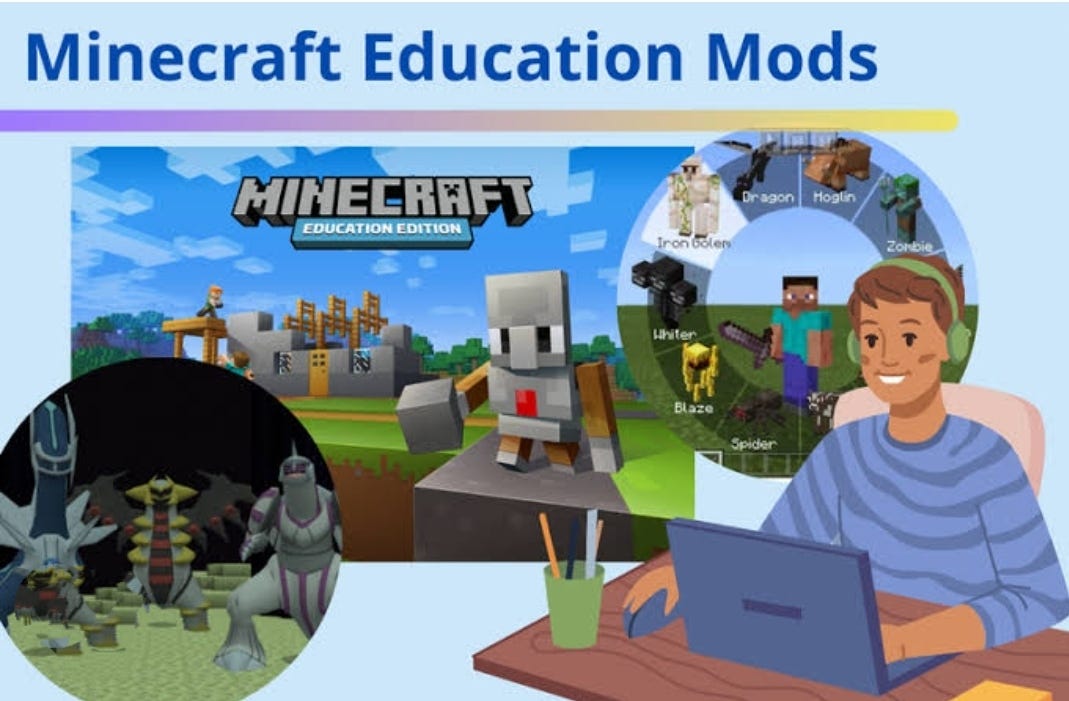
How to Use Minecraft Education Edition Mods to Boost Classroom Learning
When you hear “Minecraft,” you probably picture kids building massive forts or exploring pixelated caves. Yet behind the blocky fun lies a surprisingly powerful teaching tool. Minecraft Education Edition already offers lesson plans, chemistry labs, and history adventures, but the real magic happens when you add community‑made mods. Those little bits of extra code can turn a standard map into an interactive science lab, a language‑learning playground, or a math‑puzzle arena. Below, we’ll walk through why mods matter, which ones are worth a try, and how to get them up and running without turning your class into a tech‑support call center.
Why Mods Are Worth the Extra Step
Think of a mod as a plug‑in for a web browser: it doesn’t replace the core program, it simply expands what you can do with it. In an educational setting, that means:
- Customization. Tailor challenges to fit your curriculum, not the other way around.
- Engagement. Fresh content keeps students curious and reduces the “what’s next?” fatigue.
- Skill Transfer. Working with simple scripts introduces basic coding concepts without a separate lesson.
All of these benefits line up neatly with the goals of modern classrooms—personalized learning, active participation, and interdisciplinary connections.
Getting Started: The Basics
1. Check Your Version
Mods are built for specific releases of Minecraft Education Edition. Before you download anything, open the game, click the gear icon, and confirm the version number. Most popular mods target the latest stable build, but a quick look at the mod’s description will tell you if you need to roll back or update.
2. Find Reliable Sources
While the official Minecraft Education Edition Marketplace hosts vetted add‑ons, many creators share free mods on sites like CurseForge or community Discord servers. Stick to repositories that list user ratings and recent updates—this reduces the chance of compatibility hiccups.
3. Install the Mod Pack
Installation is typically a three‑step process:
- Download the
.zipor.mcpackfile. - Open the file; the game should launch automatically and import the content.
- Activate the mod in the “World Settings” menu before you start the lesson.
If the file refuses to open, try dragging it onto the Minecraft Education Edition shortcut or double‑clicking the game icon.
Top Mods That Make a Difference
Science & Engineering
Chemistry Lab Enhancer adds new reagents, reaction pathways, and a visual notebook that lets students track their experiments in real time. It aligns nicely with middle‑school chemistry standards and includes a printable worksheet template.
Redstone Logic Builder expands the basic circuitry toolkit with NAND gates, flip‑flops, and visual debugging tools. Perfect for an introductory computer‑science unit where students design simple calculators or alarm systems.
Math Adventures
Geometry Quest generates worlds filled with shape‑based puzzles—students must measure angles, calculate areas, and place blocks in precise patterns to progress. Each level reports the math concepts used, giving teachers a quick assessment snapshot.
Number Line Runner converts arithmetic practice into an endless runner game. Players jump over “incorrect” blocks while collecting the right answers, turning rote drills into a kinetic challenge.
Language & Social Studies
Storyteller’s Library provides a collection of NPCs with dialogue trees in multiple languages. Teachers can script quests that require reading comprehension, vocabulary usage, or cultural research.
World History Builder overlays historical landmarks onto a Minecraft map and includes quizzes that pop up when students explore sites like the Colosseum or the Great Wall.
Integrating Mods Into a Lesson Plan
Start small. Pick one mod that aligns with your next unit and craft a 20‑minute “guided exploration.” Here’s a quick scaffold you can adapt:
- Hook (5 min): Show a short video of the mod in action, highlighting the learning objective.
- Demo (5 min): Walk through the controls while students follow along on their own screens.
- Challenge (7 min): Pose a problem—e.g., “Create a redstone circuit that toggles a lamp on a timer.”
- Debrief (3 min): Ask a couple of groups to explain their solution and connect it back to the curriculum.
Because the mod supplies the framework, you can focus on questioning and feedback rather than constructing the activity from scratch.
Tips for Smooth Classroom Management
- Set clear expectations. Let students know when they can experiment freely and when they must stay on task.
- Use a shared world. Hosting the mod on a school server keeps everyone on the same version and simplifies troubleshooting.
- Create a “cheat sheet.” A one‑page PDF of key commands or hotkeys reduces the number of questions that pop up mid‑lesson.
- Plan for tech hiccups. Have a backup activity—like a printable worksheet—ready in case a device crashes.
Measuring Impact
One of the biggest challenges is proving that a mod actually improves learning outcomes. Consider these low‑effort methods:
- Quick exit tickets: ask students to write one new thing they learned.
- Screen capture review: skim recordings of student gameplay for problem‑solving patterns.
- Pre‑ and post‑quizzes that mirror the concepts tackled in the mod.
The data doesn’t have to be exhaustive—just enough to inform whether the mod is worth repeating next semester.
Where to Find Inspiration
Beyond the ready‑made mods listed above, many teachers share custom worlds on the Minecraft Education Community Forums. Browsing those threads can spark ideas for your own tweaks. If you feel adventurous, you can even modify an existing pack using the built‑in Code Builder tool, which supports JavaScript and Python snippets. That way, students get a taste of coding while you tailor the experience to the exact standards you need to hit.
In short, mods turn Minecraft Education Edition from a static sandbox into a dynamic classroom ally. By picking the right add‑on, setting up a clear activity structure, and keeping an eye on student outcomes, you’ll find that those extra blocks of code can open up whole new worlds of learning.